
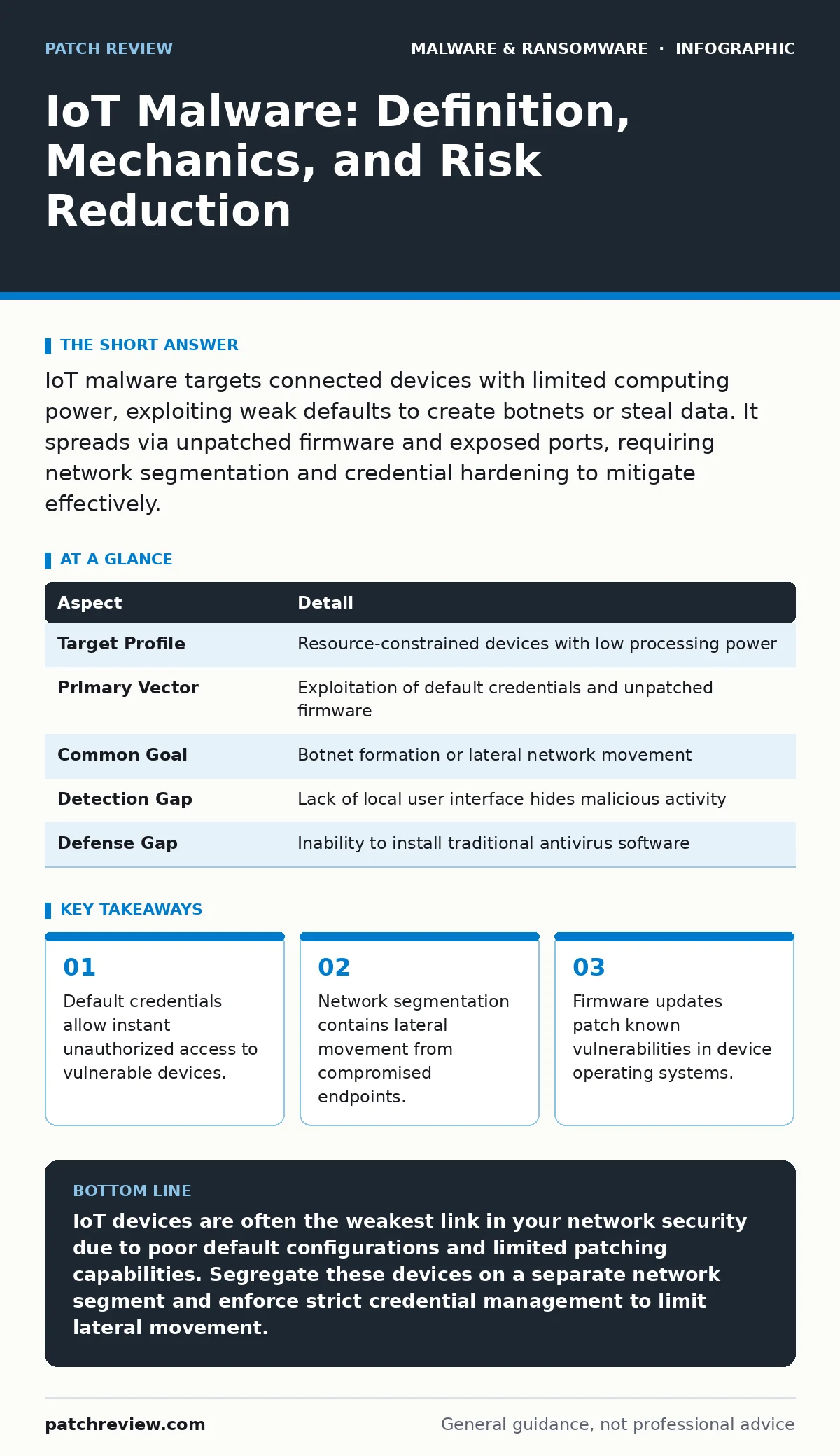
IoT malware targets connected devices with limited computing power, exploiting weak defaults to create botnets or steal data. It spreads via unpatched firmware and exposed ports, requiring network segmentation and credential hardening to mitigate effectively.
The Connected Appliance Paradox
Imagine a smart thermostat that learns your heating habits. Now imagine that same device listening for commands from a distant server instead of your app. This is the core tension of Internet of Things security. You connect appliances for convenience, but you also expose them to the same attacks that target your laptop.
The device often lacks a keyboard or screen. This absence removes the primary way users notice trouble. A computer user sees a pop-up warning or a slow fan. A smart camera simply stops recording or sends corrupted frames. You cannot interact with the device to troubleshoot it, which hides the compromise from plain sight.
This invisibility makes these devices attractive targets. They are numerous, often poorly secured, and rarely monitored by security teams. Attackers do not need to defeat a complex operating system. They only need to find one weak link in a chain of connected appliances.
| Aspect | Detail |
|---|---|
| Target Profile | Resource-constrained devices with low processing power |
| Primary Vector | Exploitation of default credentials and unpatched firmware |
| Common Goal | Botnet formation or lateral network movement |
| Detection Gap | Lack of local user interface hides malicious activity |
| Defense Gap | Inability to install traditional antivirus software |
How the Infection Occurs
The infection usually starts with a failure in the supply chain. Manufacturers prioritize time-to-market over security. They ship devices with default usernames and passwords that are documented in public manuals. Some devices even have hardcoded credentials that cannot be changed by the administrator.
An attacker scans the public internet for devices broadcasting these open ports. When a connection is found, the attacker logs in using the default credentials. No guessing is required. The door is already unlocked. Once inside, the attacker uploads a malicious payload.
This payload is often small and efficient. It is designed to run on hardware with very little memory. The malware might replace the device’s legitimate firmware with a modified version. This ensures the malware survives a reboot. It establishes what is known as malware persistence mechanisms by embedding itself in the startup sequence of the device.
The Hidden Cost of Convenience
You might assume that a smart light bulb poses no risk. This is a dangerous misconception. The bulb is a node in your local network. If an attacker controls the bulb, they can see traffic flowing to other devices on that same network segment.
This is called lateral movement. The attacker uses the compromised IoT device as a pivot point. They scan for other vulnerable devices or your personal computer. The IoT device acts as a trusted internal actor. Security tools often trust traffic coming from inside the network perimeter.
This trust allows the attacker to bypass edge firewalls. They are already inside. They can sniff data packets, redirect traffic, or launch attacks against critical infrastructure within your home or office. The initial compromise of a low-value device enables high-value theft or disruption.
Common Forms of IoT Malware
Most IoT malware falls into two categories: botnet clients and data exfiltrators. Botnet clients turn your device into a zombie. It waits for commands from a central controller. These commands often involve launching Distributed Denial of Service attacks. The device sends massive amounts of traffic to a target server, overwhelming it.
Data exfiltrators are more subtle. They capture sensitive information from the device itself or the network. A smart camera might send video feeds to a third-party server. A smart speaker might record audio snippets and upload them. These behaviors mimic legitimate data collection, making them hard to distinguish from normal operation.
Some malware acts as a loader. It prepares the device for more sophisticated attacks. It might download additional modules that target specific services. This modularity allows attackers to update their tools without reflashing the entire device. It is a flexible approach that adapts to new environments.
What People Usually Get Wrong
A common mistake is assuming that Wi-Fi isolation is sufficient. Many routers offer a "Guest Network" feature. Users place IoT devices on this network, thinking they are safe. However, many IoT protocols require communication with other local devices. A smart thermostat needs to talk to the HVAC system. If you isolate it too strictly, it stops working.
Another error is relying on device-side security alone. Most IoT devices cannot run antivirus software. They lack the resources. You must protect them at the network level. This means monitoring traffic patterns, not just endpoint integrity. If the device behaves normally but sends unusual amounts of data, that is a red flag.
People also forget about the management interface. Many devices have a web-based configuration page. If this page is accessible from the internet, it is a direct attack surface. You must block external access to these ports. Only local administrators should reach the configuration interface.
Reducing the Risk Effectively
Start with credential hygiene. Change every default password immediately upon setup. Use unique, complex passwords for each device. Do not reuse your main email password. A breach of a smart plug should not compromise your financial accounts.
Implement network segmentation. Create a separate VLAN or SSID for IoT devices. Restrict this network’s ability to initiate connections to your primary computer network. Allow only the necessary ports and protocols. This limits the damage if a device is compromised.
Disable unused features. Many devices have remote management, UPnP, or Telnet enabled by default. If you do not use these features, turn them off. Each enabled service is a potential entry point. Reducing the attack surface reduces the likelihood of compromise.
Keep firmware updated. Manufacturers release patches for known vulnerabilities. Enable automatic updates if available. If not, check for updates regularly. Unpatched devices are low-hanging fruit for automated scanning tools.
The Limits of Your Control
You cannot fix the code inside a device you do not control. The manufacturer wrote the firmware. If they left a backdoor or a buffer overflow vulnerability, you cannot patch it yourself. Your role is containment and detection.
Monitor network traffic for anomalies. Look for connections to unknown IP addresses. Watch for sudden spikes in bandwidth usage. These indicators suggest a compromise. While you may not be able to stop the initial infection, you can detect it and disconnect the device.
This approach is defensive but necessary. You are building a layered defense. No single measure is perfect. Combining strong credentials, network segmentation, and vigilant monitoring creates a resilient environment. It raises the cost for attackers and reduces the window of opportunity.
Key takeaways
- Default credentials allow instant unauthorized access to vulnerable devices.
- Network segmentation contains lateral movement from compromised endpoints.
- Firmware updates patch known vulnerabilities in device operating systems.
IoT devices are often the weakest link in your network security due to poor default configurations and limited patching capabilities. Segregate these devices on a separate network segment and enforce strict credential management to limit lateral movement.
Frequently asked questions
Can IoT malware infect my smartphone?
Yes, if your phone connects to the same network as a compromised IoT device, it can be targeted for lateral movement or data interception.
Do I need enterprise security tools for home IoT?
No, basic network segmentation and strong passwords provide significant protection without requiring complex enterprise solutions.
Is disabling Wi-Fi the only safe option?
No, while offline devices are safest, you can mitigate risks by isolating them on a separate network and disabling remote access features.
How do I know if my device has a backdoor?
You usually cannot detect hardcoded backdoors directly; rely on network monitoring for unusual traffic patterns and keep firmware updated.
How this guide was produced: written by the Patch Review editorial team with AI assistance, checked against the public references listed below, and reviewed when the facts change. See our editorial policy or report an error.