
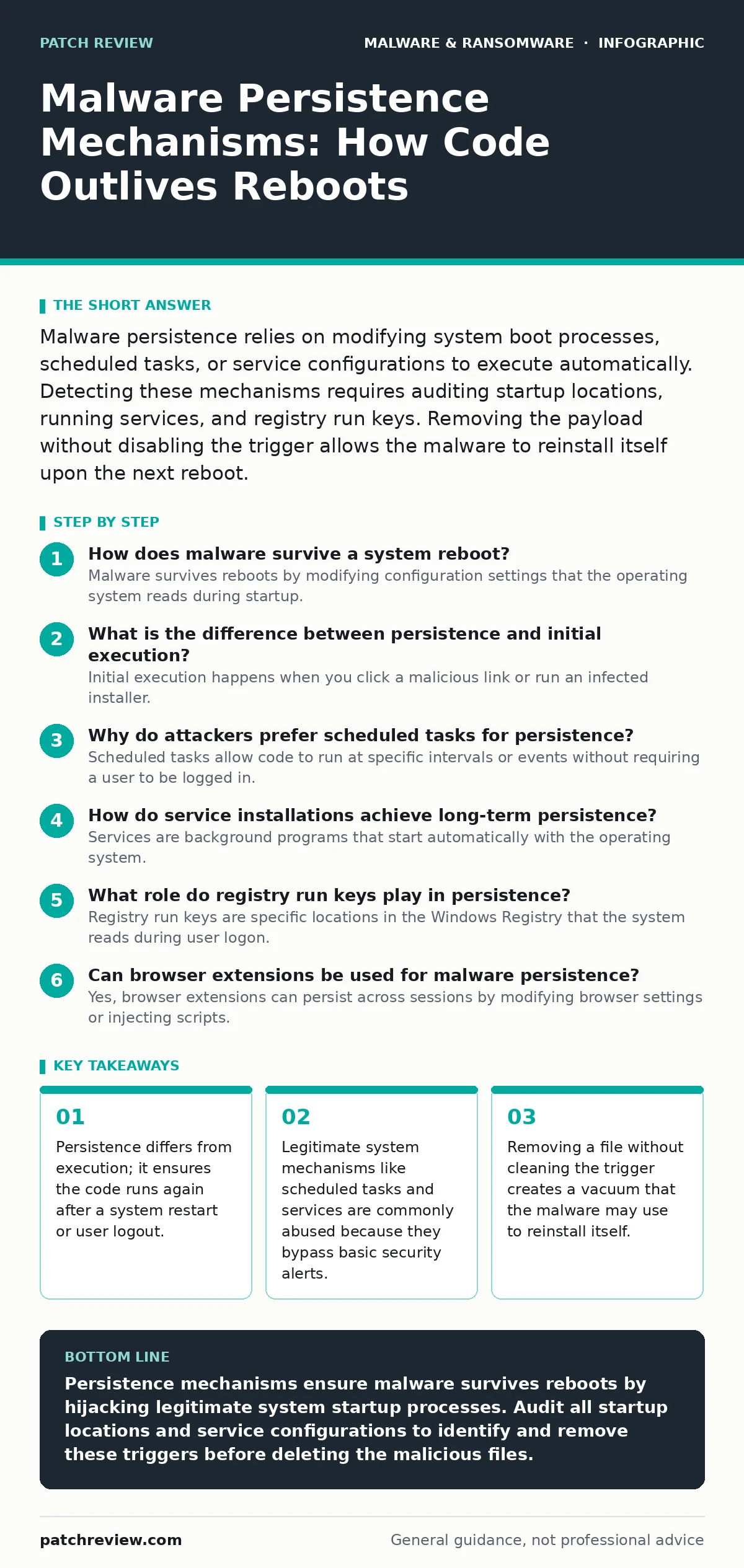
Malware persistence relies on modifying system boot processes, scheduled tasks, or service configurations to execute automatically. Detecting these mechanisms requires auditing startup locations, running services, and registry run keys. Removing the payload without disabling the trigger allows the malware to reinstall itself upon the next reboot.
How does malware survive a system reboot?
Malware survives reboots by modifying configuration settings that the operating system reads during startup. These settings tell the system which programs to launch before the user logs in. Common targets include registry run keys, startup folders, and boot loaders. If the malicious file is deleted but the trigger remains, the system simply reports a missing file. The malware author anticipates this and often includes logic to recreate the file. Understanding this distinction between the payload and the trigger is fundamental to incident response. You must remove both to achieve a clean state.
What is the difference between persistence and initial execution?
Initial execution happens when you click a malicious link or run an infected installer. This is the first time the code runs on your machine. Persistence is the mechanism that ensures the code runs again later, even if the initial trigger is closed. Imagine dropping a stone in a pond; the splash is the initial execution. The ripples expanding outward are the persistence mechanisms. Security tools often catch the splash but miss the ripples. This is why a system can appear clean immediately after a scan, only to be reinfected minutes later. The persistence layer is often quieter and harder to detect.
Why do attackers prefer scheduled tasks for persistence?
Scheduled tasks allow code to run at specific intervals or events without requiring a user to be logged in. Operating systems provide these tools to help administrators automate maintenance. Attackers abuse them because they are native to the system and rarely trigger alerts. A scheduled task can be configured to run at logon, at startup, or every hour. This method is particularly dangerous for fileless malware, which can execute from memory without leaving a traditional file on disk. The task entry looks like a legitimate system job. You must audit the entire schedule, not just the active ones.
How do service installations achieve long-term persistence?
Services are background programs that start automatically with the operating system. They run with high privileges and do not require a user interface. Attackers register a malicious service to ensure it launches before the login screen appears. This gives the malware kernel-level access and the ability to monitor system activity. The service control manager handles the startup process, making it difficult for standard antivirus software to distinguish it from a legitimate driver. You can detect this by checking for services with unusual binary paths. The path should match the known location of legitimate system files.
What role do registry run keys play in persistence?
Registry run keys are specific locations in the Windows Registry that the system reads during user logon. Programs listed here launch automatically when a user signs in. This method is simple and effective for targeting specific users. It does not require administrative privileges to modify the user-specific keys. However, it only affects the user who owns the profile. If an attacker targets the local machine keys, they need higher privileges. Auditing these keys requires looking for entries with names that mimic legitimate processes. The command line argument often reveals the true intent.
See also: Chain of Custody Form: How to Preserve Digital Evidence Integrity · Cloud Ransomware Response: Containment and Recovery Steps
Can browser extensions be used for malware persistence?
Yes, browser extensions can persist across sessions by modifying browser settings or injecting scripts. They operate within the context of the browser, which runs continuously on many devices. This method is often associated with potentially unwanted programs that track user behavior. The extension can redirect traffic or capture form data without the user’s knowledge. Removing the browser profile is often necessary to clear this type of persistence. Standard system scans may not inspect the browser’s local storage. You must check the extension manager for unrecognized add-ons.
How does DLL side-loading facilitate persistence?
Dynamic Link Library side-loading occurs when a legitimate program loads a malicious library instead of the intended one. The legitimate program has a trusted signature, so the operating system allows it to run. The attacker places a malicious DLL in the same directory as the legitimate executable. When the program starts, it loads the malicious code first. This technique bypasses application whitelisting policies. It is a sophisticated form of malware obfuscation that hides the malicious intent behind a trusted name. You must verify the digital signatures of all loaded libraries.
Why is WMI subscription a dangerous persistence method?
Windows Management Instrumentation subscriptions allow scripts to run in response to system events. These events can include time-based triggers or changes in system state. The subscription is stored in the system’s WMI repository, which is not visible in standard task managers. This method is often used by advanced threats to avoid detection. The script runs in the background, consuming minimal resources. Clearing WMI subscriptions requires administrative access and specific command-line tools. It is a silent mechanism that leaves few traces in standard logs.
| Mechanism | Privilege Required | Visibility | Removal Difficulty |
|---|---|---|---|
| Registry Run Keys | User or Admin | High | Low |
| Scheduled Tasks | User or Admin | Medium | Medium |
| Services | Admin | Low | High |
| WMI Subscriptions | Admin | Very Low | Very High |
How do rootkits achieve kernel-level persistence?
Rootkits modify the core operating system to hide their presence. They intercept system calls to prevent security tools from seeing their files or processes. This level of access requires kernel-mode execution, which is difficult to obtain. Once installed, the rootkit can block the removal of other malware. It creates a layer of deception that makes forensic analysis nearly impossible. In severe cases, reflashing the BIOS or reinstalling the operating system is the only cure. This is often seen in advanced ransomware operations that seek to encrypt recovery partitions.
What is the hidden cost of improper persistence removal?
Deleting the malicious file without removing the trigger causes system errors. The operating system attempts to launch a missing program, filling logs with failure messages. This can slow down the system and alert the attacker that their code was removed. The attacker may then deploy a more aggressive variant. Proper removal involves disabling the trigger, deleting the payload, and verifying the absence of other artifacts. This process requires patience and attention to detail. Rushing the cleanup often leads to reinfection.
Key takeaways
- Persistence differs from execution; it ensures the code runs again after a system restart or user logout.
- Legitimate system mechanisms like scheduled tasks and services are commonly abused because they bypass basic security alerts.
- Removing a file without cleaning the trigger creates a vacuum that the malware may use to reinstall itself.
Persistence mechanisms ensure malware survives reboots by hijacking legitimate system startup processes. Audit all startup locations and service configurations to identify and remove these triggers before deleting the malicious files.
Frequently asked questions
Can antivirus software remove all persistence mechanisms?
Modern antivirus tools can detect many common persistence methods, but they often miss custom or fileless techniques. Manual verification is always required after a scan.
How do I check for scheduled task persistence?
Open the Task Scheduler application and review all tasks. Look for tasks with unknown authors or those that run scripts from temporary folders.
Is persistence the same as a backdoor?
Persistence ensures the code runs; a backdoor provides remote access. Persistence is often a prerequisite for establishing a backdoor.
Can a virus persist without writing to the disk?
Yes, some malware uses memory-resident techniques or leverages cloud sync folders to maintain persistence without traditional disk files.
How this guide was produced: written by the Patch Review editorial team with AI assistance, checked against the public references listed below, and reviewed when the facts change. See our editorial policy or report an error.