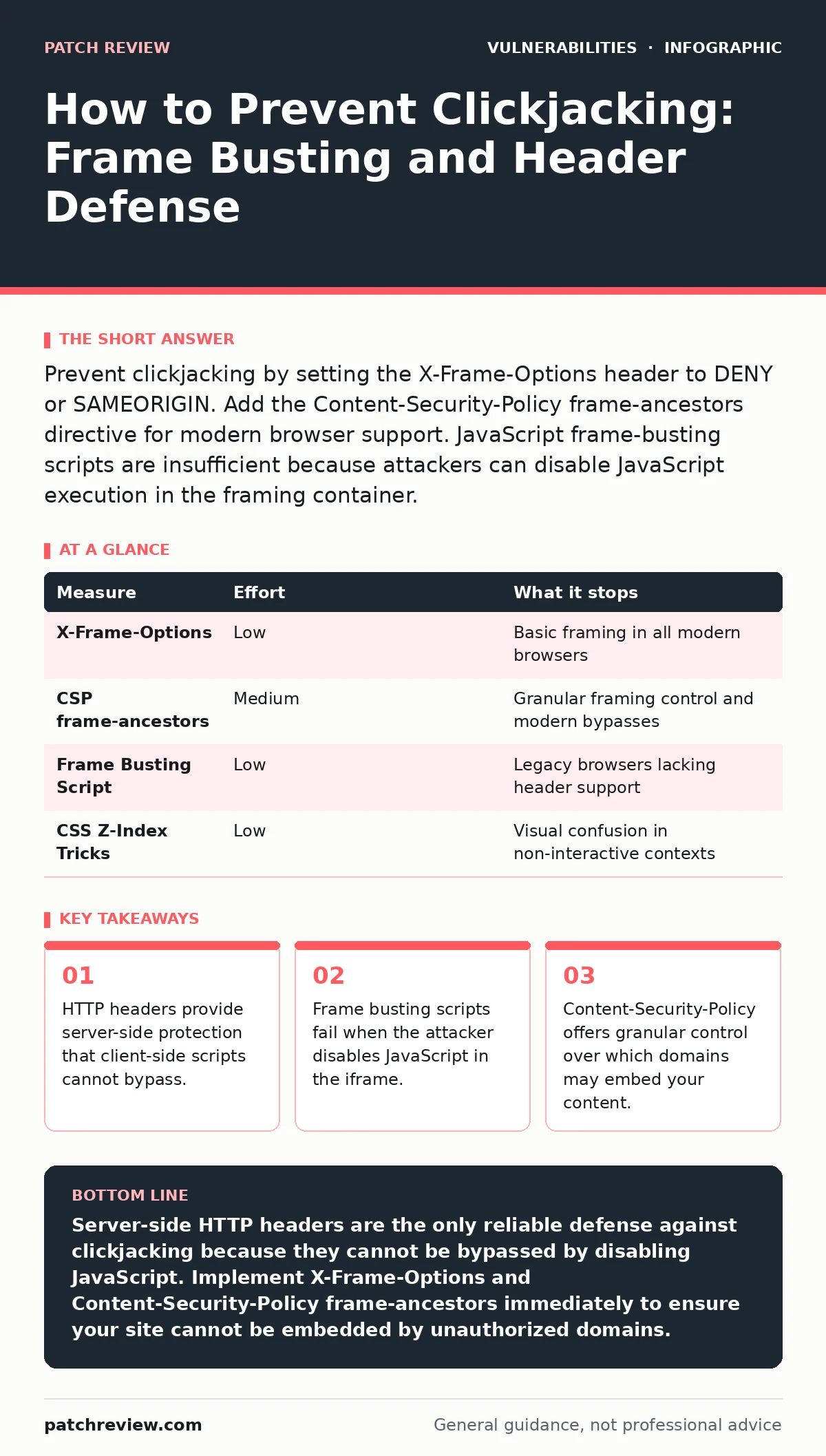
Prevent clickjacking by setting the X-Frame-Options header to DENY or SAMEORIGIN. Add the Content-Security-Policy frame-ancestors directive for modern browser support. JavaScript frame-busting scripts are insufficient because attackers can disable JavaScript execution in the framing container.
How to Prevent Clickjacking Effectively
Clickjacking occurs when an attacker tricks a user into clicking on a hidden or disguised element within a web page. The attacker overlays a transparent frame over a legitimate site, aligning buttons so that your intended click actually triggers an action on the hidden page. Preventing this requires denying your site the ability to be loaded within frames on other domains. You must implement server-side controls because client-side defenses can be bypassed. The most effective method combines HTTP response headers with strict content security policies. This approach ensures that even if a user’s browser settings are misconfigured, your site remains protected from embedding.
Priority Order of Defense Measures
You should rank your prevention measures by how much risk they remove. Server-side headers are the primary defense because they are enforced by the browser before the page renders. Client-side scripts are secondary and serve only as a fallback for older browsers that do not support modern headers. The table below ranks the measures by effectiveness and effort.
| Measure | Effort | What it stops |
|---|---|---|
| X-Frame-Options | Low | Basic framing in all modern browsers |
| CSP frame-ancestors | Medium | Granular framing control and modern bypasses |
| Frame Busting Script | Low | Legacy browsers lacking header support |
| CSS Z-Index Tricks | Low | Visual confusion in non-interactive contexts |
Why Headers Are the Primary Defense
The X-Frame-Options header tells the browser whether to allow your site to be rendered in a frame. Setting this header to DENY prevents any framing. Setting it to SAMEORIGIN allows framing only by pages on the same domain. This directive is processed by the browser engine before any JavaScript executes. Consequently, the malicious frame never loads your content. This makes it the strongest single line of defense. You configure this header in your web server configuration, such as Nginx or Apache. This ensures that every response your server sends includes the protection.
The Failure of JavaScript Frame Busting
Many developers implement JavaScript frame-busting scripts as their primary defense. These scripts detect if the current window is not the top-level window and then attempt to break out of the frame. This method fails for a critical reason. Attackers can disable JavaScript execution within the iframe. When JavaScript is disabled, the frame-busting script never runs. The malicious frame remains intact, and the user can still be tricked into clicking hidden elements. This is a common misconception in web security. You must understand that client-side code runs in an environment controlled by the attacker’s framing page. If the attacker disables scripting, your script is useless.
Implementing Content-Security-Policy
Content-Security-Policy (CSP) is a W3C standard that allows you to specify which resources the browser is allowed to load. The frame-ancestors directive within CSP specifies which origins are allowed to embed your content. This directive is more powerful than X-Frame-Options because it allows you to whitelist specific domains. For example, you can allow your site to be framed by a trusted partner while blocking all others. This granularity is useful for complex applications that require embedding. You implement this by adding a Content-Security-Policy header to your server responses. The browser enforces this policy strictly.
See also: Reverse Proxies: The Hidden Gatekeeper for Web Security · Web Skimming: How Formjacking Steals Payment Data
Edge Cases and Hidden Costs
Implementing strict framing policies can break legitimate functionality. If your application relies on iframes for internal navigation, you must ensure that SAMEORIGIN is set correctly. Misconfiguring these headers can cause your own site to fail to load within its own frames. This is a common operational issue during deployment. You must test your site thoroughly after adding these headers.
Another edge case involves third-party widgets. If you embed content from external providers, you must ensure that those providers also implement proper framing protections. If they do not, they become a vulnerability in your chain. This relates to the broader concept of supply chain security. Just as you mitigate risks from insecure direct object references (IDOR), you must manage the security posture of integrated components.
What Does Not Work Alone
CSS z-index manipulation is sometimes suggested as a defense. This involves placing a transparent div over clickable elements to intercept clicks. This method is unreliable because it depends on precise alignment and user interaction patterns. It does not prevent the frame from loading. It only attempts to mask the interaction. This is a visual trick, not a security control. Similarly, relying on user education is ineffective.
Users cannot distinguish between a legitimate button and a clickjacked overlay. The attack is designed to be invisible. You must rely on technical controls that enforce policy at the browser level. This is similar to how you handle path traversal vulnerabilities. You cannot ask users to avoid clicking malicious links; you must sanitize inputs and enforce server-side restrictions.
Closing Checklist for Today
You can implement these three checks today to significantly reduce your clickjacking risk. These steps require no new software and can be done in minutes.
- Verify that your web server sends the X-Frame-Options header with a value of SAMEORIGIN or DENY.
- Add the Content-Security-Policy header with a frame-ancestors directive that matches your allowed domains.
- Remove any JavaScript frame-busting scripts that claim to provide complete protection, as they are insufficient on their own.
Final Thoughts on Interface Security
Clickjacking is a persistent threat because it exploits human trust rather than software bugs. Users expect buttons to do what they appear to do. Attackers exploit this expectation. By enforcing framing policies at the server level, you remove the attacker’s ability to disguise your interface. This approach is consistent with the principle of least privilege.
Your site should only be embedded where explicitly allowed. This mindset also applies to other web vulnerabilities. For instance, just as you protect against prototype pollution by validating object structures, you protect against clickjacking by validating embedding contexts. Both require strict input validation and server-side enforcement.
Key takeaways
- HTTP headers provide server-side protection that client-side scripts cannot bypass.
- Frame busting scripts fail when the attacker disables JavaScript in the iframe.
- Content-Security-Policy offers granular control over which domains may embed your content.
Server-side HTTP headers are the only reliable defense against clickjacking because they cannot be bypassed by disabling JavaScript. Implement X-Frame-Options and Content-Security-Policy frame-ancestors immediately to ensure your site cannot be embedded by unauthorized domains.
Frequently asked questions
Does HTTPS prevent clickjacking?
No, HTTPS encrypts the connection between the user and the server but does not prevent the page from being loaded within a frame on another domain. You must still implement framing headers.
Can I use X-Frame-Options and CSP together?
Yes, you should use both. X-Frame-Options provides support for older browsers, while CSP frame-ancestors provides granular control for modern browsers. Using both ensures maximum compatibility.
What if I need to allow specific partners to frame my content?
Use the Content-Security-Policy frame-ancestors directive to whitelist those specific domains. Do not use X-Frame-Options ALLOW-FROM as it is deprecated and not supported by all browsers.
Does this protect against all types of UI redress attacks?
It protects against framing-based clickjacking. It does not protect against other UI redress techniques that do not involve iframes, such as overlay attacks on mobile apps or desktop software.
How this guide was produced: written by the Patch Review editorial team with AI assistance, checked against the public references listed below, and reviewed when the facts change. See our editorial policy or report an error.