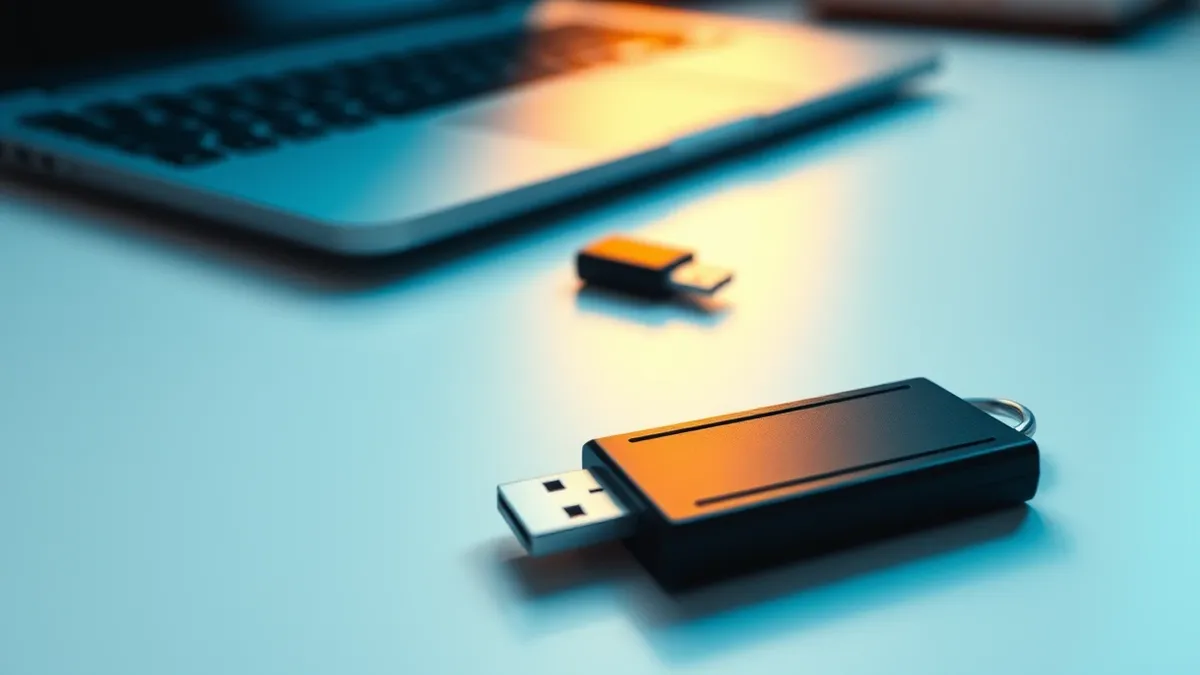
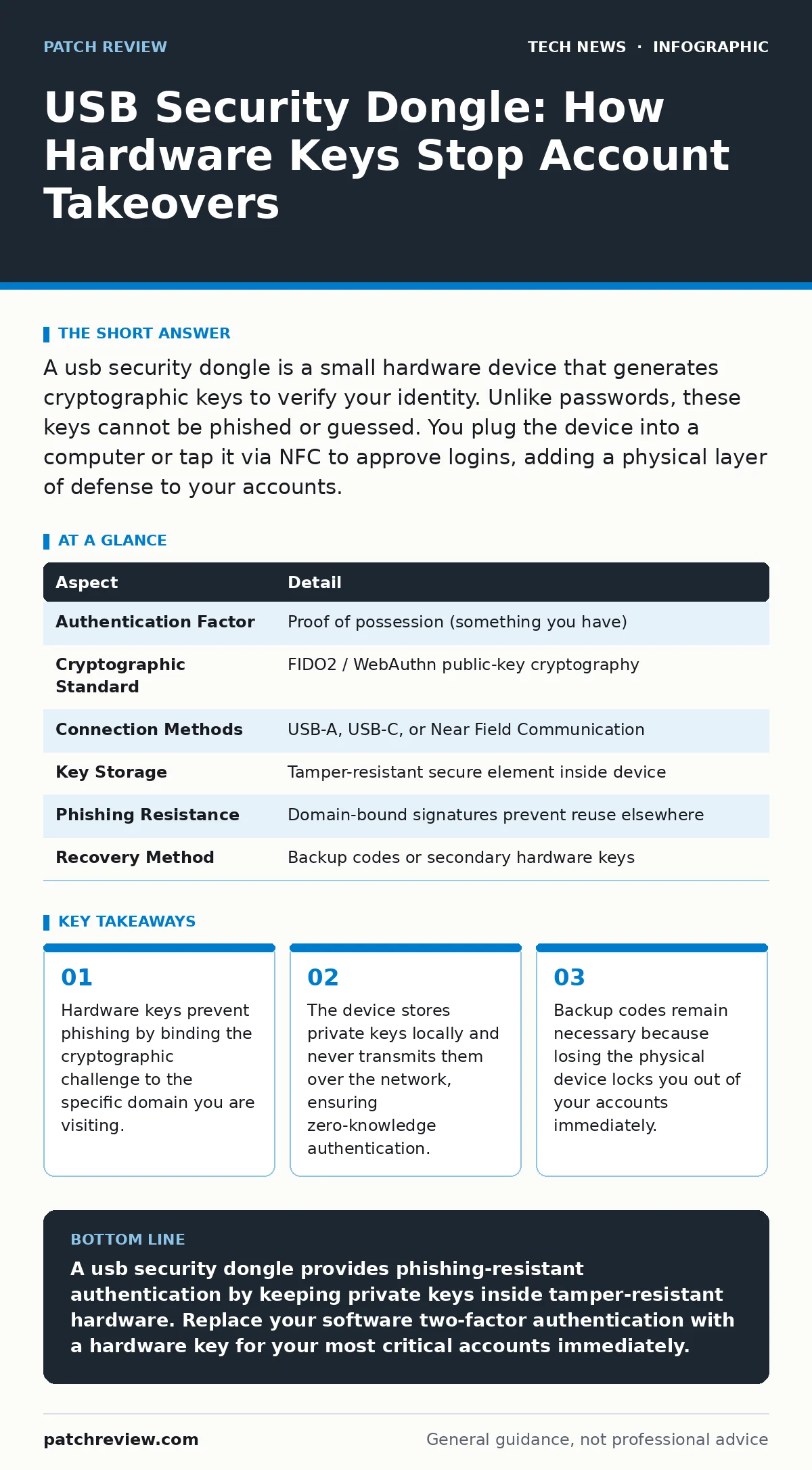
A usb security dongle is a small hardware device that generates cryptographic keys to verify your identity. Unlike passwords, these keys cannot be phished or guessed. You plug the device into a computer or tap it via NFC to approve logins, adding a physical layer of defense to your accounts.
How a USB Security Dongle Works
A usb security dongle functions as a physical proof of possession. When you attempt to log in, the server sends a cryptographic challenge to the device. The dongle signs this challenge with its internal private key and returns the signature. The server verifies the signature using the corresponding public key. This process confirms you hold the physical object without revealing any secret data.
The device never sends passwords or PINs over the network. It only sends the signed challenge. This architecture eliminates the risk of keyloggers or man-in-the-middle attacks capturing your credentials. The private key never leaves the secure element inside the dongle. This isolation ensures that even if your computer is compromised, the attacker cannot extract the key to impersonate you later.
| Aspect | Detail |
|---|---|
| Authentication Factor | Proof of possession (something you have) |
| Cryptographic Standard | FIDO2 / WebAuthn public-key cryptography |
| Connection Methods | USB-A, USB-C, or Near Field Communication |
| Key Storage | Tamper-resistant secure element inside device |
| Phishing Resistance | Domain-bound signatures prevent reuse elsewhere |
| Recovery Method | Backup codes or secondary hardware keys |
Why Physical Keys Beat Software Tokens
Software-based two-factor authentication relies on shared secrets or time-based codes. Attackers can intercept these codes via SIM swapping or session hijacking. A usb security dongle uses asymmetric cryptography, which removes the shared secret entirely. The server only needs to know your public key. The private key remains trapped inside the hardware.
This design creates a non-obvious security benefit: domain binding. The dongle signs the challenge only for the exact website address you are visiting. If you enter your credentials on a fake site that looks identical to your bank, the dongle will refuse to sign the challenge. The fake server cannot present a valid signature because it does not control the private key. This stops credential harvesting at the source.
Who Needs Hardware Authentication
High-value targets require hardware authentication. This includes system administrators, executives, and anyone with access to sensitive financial or medical data. These users face targeted phishing campaigns that bypass standard password protections. A usb security dongle adds a layer of defense that is difficult to automate or steal remotely.
Regular users benefit from hardware keys as well. Account recovery processes are complex and time-consuming. Preventing a takeover is easier than reversing one. Hardware keys reduce the friction of security by eliminating the need to remember complex passwords or carry a separate phone for codes. The device becomes a single point of trust for multiple services.
What People Usually Get Wrong
Users often treat the dongle as a backup to passwords. This mindset is dangerous. The hardware key should be the primary method of verification. Passwords become mere convenience factors. If you rely on the password as the main gatekeeper, you expose yourself to credential stuffing attacks. The hardware key provides the actual security boundary.
Another common error is failing to create backups. Losing the dongle means losing access to your accounts. You cannot reset a hardware key from a remote server. You must store backup codes in a secure location, such as a home safe or a password manager. Some users keep a second dongle as a spare. This redundancy prevents lockouts during travel or device failure.
Integration With Existing Security Practices
Hardware authentication complements other security measures. It works alongside strong password policies to create defense in depth. The dongle handles the verification step, while the password handles the identification step. This separation of duties reduces the impact of a single point of failure.
For developers, integrating FIDO2 standards requires updating authentication flows. This aligns with DevOps security principles by shifting security left into the application logic. Legacy systems may not support hardware keys. In those cases, you can use a bridge service that translates the hardware key response into a format the legacy system understands. This maintains security without requiring a full system overhaul.
See also: Domain Name System vs Domain Name Server: The Exact Difference · AI Data Centers Explained: Infrastructure, Power, and Cooling Basics
Managing the Physical Device
The dongle is small and easy to lose. Attach it to your keychain or keep it in a fixed location. Some models support NFC, allowing you to tap the device against your phone or laptop. This wireless option reduces wear on the USB port and makes authentication faster. However, NFC requires compatible hardware on both ends.
Battery life is not a concern for most hardware keys. They are passive devices powered by the host computer or the tap action. You do not need to charge them. This reliability makes them suitable for long-term use. The secure element inside is designed to withstand physical tampering. If someone tries to extract the key physically, the device wipes the data.
Choosing the Right Solution
Look for devices that support open standards like FIDO2 and WebAuthn. Proprietary protocols limit compatibility and create vendor lock-in. Open standards ensure you can use the dongle across different platforms and services. Check for platform support on your operating system. Most modern browsers and operating systems support hardware keys natively.
Consider the form factor. Some dongles are large and bulky. Others are compact and fit on a standard keychain. If you switch between multiple devices, choose a model with both USB and NFC capabilities. This flexibility ensures you can authenticate regardless of the hardware you are using. Always verify that the manufacturer provides clear documentation for setup and recovery.
Key takeaways
- Hardware keys prevent phishing by binding the cryptographic challenge to the specific domain you are visiting.
- The device stores private keys locally and never transmits them over the network, ensuring zero-knowledge authentication.
- Backup codes remain necessary because losing the physical device locks you out of your accounts immediately.
A usb security dongle provides phishing-resistant authentication by keeping private keys inside tamper-resistant hardware. Replace your software two-factor authentication with a hardware key for your most critical accounts immediately.
Frequently asked questions
Can a usb security dongle be hacked?
The cryptographic keys inside are protected by a secure element that wipes data if tampered with. While the device can be physically stolen, the attacker cannot extract the keys or use them without the correct domain context.
Do I need internet access to use a hardware key?
No. The cryptographic signing happens locally on the device. The only network requirement is for the computer to send the challenge to the server and receive the signature back. The dongle itself does not connect to the internet.
What happens if my dongle stops working?
You must use your backup codes to regain access. This is why storing backup codes securely is critical. Some services allow you to register a second hardware key as a backup, which is a safer option than relying solely on codes.
Does a usb security dongle work with all websites?
Most major services support FIDO2 and WebAuthn standards. Smaller or older websites may not support hardware keys. Check the security settings of your accounts to see if hardware authentication is available.
How this guide was produced: written by the Patch Review editorial team with AI assistance, checked against the public references listed below, and reviewed when the facts change. See our editorial policy or report an error.