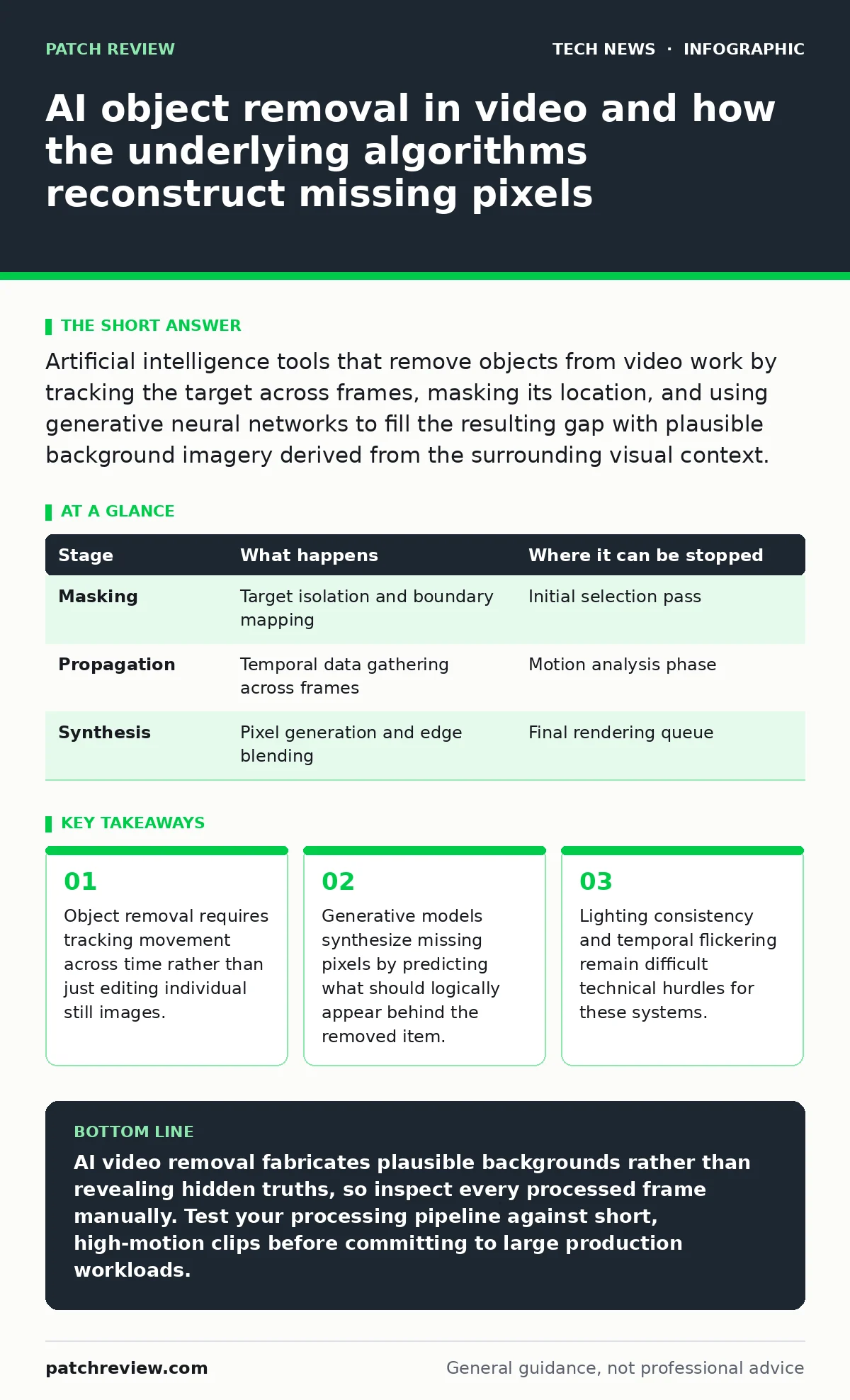
Artificial intelligence tools that remove objects from video work by tracking the target across frames, masking its location, and using generative neural networks to fill the resulting gap with plausible background imagery derived from the surrounding visual context.
How Video Inpainting Reconstructs Missing Backgrounds
Video inpainting is the computational process of filling missing or removed regions in a video sequence with plausible visual data. Artificial intelligence systems perform this task by analyzing the spatial context of a single frame and the temporal context of surrounding frames. You instruct the system to target a specific object, and the underlying software isolates those pixels across the entire timeline.
The Moving Parts of an AI Video Removal Pipeline
Modern video removal pipelines rely on 3 distinct stages to isolate, erase, and reconstruct visual elements. Each stage transforms the digital data streams in specific ways to create a seamless final output. Understanding these moving parts reveals why the process demands significant computational power.
Stage 1: Object Tracking and Masking
Object tracking isolates the target pixels across multiple sequential frames to create a precise spatial boundary known as a mask. Computer vision models analyze edges, motion vectors, and color profiles to follow the moving target through changing backgrounds. You must often refine this mask manually if the target crosses paths with similar objects or passes through heavy shadows.
Stage 2: Temporal Propagation and Frame Analysis
Temporal propagation maps the visual data from frames that occur before and after the targeted segment to understand what the background looks like. The algorithm examines camera movement, lighting shifts, and occlusions to determine how the scene evolves over time. Edge computing nodes sometimes handle this heavy lifting locally to reduce bandwidth bottlenecks during processing.
Stage 3: Generative Synthesis and Blending
Generative synthesis creates brand new pixel data to fill the masked area based on patterns learned during prior training on vast image datasets. The system paints the missing background onto the frame while matching the grain, focus, and illumination of the original recording. Blending algorithms then smooth the boundaries between the generated pixels and the original video to hide seams.
Mechanics of Visual Reconstruction
Generative neural networks power the synthesis phase by predicting missing information using statistical probability rather than direct copying. When an object vanishes from a scene, the network evaluates neighboring pixels in the same frame and corresponding pixels in adjacent frames. This dual evaluation helps prevent the output from jumping or warping unnaturally as the video plays.
| Stage | What happens | Where it can be stopped |
|---|---|---|
| Masking | Target isolation and boundary mapping | Initial selection pass |
| Propagation | Temporal data gathering across frames | Motion analysis phase |
| Synthesis | Pixel generation and edge blending | Final rendering queue |
Hidden Costs and Edge Cases
Processing video through generative models introduces subtle artifacts that standard compression tests might miss entirely. Reflections, complex textures, and erratic lighting changes often confuse the neural network, resulting in shimmering or distorted backgrounds. You might notice that while the primary target disappears, the shadows and reflections associated with that target remain visible because the model failed to isolate secondary visual cues.
See also: Difference between wifi security types and how they protect data · Difference between AES 128 and AES 256 encryption and how to choose
Reading and Applying Removal Outputs
Evaluating the success of a removal operation requires examining individual frames rather than watching the video at normal playback speed. You should step through the footage frame by frame to spot sudden shifts in texture or brightness known as temporal jitter. Analyzing these flaws helps you determine whether the model hallucinated details that contradict the physical geometry of the real scene.
Key takeaways
- Object removal requires tracking movement across time rather than just editing individual still images.
- Generative models synthesize missing pixels by predicting what should logically appear behind the removed item.
- Lighting consistency and temporal flickering remain difficult technical hurdles for these systems.
AI video removal fabricates plausible backgrounds rather than revealing hidden truths, so inspect every processed frame manually. Test your processing pipeline against short, high-motion clips before committing to large production workloads.
Frequently asked questions
Can AI video removal tools be detected by forensic analysis?
Forensic analysts spot AI removal by detecting inconsistencies in noise patterns, lighting direction, and temporal pixel continuity across adjacent frames.
Why do removed objects sometimes leave behind blurry ghosts?
Blurry ghosts occur when the generative model fails to gather enough visual data from surrounding frames to reconstruct fine textures accurately.
Do these tools require specialized hardware to run locally?
Local execution demands powerful graphical processing units with dedicated tensor cores to handle the massive matrix calculations required by generative neural networks.
How does resolution affect the quality of object removal?
Higher resolutions increase processing time exponentially because the neural network must analyze and synthesize significantly more pixels per frame.
How this guide was produced: written by the Patch Review editorial team with AI assistance, checked against the public references listed below, and reviewed when the facts change. See our editorial policy or report an error.