
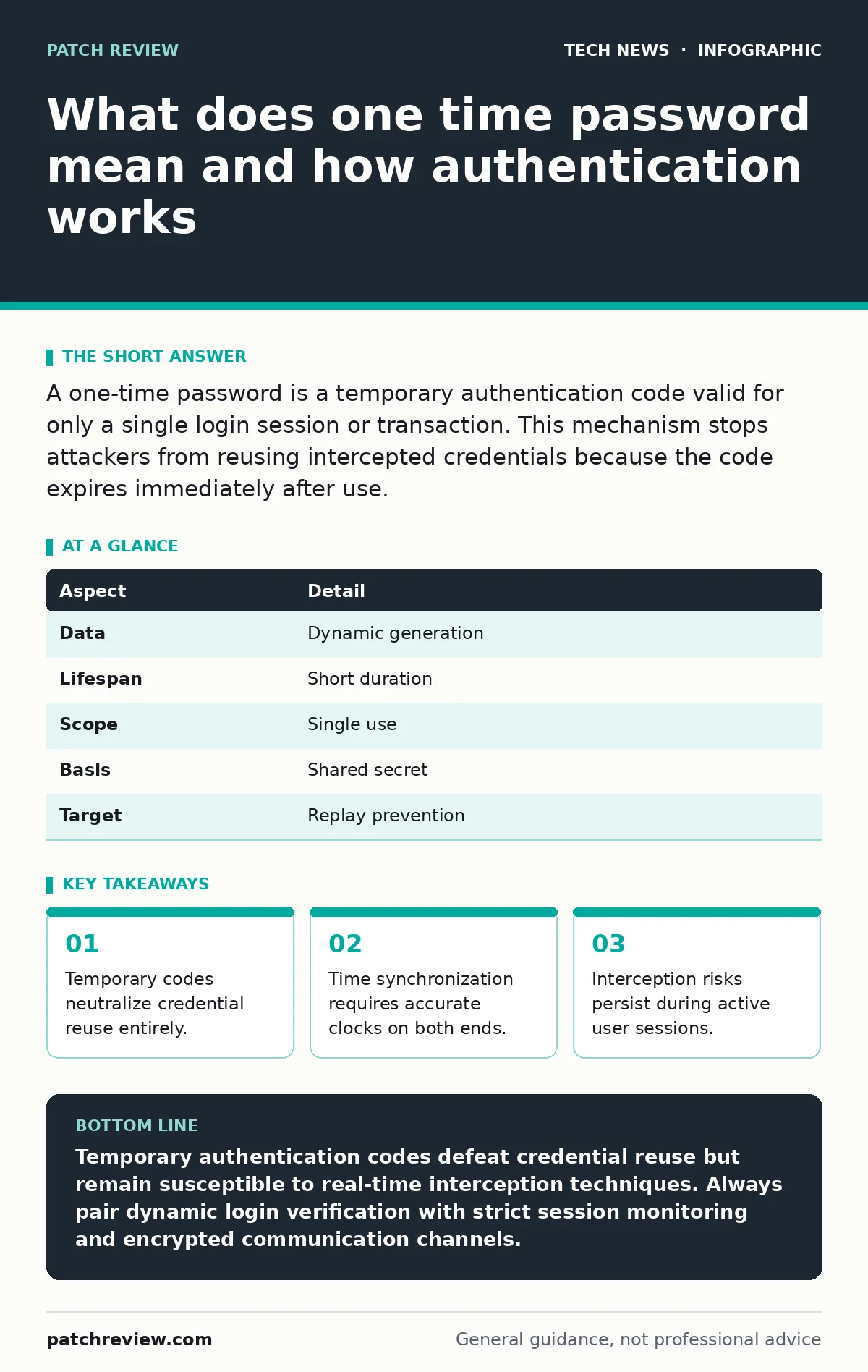
A one-time password is a temporary authentication code valid for only a single login session or transaction. This mechanism stops attackers from reusing intercepted credentials because the code expires immediately after use.
The Mechanics Behind What Does One Time Password Mean
What does one time password mean in the context of daily digital security? A one-time password is a computer-generated code that authorizes access to a system for only a single login attempt. Static passwords allow attackers to capture a credential once and reuse it indefinitely. Dynamic credentials eliminate this risk by expiring immediately after verification.
Imagine walking past a bank teller who accepts a different colored token each time you make a withdrawal. Once you hand over the red token, the teller destroys it, rendering a dropped red token useless to anyone else. Digital authentication functions similarly through cryptographic algorithms shared between your device and a remote server.
| Aspect | Detail |
|---|---|
| Data | Dynamic generation |
| Lifespan | Short duration |
| Scope | Single use |
| Basis | Shared secret |
| Target | Replay prevention |
How Cryptographic Algorithms Generate Codes
Mathematical formulas produce these rotating codes using two primary methods based on shared secrets. Event-based systems increment a counter value each time you request a new code. Time-based systems rely on the current epoch timestamp to calculate the active value. Both approaches require the authenticating server to run the exact same calculation simultaneously.
Drift represents the hidden cost of time-based algorithms because internal device clocks gradually lose accuracy. When your device clock falls out of sync with the server clock, valid codes fail authentication checks. Engineers mitigate this by configuring servers to accept codes from adjacent time windows, which slightly expands the attack surface.
Where Dynamic Authentication Fails
Static credential protection often overshadows the reality that temporary codes do not stop real-time phishing attacks. Attackers who deploy deceptive login portals can prompt you for your dynamic code and immediately replay it against the legitimate service. The authenticating server sees a valid code generated by your device and grants access to the adversary.
Session hijacking bypasses the authentication check entirely after the initial login succeeds. Once a server issues an authenticated session token, an attacker who steals that token navigates freely without needing another code. Securing your workflow requires careful attention to browser hygiene and reverse proxies that inspect traffic patterns for anomalies.
What People Usually Get Wrong About Temporary Codes
Common misconceptions suggest that implementing rotating codes secures an entire infrastructure against unauthorized entry. In reality, these mechanisms only protect the initial authentication boundary and ignore subsequent API interactions. Developers must integrate proper API key security alongside user login controls to prevent lateral movement.
Another frequent error assumes that software token generators on mobile devices possess flawless security isolation. Malware residing on the host operating system can read raw seed values directly from application memory. Protecting these secrets often demands dedicated hardware tokens, much like choosing a laptop for cybersecurity work that includes a dedicated cryptographic module.
Managing Hardware and Software Tokens
Hardware tokens physically isolate the cryptographic seed from general-purpose operating systems, preventing remote extraction. Software tokens offer convenience by residing on smartphones, but they inherit every vulnerability of the host device. Selecting the appropriate deployment model depends on your threat model and operational constraints.
Backup codes provide recovery access when primary generation devices fail or disappear. Users frequently store these recovery strings insecurely in plain text files or screenshots. Treating recovery codes with the same rigor as primary credentials prevents attackers from bypassing secondary verification entirely.
See also: How Passkeys Work: The Cryptographic Mechanics Behind Passwordless Login · Difference between wifi security types and how they protect data
The Operational Reality of Token Synchronization
System administrators face constant challenges when managing user clocks across global deployments. Network latency and poor time synchronization protocols cause legitimate authentication attempts to fail unexpectedly. Help desks frequently field complaints regarding expired codes caused by minor time discrepancies.
Deploying these systems at scale requires robust directory services and reliable network time synchronization protocols. Organizations combining strong authentication with bring your own device policies must enforce strict compliance checks on employee hardware. Without proper baseline controls, compromised endpoints undermine the entire cryptographic chain.
Key takeaways
- Temporary codes neutralize credential reuse entirely.
- Time synchronization requires accurate clocks on both ends.
- Interception risks persist during active user sessions.
Temporary authentication codes defeat credential reuse but remain susceptible to real-time interception techniques. Always pair dynamic login verification with strict session monitoring and encrypted communication channels.
Frequently asked questions
Can a one-time password be intercepted and used later?
An intercepted code usually expires within a minute, preventing delayed reuse, but an attacker can use it immediately in a real-time attack.
Why do my authentication codes sometimes fail on the first try?
Time drift between your device clock and the authentication server clock causes the generated codes to fall out of synchronization.
Are software authenticator apps safer than text message codes?
Authenticator apps are safer because they avoid the interception risks inherent in telecommunications signaling networks used for text messages.
Do temporary codes protect against all types of account takeover?
These codes only protect the initial login phase and do not stop attackers from stealing active session tokens after access is granted.
How this guide was produced: written by the Patch Review editorial team with AI assistance, checked against the public references listed below, and reviewed when the facts change. See our editorial policy or report an error.