Key points
- Rollout begins in early October 2026 and finishes by early November.
- The feature works automatically for Teams users with Defender for Office 365.
- It detects malicious URLs hidden in QR codes within both internal and external chats.
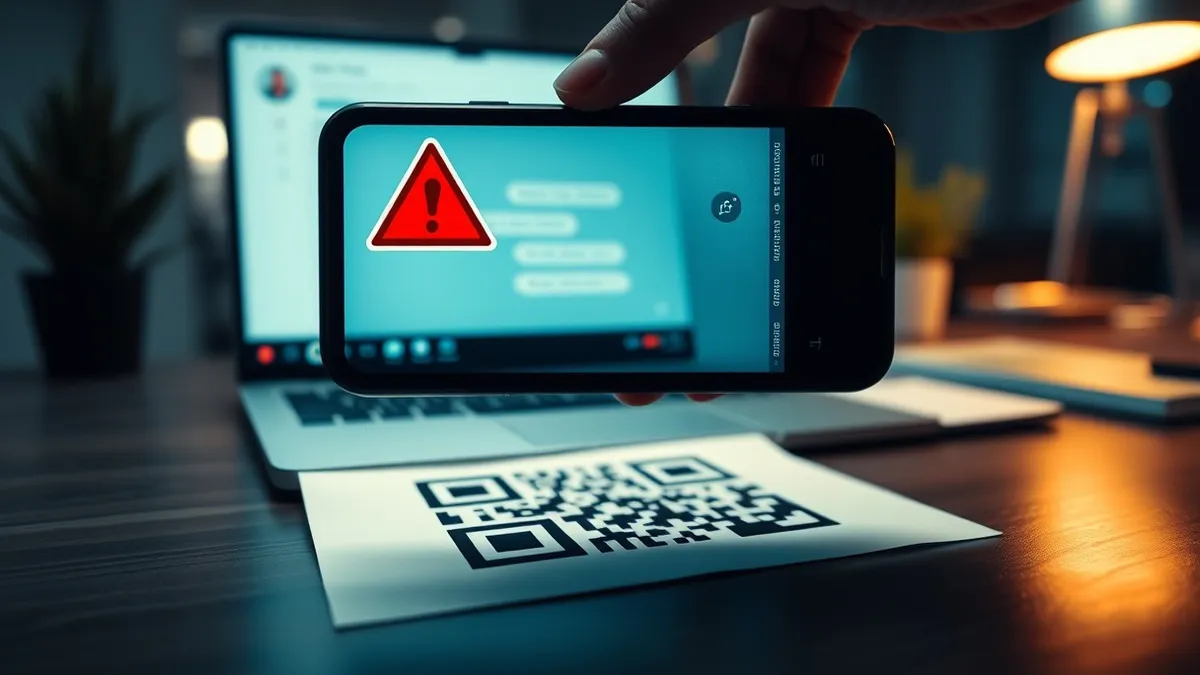
Microsoft is introducing a new security capability for Microsoft Teams that automatically scans QR codes found in messages for malicious web addresses. According to a report by GBHackers, this enhancement will alert recipients when a dangerous link is detected, extending the protection scope of Microsoft Defender for Office 365.
In plain English
The new tool looks inside QR code images embedded in Teams messages to find the website addresses they point to. Instead of just showing the image, the system extracts the hidden URL and checks if that destination is harmful. If the link is dangerous, Teams displays a warning label on the message. This applies to conversations with both colleagues inside the organization and people outside it.
The background
QR code phishing, known as quishing, tricks users by hiding malicious links inside images rather than using clickable text. Attackers often disguise these codes as requests for account verification, document access, or urgent technical support. By scanning the encoded address directly, Microsoft Defender can evaluate the actual destination. This method is more effective than relying solely on the text surrounding the image, which attackers can easily manipulate to look legitimate.
What changes now
The global rollout starts in early October 2026 and should be complete by early November, according to Message Center notice MC1490905 published on October 7. Organizations using Teams with Defender for Office 365 Plan 1 or Plan 2 will receive this update automatically without needing to configure new settings. This feature is distinct from a previous control that hides QR codes from external senders until users choose to view them.
What to do and how to stay safe: Microsoft Teams
- Review your organization's Defender for Office 365 settings to ensure ZAP (Zero-hour Auto Purge) is enabled for internal messages.
- Train staff to remain skeptical of QR codes in chats, even if they appear to come from trusted internal sources.
- Monitor the Message Center for updates regarding the October 2026 rollout timeline and any changes to enforcement policies.
- Verify that security teams have access to the new investigative data provided with the malicious QR code alerts.
Step-by-step guide: Smartphone Security Updates for Small Business Operations
General security guidance from the Patch Review newsroom. It is not confirmed advice from the organisations named in this story.
Frequently asked questions
When will this feature be available to all users?
The global rollout begins in early October 2026 and is expected to be completed by early November 2026.
Do administrators need to configure this feature manually?
No, organizations using Teams with Defender for Office 365 will receive the enhancement automatically with no separate setup required.
Does this replace the existing QR code hiding feature for external senders?
No, this is a separate control that assesses extracted URLs after delivery, while the previous feature obscures images until recipients choose to reveal them.