
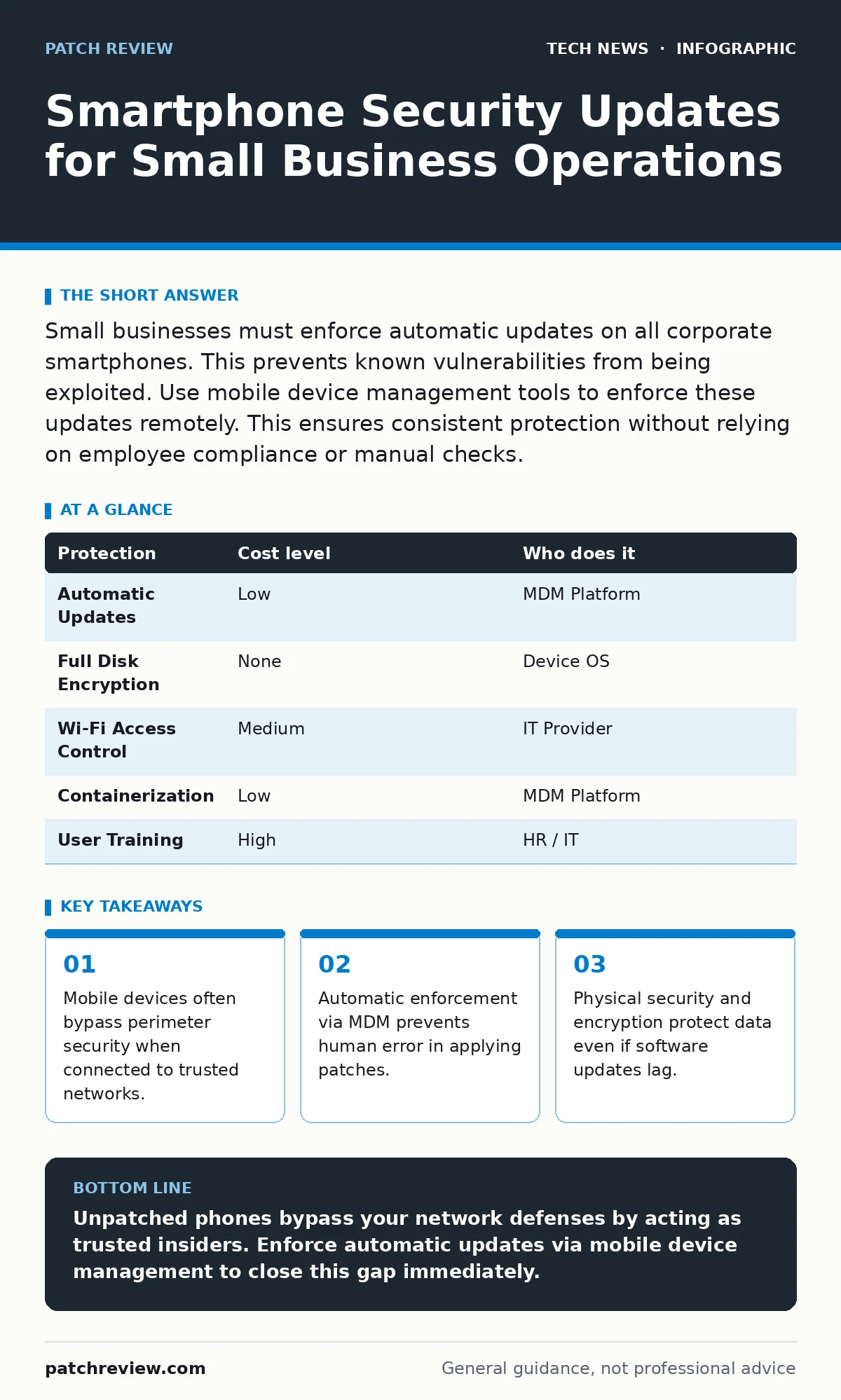
Small businesses must enforce automatic updates on all corporate smartphones. This prevents known vulnerabilities from being exploited. Use mobile device management tools to enforce these updates remotely. This ensures consistent protection without relying on employee compliance or manual checks.
The Hidden Risk of Trusted Devices
Small organizations often assume their network perimeter is strong. They invest in firewalls and intrusion detection. They forget that a smartphone is a full computer. When that phone connects to the office Wi-Fi, it sits inside the perimeter. The firewall sees it as a trusted device. It does not scan the phone for vulnerabilities. It assumes the device is safe because it is authenticated. This assumption is dangerous. A compromised phone can pivot to internal servers. It can exfiltrate data without triggering alerts. The device has direct access to resources that external attackers cannot reach.
This risk grows when employees use personal devices for work. These devices lack centralized control. The employer cannot force an update. The employee may disable updates to save battery or storage. The result is a fragmented security posture. One unpatched device weakens the entire network. For small teams, this single point of failure can be devastating. The cost of a breach far exceeds the cost of management tools.
Why Manual Updates Fail at Scale
Relying on employees to update their phones is ineffective. People prioritize convenience over security. An update notification appears. The user dismisses it to finish a task. Days pass. The vulnerability window remains open. Attackers automate their scans. They look for specific software versions. They strike quickly. By the time the employee decides to update, the damage is done.
Manual processes also create inconsistency. Some users update daily. Others wait months. This creates a mixed environment. Security policies assume a baseline. That baseline disappears when updates are optional. You cannot audit a device that changes state daily. You cannot guarantee compliance if you do not control the mechanism. The burden of security shifts from the system to the individual. Individuals are unreliable. Systems are predictable. Use systems.
This principle applies beyond phones. See our guide on remote work security for strategies to manage distributed endpoints. The same logic holds. Control the environment, not the behavior. Behavior changes. Configuration persists.
Affordable Enforcement Mechanisms
You do not need expensive enterprise software. Many small business tools include basic mobile device management. These tools allow you to set policies. You can require the latest operating system version. You can block older versions from connecting to Wi-Fi. This is a simple toggle. It costs little or nothing if you already use a cloud productivity suite.
The key is policy, not price. Define what is acceptable. Require automatic updates. Disable the ability to turn them off. Require screen locks. Require encryption. These settings travel with the device. They persist across reboots. They do not rely on memory or goodwill.
For devices you own, the control is tighter. You can wipe and reset them. You can install managed configurations. For personal devices, you use containerization. This separates work data from personal data. The work container follows your rules. The personal space remains private. This balance encourages adoption. Employees keep their phones. You protect your data.
The Role of Encryption
Updates fix software flaws. Encryption protects the data itself. If a device is lost or stolen, encryption keeps the data unreadable. This is a last line of defense. It works even if the software is outdated. It works if the attacker bypasses the screen lock.
Ensure all devices use full disk encryption. This is standard on modern smartphones. Verify it is enabled. Verify the passcode is strong. A simple PIN is weak. Use a complex password or biometric lock. Biometrics are convenient but not infallible. They can be bypassed in certain scenarios. A strong alphanumeric password is stronger. It is less convenient. Choose the balance that fits your risk.
For laptops, the principle is similar. See our guide on FileVault for Apple devices or BitLocker for Windows. The goal is the same. Make the data useless without the key.
What to Delegate to IT Providers
You cannot do everything. Delegate the technical enforcement. Hire a managed service provider. They manage the mobile device management platform. They monitor compliance. They push updates automatically. They handle lost device recovery.
This shifts the workload. You focus on policy. They focus on execution. You define the rules. They enforce them. This separation is efficient. It ensures consistency. It reduces the burden on internal staff.
When selecting a provider, ask specific questions. Do not accept vague promises. Demand details.
- How do you enforce operating system updates?
- What is your process for wiping lost devices?
- How do you separate work and personal data?
- What reports do you provide on compliance?
- How do you handle devices that refuse to update?
See also: Domain Name System vs Domain Name Server: The Exact Difference · AI Data Centers Explained: Infrastructure, Power, and Cooling Basics
The Cost of Inaction
The cost of updates is low. The cost of a breach is high. Consider the indirect costs. Reputation damage. Legal fees. Customer churn. These are hard to quantify. They are real. They persist long after the technical fix.
Updates are not just about bugs. They are about trust. Clients trust you with their data. Partners trust you with their systems. A breach breaks that trust. It is hard to rebuild. Prevention is cheaper. It is simpler. It is more reliable.
Do not wait for an incident. Act now. Set the policies. Enforce them. Review them quarterly. Technology changes. Policies must adapt. Stay current.
Integrating with Broader Security
Mobile security does not exist in isolation. It connects to other controls. Weak passwords on phones can compromise email accounts. See our guide on password policies for best practices. Use multi-factor authentication. This adds a layer of protection. It mitigates the risk of stolen credentials.
Browser activity on phones is also risky. Employees visit malicious sites. They download infected files. See our guide on browser sandboxing for isolation techniques. While phones have built-in sandboxing, it is not perfect. Keep browsers updated. Disable risky plugins. Use managed browsers for work tasks.
For development teams, the risk is higher. Developers push code from phones. They test apps in the field. See our guide on DevOps security for secure development lifecycles. Ensure code commits are verified. Ensure testing environments are isolated. Prevent mobile devices from introducing vulnerabilities into the pipeline.
Summary Table of Controls
| Protection | Cost level | Who does it |
|---|---|---|
| Automatic Updates | Low | MDM Platform |
| Full Disk Encryption | None | Device OS |
| Wi-Fi Access Control | Medium | IT Provider |
| Containerization | Low | MDM Platform |
| User Training | High | HR / IT |
This table summarizes the approach. Low cost measures provide high value. Automation is key. Human effort is secondary. Focus on systems that work without constant attention.
Key takeaways
- Mobile devices often bypass perimeter security when connected to trusted networks.
- Automatic enforcement via MDM prevents human error in applying patches.
- Physical security and encryption protect data even if software updates lag.
Unpatched phones bypass your network defenses by acting as trusted insiders. Enforce automatic updates via mobile device management to close this gap immediately.
Frequently asked questions
Do I need to buy company phones for security?
No, you can use personal devices with proper mobile device management and containerization to enforce security policies on work data.
What if an employee refuses to update their phone?
Block the device from accessing corporate Wi-Fi and email until the update is installed, enforcing compliance through access control.
How often should I review my mobile security policy?
Review quarterly to align with new operating system releases and emerging threats, ensuring your policies remain relevant and effective.
Can mobile device management track employee location?
Most business-focused tools do not track location by default; configure permissions carefully to respect privacy while maintaining security controls.
How this guide was produced: written by the Patch Review editorial team with AI assistance, checked against the public references listed below, and reviewed when the facts change. See our editorial policy or report an error.