
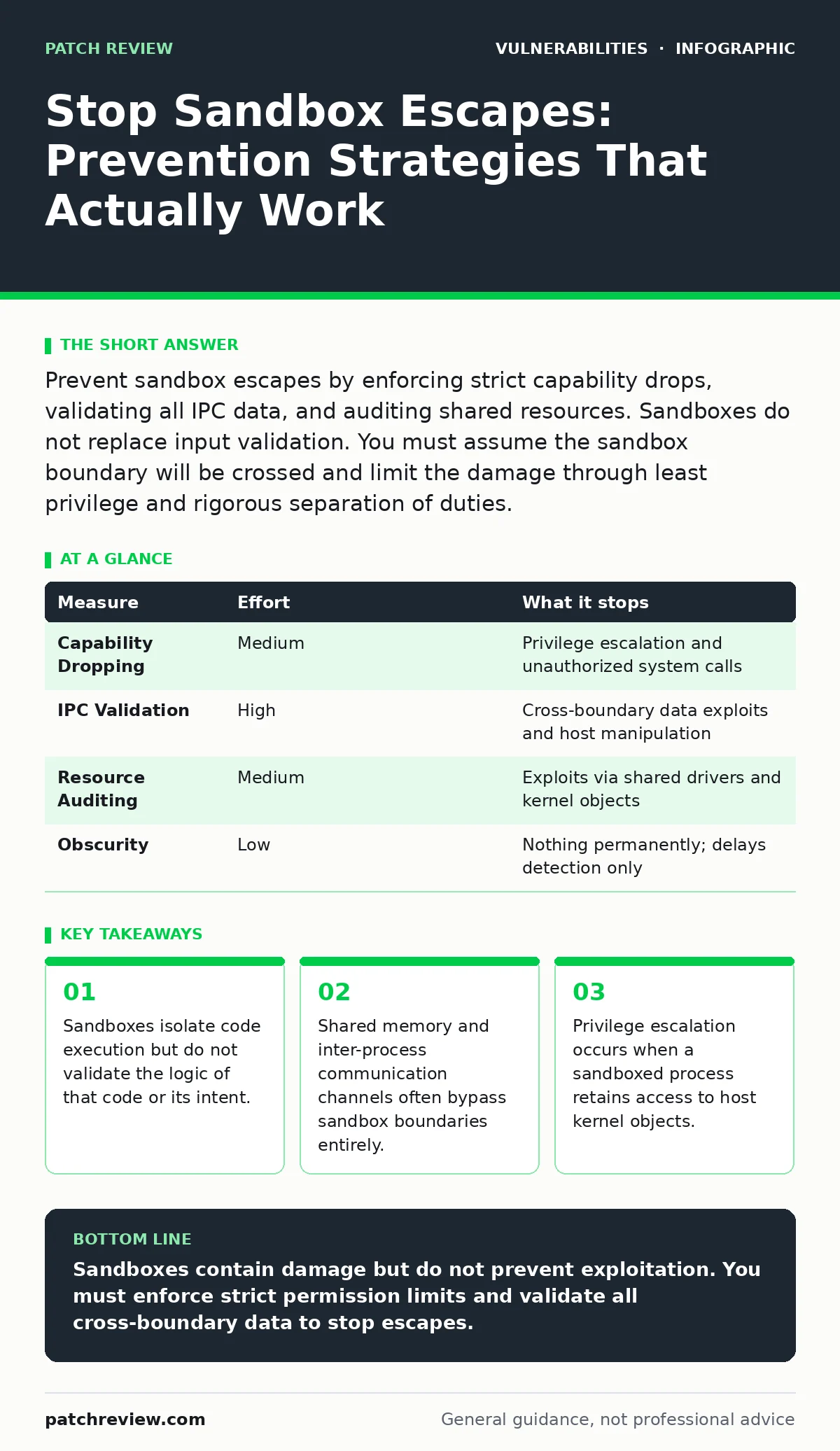
Prevent sandbox escapes by enforcing strict capability drops, validating all IPC data, and auditing shared resources. Sandboxes do not replace input validation. You must assume the sandbox boundary will be crossed and limit the damage through least privilege and rigorous separation of duties.
Understanding the Sandbox Escape Mechanism
A sandbox is a restricted execution environment that limits the resources and permissions available to a program. It does not prevent malicious code from running. It prevents that code from affecting the rest of the system. An escape happens when the sandboxed process interacts with the host in a way the sandbox did not anticipate.
The boundary between the sandbox and the host is rarely a physical wall. It is a set of rules enforced by the operating system kernel. These rules define which files, network ports, and system calls the process may use. Attackers study these rules to find gaps. They look for APIs that allow indirect writes to memory or file descriptors that remain open across the boundary.
Imagine a browser tab running in a sandbox. It cannot write to your hard drive directly. It can, however, send data to the browser engine. If the engine fails to validate that data, the sandboxed tab can trick the engine into writing to disk. The escape did not break the sandbox. It exploited the trust relationship between the sandbox and the host.
The Failure of Input Validation Alone
Many developers believe that validating user input prevents sandbox escapes. This is incorrect. Input validation stops injection attacks. It does not stop logic errors within the sandboxed process or the host. A sandbox escape often originates from a race condition or a type confusion error that has nothing to do with external input.
If you rely solely on input validation, you assume the code inside the sandbox is bug-free. Software contains bugs. Memory management errors, pointer arithmetic mistakes, and integer overflows are common. When these bugs occur in a sandboxed process, they can lead to arbitrary code execution within that process. If the sandbox relies on the correctness of the code to maintain isolation, the isolation fails.
Implementing Strict Capability Dropping
The most effective way to prevent an escape from causing damage is to ensure the sandboxed process has no useful capabilities. Capabilities are granular permissions granted by the operating system. Instead of running as root or an admin user, the process should run with the minimum set of rights required.
You must drop all unnecessary capabilities before the process starts executing untrusted code. This includes network access, file system writes, and the ability to spawn new processes. If the process cannot open a socket, it cannot exfiltrate data. If it cannot write to disk, it cannot plant a backdoor. This approach limits the attack surface even if the attacker escapes the initial confinement.
This measure removes significant risk because it relies on the operating system’s security model rather than application-level logic. The kernel enforces capability checks. Application code cannot easily bypass them. You should audit the code to identify every system call and remove permissions for any call not strictly necessary.
Securing Inter-Process Communication Channels
Sandboxes rarely operate in total isolation. They communicate with the host via inter-process communication (IPC) mechanisms. These channels are the primary vector for escape attempts. The sandboxed process sends messages to the host. The host processes these messages and performs actions on behalf of the sandbox.
If the host does not validate the structure and content of every message, an attacker can send crafted data that triggers a vulnerability in the host. This is often where the escape succeeds. The sandbox contained the initial exploit, but the IPC bridge allowed the exploit to cross into the host environment. You must treat all data coming from the sandbox as untrusted.
Implement strict schema validation for IPC messages. Define explicit types and lengths for every field. Reject any message that does not match the expected format. Do not assume the sender is trustworthy because it runs inside your own sandbox. The sandbox may be compromised. The host must remain skeptical of all incoming data.
Auditing Shared Resources and Kernel Objects
Some resources are shared between the sandbox and the host by design. These include device drivers, kernel modules, and hardware interfaces. An escape can occur if the sandboxed process can manipulate these shared resources in a way that affects the host.
For instance, a sandboxed process might access a graphics driver. If the driver has a vulnerability, the process can exploit it to gain higher privileges. This is not a sandbox flaw. It is a driver flaw. However, the sandbox failed to prevent the process from accessing the vulnerable driver. You must audit which kernel objects the sandbox can access.
Limit access to only those devices necessary for the process function. Block access to generic devices or drivers that are not strictly required. This reduces the chance that a vulnerability in a peripheral driver becomes an escape vector. You should also monitor for changes in kernel object permissions that might grant the sandboxed process unexpected access.
What Does Not Work for Prevention
Relying on obscurity or complex configuration does not prevent escapes. Hiding the sandbox implementation details may delay an attacker, but it does not stop them. Attackers reverse-engineer software to understand its boundaries. They will find the IPC channels and the shared resources.
Using a sandbox without understanding its threat model is dangerous. Some sandboxes are designed for development only. They lack the strict enforcement needed for production. Others rely on virtualization, which adds overhead and complexity. You must choose a sandbox that matches your specific risk profile and enforce it correctly.
| Measure | Effort | What it stops |
|---|---|---|
| Capability Dropping | Medium | Privilege escalation and unauthorized system calls |
| IPC Validation | High | Cross-boundary data exploits and host manipulation |
| Resource Auditing | Medium | Exploits via shared drivers and kernel objects |
| Obscurity | Low | Nothing permanently; delays detection only |
Quick Wins and Long-Term Strategy
Start by auditing your current sandbox configurations. Identify every capability granted to sandboxed processes. Remove any that are not explicitly justified. This requires code review and testing, but it yields immediate risk reduction.
Next, review your IPC implementations. Ensure that every message crossing the boundary is validated. Add logging to detect anomalous message patterns. This helps you identify potential escape attempts before they succeed.
Finally, adopt a risk-based vulnerability management approach. Prioritize fixing vulnerabilities in components that interact with the sandbox. A bug in the IPC handler is more dangerous than a bug in the UI renderer. Focus your resources where the escape path is most likely.
Checklist for Immediate Action
- Audit all sandboxed processes and drop unnecessary capabilities at startup.
- Implement strict schema validation for all inter-process communication messages.
- Review access to shared kernel objects and restrict access to essential devices only.
Key takeaways
- Sandboxes isolate code execution but do not validate the logic of that code or its intent.
- Shared memory and inter-process communication channels often bypass sandbox boundaries entirely.
- Privilege escalation occurs when a sandboxed process retains access to host kernel objects.
Sandboxes contain damage but do not prevent exploitation. You must enforce strict permission limits and validate all cross-boundary data to stop escapes.
Frequently asked questions
Does a sandbox prevent all types of malware?
No. A sandbox restricts where malware can run and what it can access. It does not prevent the malware from executing or spreading if the sandbox configuration is flawed.
How do I know if my sandbox is secure?
You cannot know for certain. You must assume it will be breached. Focus on limiting the damage by enforcing least privilege and validating all external interactions.
Are browser sandboxes effective against zero-day exploits?
They mitigate the impact of zero-day exploits by containing the browser process. However, sophisticated attacks can sometimes escape the sandbox through flaws in the browser engine or OS kernel.
Should I use multiple sandboxes for better security?
Layering sandboxes can increase security but adds complexity. Each layer must be correctly configured. A misconfigured inner sandbox may provide a false sense of security while the outer layer remains vulnerable.
How this guide was produced: written by the Patch Review editorial team with AI assistance, checked against the public references listed below, and reviewed when the facts change. See our editorial policy or report an error.