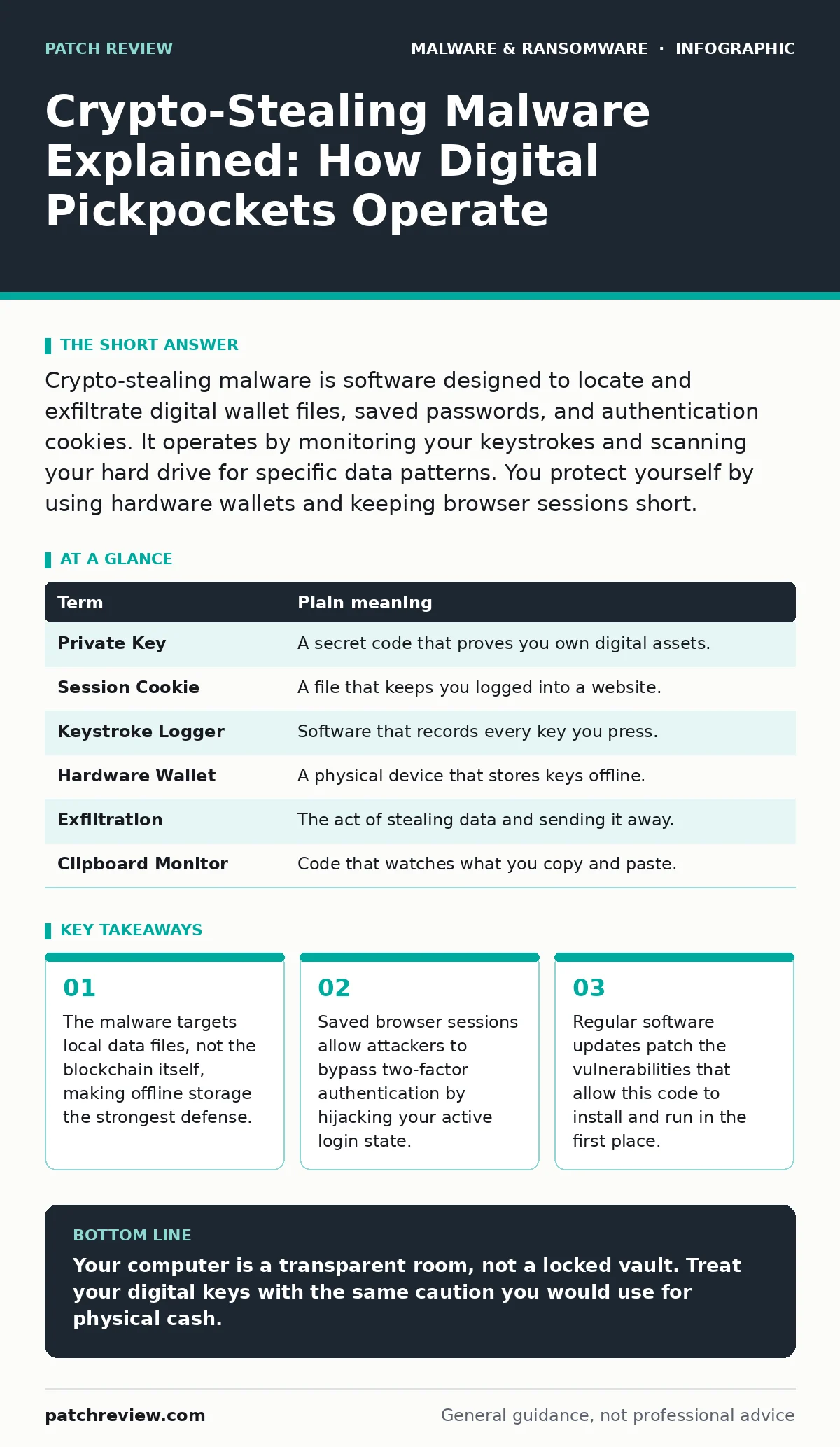
Crypto-stealing malware is software designed to locate and exfiltrate digital wallet files, saved passwords, and authentication cookies. It operates by monitoring your keystrokes and scanning your hard drive for specific data patterns. You protect yourself by using hardware wallets and keeping browser sessions short.
The Wallet in Your Pocket
Imagine you keep a physical wallet in your back pocket. You do not leave it in a bank vault. You take it everywhere. Now imagine a pickpocket does not cut your pocket. Instead, they stand behind you in line and watch you count your cash. They memorize the bills and the coins. When you turn around, they slip a note into your pocket listing exactly what you carry. You still have your wallet, but someone else knows its contents and can claim the money if they present the right proof.
Crypto-stealing malware works similarly. It does not need to crack complex encryption on the blockchain. It only needs to see what is already on your computer. It looks for the digital equivalents of your cash and your ID. If it finds them, it sends a copy to a remote server. You may not notice anything changed until the funds are gone.
How the Theft Happens
The process begins with access. You might click a link in a fake email or download a cracked software tool. Once inside, the malware scans your system. It looks for specific file names associated with popular cryptocurrency wallets. It also searches for browser data. Modern browsers save passwords and session cookies to make logging in easier. These cookies prove to a website that you are already logged in.
If the malware steals these cookies, the attacker can open your accounts without needing your password or your phone for two-factor authentication. This is why saved logins are dangerous. The attacker steps into your shoes. They do not need to trick the security system. They just need the proof that you are already there.
Hidden Costs of Convenience
Convenience is the primary entry point for this threat. Saving passwords in your browser feels safe. It reduces friction. However, it creates a single point of failure. If your computer is compromised, every saved account is at risk. This is a hidden cost of easy access. You trade security for speed.
Consider the difference between typing a password and using a saved session. Typing requires active input. A saved session is passive. The malware can copy the passive data without you doing anything. This is similar to how fileless malware operates by living in memory rather than on disk. It leaves fewer traces but achieves the same goal of unauthorized access.
What It Means for You
For an ordinary user, this means your computer is not a safe. It is a place where you handle sensitive items. You would not leave a stack of cash on your desk overnight. You should not leave your digital keys accessible to any program on your machine. The malware does not care about your documents or photos. It cares only about value it can convert.
This type of threat is distinct from ransomware. Ransomware locks your files and demands payment to unlock them. Crypto-stealers take your assets silently. There is no negotiation. There is no note on your screen. The theft is complete before you realize the balance has changed. This silence makes it harder to detect.
Simple Safety Habits
You can reduce your risk by changing how you interact with digital assets. First, use a hardware wallet for significant holdings. A hardware wallet is a physical device that signs transactions offline. The private keys never touch your computer. The malware cannot steal what it cannot see. This is the digital equivalent of a bank vault.
Second, clear your browser cookies regularly. Do not save passwords for financial accounts. Use a dedicated password manager that encrypts data locally. This adds a layer of protection between your browser and the malware. If the malware scans your browser, it finds only encrypted gibberish.
Third, keep your operating system and applications updated. Updates often patch the holes that allow malware to install. This is a basic defense against malware persistence mechanisms that try to stay on your system after a reboot. Regular updates remove the foothold the attacker needs.
Mini Glossary
| Term | Plain meaning |
|---|---|
| Private Key | A secret code that proves you own digital assets. |
| Session Cookie | A file that keeps you logged into a website. |
| Keystroke Logger | Software that records every key you press. |
| Hardware Wallet | A physical device that stores keys offline. |
| Exfiltration | The act of stealing data and sending it away. |
| Clipboard Monitor | Code that watches what you copy and paste. |
Try This Now
- Check your browser settings and disable "Save Passwords" for any financial or crypto sites.
- Review your active sessions on major crypto exchanges and log out of any unrecognized devices.
- Move any long-term holdings from a software wallet on your computer to a hardware wallet or cold storage.
Key takeaways
- The malware targets local data files, not the blockchain itself, making offline storage the strongest defense.
- Saved browser sessions allow attackers to bypass two-factor authentication by hijacking your active login state.
- Regular software updates patch the vulnerabilities that allow this code to install and run in the first place.
Your computer is a transparent room, not a locked vault. Treat your digital keys with the same caution you would use for physical cash.
Frequently asked questions
Can antivirus software stop crypto-stealing malware?
Antivirus can detect known variants, but it may miss new or customized code. It is a layer of defense, not a guarantee.
Is using a password manager enough?
A password manager helps, but if the malware steals your session cookies, the manager cannot prevent access. You must also manage browser sessions.
What if I already clicked a suspicious link?
Disconnect from the internet, change your passwords from a clean device, and revoke active sessions on your accounts.
Are mobile devices safe from this?
Mobile devices are also targets. Malware can steal data from mobile wallets and browser sessions. Keep your phone updated and avoid sideloading apps.
How this guide was produced: written by the Patch Review editorial team with AI assistance, checked against the public references listed below, and reviewed when the facts change. See our editorial policy or report an error.