
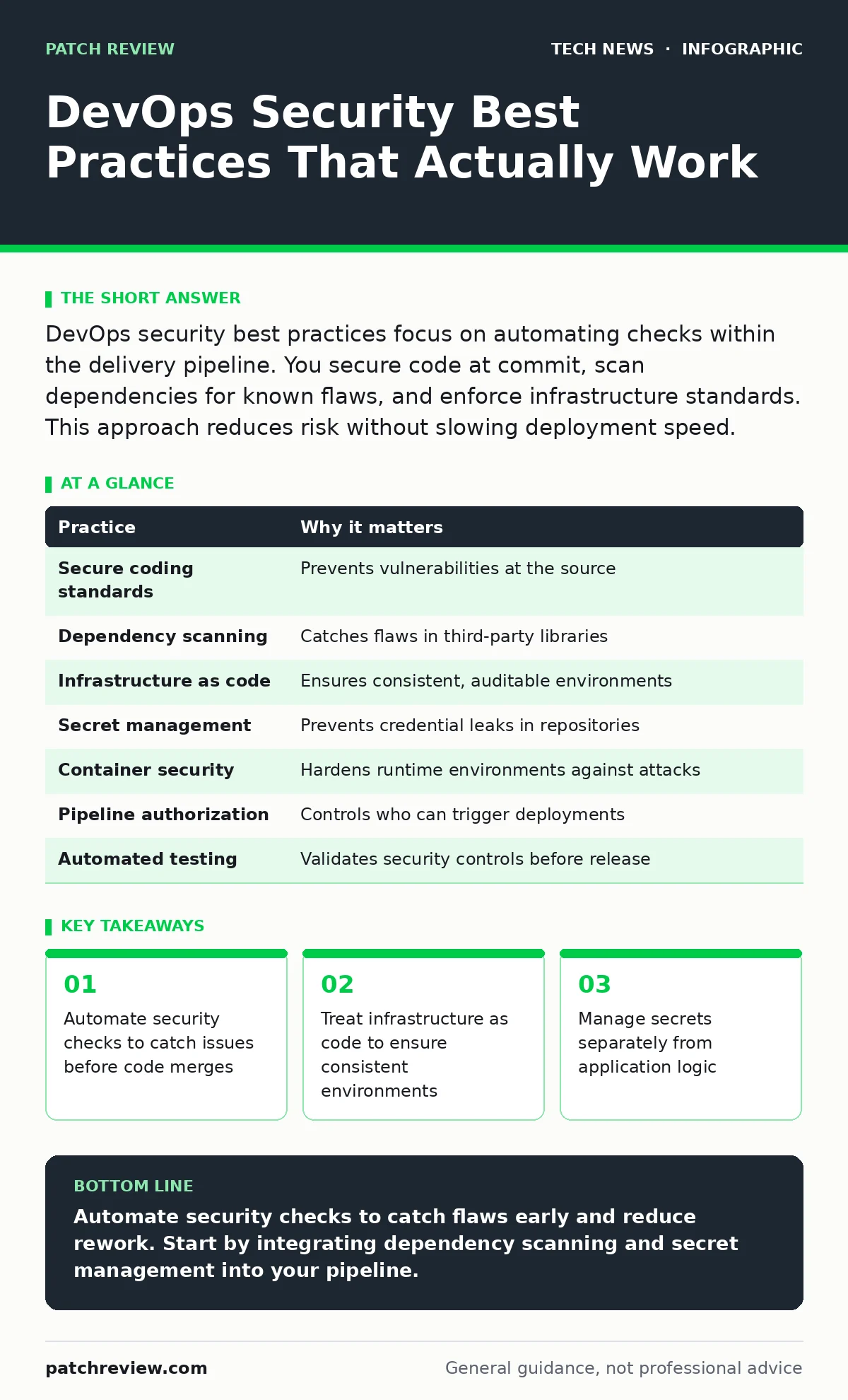
DevOps security best practices focus on automating checks within the delivery pipeline. You secure code at commit, scan dependencies for known flaws, and enforce infrastructure standards. This approach reduces risk without slowing deployment speed.
DevOps security best practices overview
DevOps security best practices integrate protection directly into the software delivery process. Traditional security reviews happen after development, creating bottlenecks and rework. Modern approaches embed checks into every stage of the pipeline. This shift reduces the cost of fixing flaws. It also ensures that security is a shared responsibility. You do not need to slow down development to be secure. Automation handles the repetitive checks. Humans focus on complex architectural decisions. This balance allows teams to move fast while maintaining a strong security posture.
| Practice | Why it matters |
|---|---|
| Secure coding standards | Prevents vulnerabilities at the source |
| Dependency scanning | Catches flaws in third-party libraries |
| Infrastructure as code | Ensures consistent, auditable environments |
| Secret management | Prevents credential leaks in repositories |
| Container security | Hardens runtime environments against attacks |
| Pipeline authorization | Controls who can trigger deployments |
| Automated testing | Validates security controls before release |
1. Enforce secure coding standards
Developers introduce vulnerabilities when they write code without security constraints. Manual code reviews are slow and miss subtle issues. Static application security testing (SAST) tools analyze code for common flaws. These tools run automatically when code is committed. They flag potential security risks immediately. This feedback loop helps developers learn from mistakes. You should configure these tools to block merges that contain high-severity issues. This prevents dangerous code from entering the main branch. It turns security into a continuous practice rather than a final gate.
2. Scan dependencies for known flaws
Most applications rely on open-source software components. These libraries may contain known vulnerabilities. If you do not track them, attackers can exploit these weaknesses. Software composition analysis (SCA) tools scan your project for these dependencies. They compare versions against public databases of known flaws. You should run these scans at every build. This ensures that new vulnerabilities are caught quickly. It also helps you prioritize updates. You cannot fix every flaw immediately, but you can manage the risk effectively.
3. Treat infrastructure as code
Manual server configuration leads to drift and inconsistency. Different environments may have different security settings. This makes it hard to verify security controls. Infrastructure as code (IaC) defines environments in text files. You version-control these files just like application code. This allows you to review changes before they are applied. It also enables automated testing of security configurations. You can check for misconfigurations before infrastructure is created. This approach ensures that every deployment starts from a known, secure state.
4. Manage secrets separately
Hardcoding passwords or API keys in source code is a common error. These secrets often end up in public repositories. Attackers scan these repositories for credentials. You must store secrets in a dedicated vault. These vaults encrypt data at rest and in transit. Applications retrieve secrets at runtime using temporary credentials. This reduces the window of exposure. You should also rotate secrets regularly. Automation helps manage this rotation without disrupting services. This practice prevents credential theft from becoming a persistent threat.
See also: Domain Name System vs Domain Name Server: The Exact Difference · AI Data Centers Explained: Infrastructure, Power, and Cooling Basics
5. Harden container images
Containers provide isolation but are not inherently secure. Base images may contain outdated packages or unnecessary services. Attackers exploit these weaknesses to escape containers. You should use minimal base images that contain only required components. Scan images for vulnerabilities before deployment. Run containers with the least privileges possible. This limits the damage if an attacker gains access. You should also sign images to verify their integrity. This ensures that only trusted code runs in your environment.
6. Control pipeline access
The deployment pipeline is a critical target. Attackers who compromise it can inject malicious code. You must restrict who can trigger deployments. Use role-based access control (RBAC) to limit permissions. Only specific users or services should have write access. Require multi-factor authentication for pipeline access. Log all actions taken within the pipeline. This creates an audit trail for investigation. You should also monitor for unusual activity, such as deployments from unknown locations.
7. Automate security testing
Manual security testing does not scale with DevOps speeds. Automated tests ensure that security controls are validated consistently. You should include security tests in your continuous integration pipeline. These tests can check for configuration errors, dependency flaws, and code vulnerabilities. They run on every change, providing immediate feedback. This approach catches issues early when they are cheaper to fix. It also ensures that security is never an afterthought. You can customize these tests to fit your specific risk profile.
8. Monitor runtime behavior
Static checks do not catch all threats. Attackers may exploit zero-day vulnerabilities or bypass controls. You need to monitor applications while they run. Runtime application self-protection (RASP) tools detect attacks in real time. They can block malicious requests before they cause damage. You should also collect logs and metrics from all components. Analyze this data to identify anomalies. This helps you detect compromises that bypassed earlier checks. Continuous monitoring ensures that you maintain visibility into your security posture.
Integrating security into your workflow
Adopting these practices requires cultural change. Security must be a shared goal. Developers, operations, and security teams must collaborate. You should start small and expand gradually. Focus on high-impact areas first. Measure the effectiveness of your controls. Adjust your approach based on feedback. This iterative process ensures that security supports business goals. It also builds trust between teams. You do not need perfect security from day one. Consistent improvement is more valuable than perfection.
Key takeaways
- Automate security checks to catch issues before code merges
- Treat infrastructure as code to ensure consistent environments
- Manage secrets separately from application logic
Automate security checks to catch flaws early and reduce rework. Start by integrating dependency scanning and secret management into your pipeline.
Frequently asked questions
How do I start implementing DevOps security?
Begin with automated dependency scanning and secret management. These provide immediate value with minimal disruption.
Does DevOps security slow down development?
No, it shifts checks left, catching issues early when they are cheaper to fix. Automation prevents manual bottlenecks.
What is the biggest risk in DevOps?
Misconfigured infrastructure and leaked secrets are common risks. Automated checks and vaults mitigate these threats.
How do I handle open-source software security?
Use software composition analysis tools to scan dependencies regularly. Update libraries promptly to patch known flaws.
How this guide was produced: written by the Patch Review editorial team with AI assistance, checked against the public references listed below, and reviewed when the facts change. See our editorial policy or report an error.