
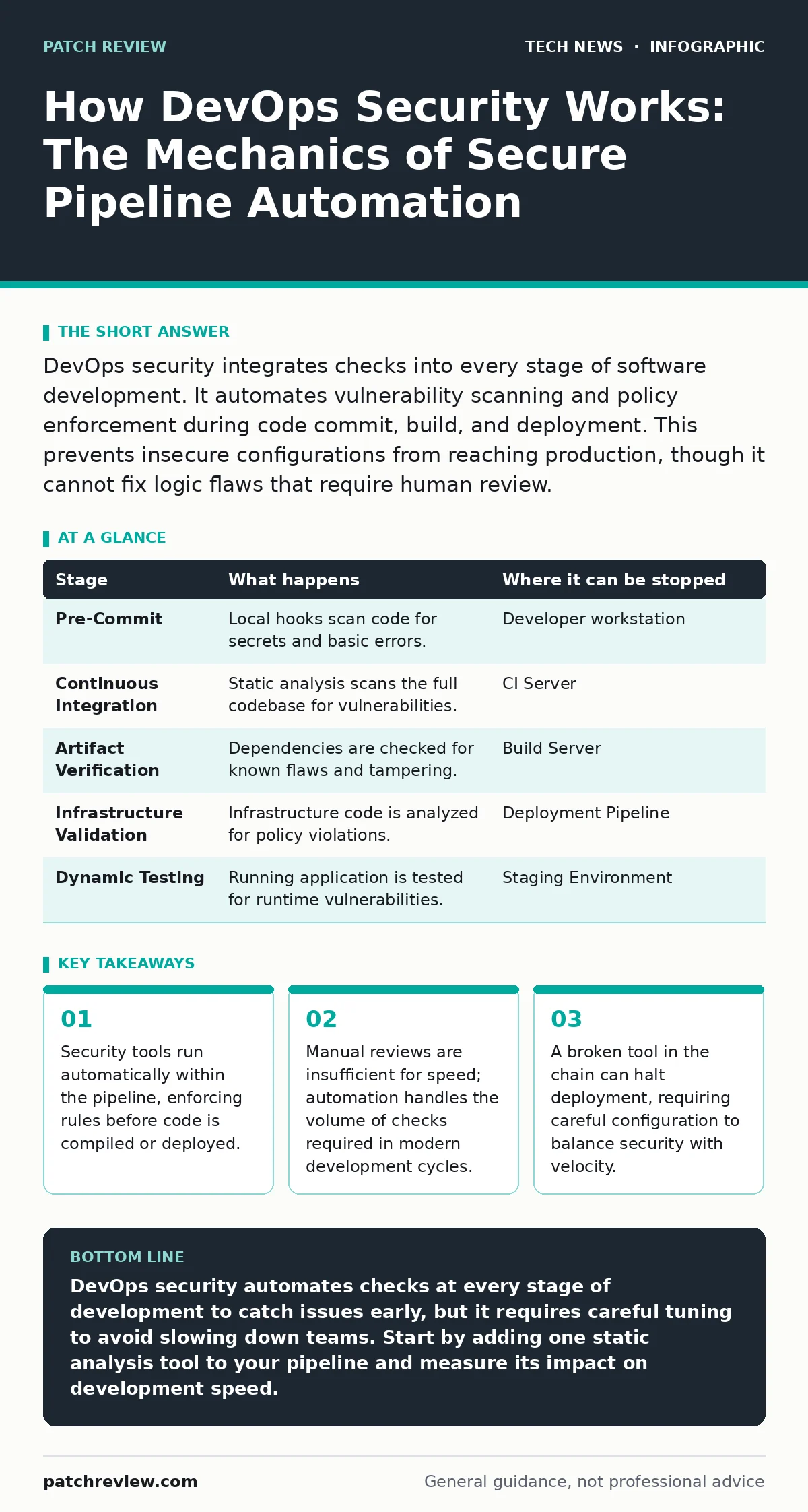
DevOps security integrates checks into every stage of software development. It automates vulnerability scanning and policy enforcement during code commit, build, and deployment. This prevents insecure configurations from reaching production, though it cannot fix logic flaws that require human review.
Integrating Security into the Workflow
Traditional security reviews happen after software is built. This creates a bottleneck where developers must wait weeks for approval. DevOps security changes this by embedding checks directly into the development workflow. You do not add security as a final step. You distribute it across every action taken by the engineering team.
This approach relies on automation. Tools scan code and configurations as fast as developers write them. The goal is to find issues early when they are cheap to fix. If a check fails, the process stops immediately. This prevents bad code from moving forward.
### Stage 1: Pre-Commit and Source Control
The first stage begins when a developer writes code. Before that code is saved to the shared repository, local tools can scan it. These are pre-commit hooks. They run on the developer’s machine, not on a server. They check for obvious mistakes like hardcoded secrets or known vulnerable libraries.
If the hook finds an issue, it blocks the commit. The developer must fix the error locally. This saves time by preventing bad code from entering the shared space. It also teaches developers to recognize insecure patterns.
### Stage 2: Continuous Integration Scanning
When code is pushed to the repository, the continuous integration server picks it up. This server builds the software and runs tests. In a secure pipeline, it also runs static analysis tools. These tools examine the source code without running it. They look for structural weaknesses and logic errors.
This stage catches deeper issues than pre-commit hooks. It analyzes the entire codebase, not just changed files. It checks for cross-site scripting patterns or buffer overflow risks. If the scan finds high-severity issues, the build fails. The code is not packaged for deployment.
### Stage 3: Artifact and Dependency Verification
Software rarely exists in isolation. It relies on libraries and frameworks written by others. These dependencies are packages you download and include in your project. Attackers often compromise these packages to infect downstream users.
In this stage, the pipeline checks every dependency against a database of known vulnerabilities. It verifies the digital signature of each package to ensure it has not been tampered with. It also checks for license compliance. If a dependency has a known flaw, the build stops. You cannot deploy software that relies on broken components.
This step is critical because you do not write the vulnerable code yourself. You inherit it. You must manage the risk of third-party code as strictly as your own.
### Stage 4: Container and Infrastructure Validation
Modern applications often run in containers. These are lightweight packages that include everything needed to run an application. The pipeline builds these containers and scans their images. It checks for outdated operating system packages or misconfigured user permissions.
Infrastructure as code defines the servers and networks where the application runs. Tools analyze this code to ensure it follows security policies. For example, the code might specify that a database must not be accessible from the public internet. If the infrastructure code violates this rule, the deployment is blocked.
This stage ensures that the environment is secure before the application runs. It prevents misconfigurations that could expose data. It also aligns with the principles of open port management, ensuring only necessary services are exposed.
See also: Domain Name System vs Domain Name Server: The Exact Difference · AI Data Centers Explained: Infrastructure, Power, and Cooling Basics
### Stage 5: Dynamic Testing and Deployment
Once the application is deployed to a staging environment, dynamic testing begins. These tools run the application and try to break it. They simulate attacks to find runtime vulnerabilities. They check for information leaks or authentication bypasses.
If the application passes these tests, it moves to production. The pipeline monitors the live application for anomalies. It checks for unexpected behavior or performance drops. This continuous monitoring helps detect issues that static scans miss.
Understanding the Limits of Automation
Automation is powerful, but it is not perfect. Tools can produce false positives. They flag code as insecure when it is actually safe. This causes friction and slows down development. Developers may ignore warnings if they happen too often.
Tools also cannot understand context. They do not know if a risky feature is necessary for business reasons. They only know it violates a rule. Human judgment is still required to interpret results and make trade-offs.
The Cost of Security Gates
Adding security checks increases the time it takes to deploy software. Each stage adds latency. If a check fails, the developer must stop and fix the issue. This can frustrate teams who want to move quickly.
To mitigate this, you must tune the tools. You should only block on high-confidence issues. Lower-risk findings can be logged for later review. You must also ensure the tools are fast. Slow tools discourage usage.
This balance is similar to managing remote work security. You must protect data without hindering productivity. If the security measures are too cumbersome, users will find ways to bypass them.
Comparing Security Stages
| Stage | What happens | Where it can be stopped |
|---|---|---|
| Pre-Commit | Local hooks scan code for secrets and basic errors. | Developer workstation |
| Continuous Integration | Static analysis scans the full codebase for vulnerabilities. | CI Server |
| Artifact Verification | Dependencies are checked for known flaws and tampering. | Build Server |
| Infrastructure Validation | Infrastructure code is analyzed for policy violations. | Deployment Pipeline |
| Dynamic Testing | Running application is tested for runtime vulnerabilities. | Staging Environment |
Integrating with Broader Security Practices
DevOps security does not operate in a vacuum. It connects to other security domains. For instance, secure configurations in the pipeline support edge computing security by ensuring that code deployed to remote locations is hardened.
It also interacts with hardware security modules when managing cryptographic keys. The pipeline may retrieve keys from these secure devices rather than storing them in code. This reduces the risk of key leakage.
Understanding the OSI model helps you decide where to place checks. Network-layer issues are handled differently than application-layer flaws. You must secure each layer appropriately.
Similarly, DNSSEC protects the integrity of domain name resolution. While not directly part of the code pipeline, ensuring that your deployment targets resolve to correct addresses is part of the broader security posture.
Balancing Speed and Safety
The ultimate goal is to ship secure software quickly. This requires a culture where security is everyone’s responsibility. Developers must understand the basics of secure coding. Security teams must provide easy-to-use tools.
You must continuously improve the pipeline. As new threats emerge, you add new checks. As tools improve, you refine existing ones. This ongoing process ensures that your security keeps pace with technology.
Remember that virtual machines used in development environments must also be secured. They often contain sensitive data and code. Treating them as production assets reduces risk.
The bottom line is that security is a process, not a product. It requires constant attention and adjustment. By integrating security into every stage, you reduce risk without sacrificing speed.
Key takeaways
- Security tools run automatically within the pipeline, enforcing rules before code is compiled or deployed.
- Manual reviews are insufficient for speed; automation handles the volume of checks required in modern development cycles.
- A broken tool in the chain can halt deployment, requiring careful configuration to balance security with velocity.
DevOps security automates checks at every stage of development to catch issues early, but it requires careful tuning to avoid slowing down teams. Start by adding one static analysis tool to your pipeline and measure its impact on development speed.
Frequently asked questions
Can DevOps security replace penetration testing?
No. Automated tools find common vulnerabilities, but they miss complex logic flaws and business-specific risks that human testers identify.
How do I handle false positives in security scans?
Tune your tools to ignore known safe patterns. Review flagged items regularly and update your rules to reduce noise.
Is DevOps security suitable for small teams?
Yes. Small teams benefit most from automation because they lack the resources for manual reviews. Start with simple, free tools.
What happens if a security check fails in production?
It should not. Checks happen before production. If a runtime monitor detects an issue, it can trigger an automatic rollback or alert.
How this guide was produced: written by the Patch Review editorial team with AI assistance, checked against the public references listed below, and reviewed when the facts change. See our editorial policy or report an error.