
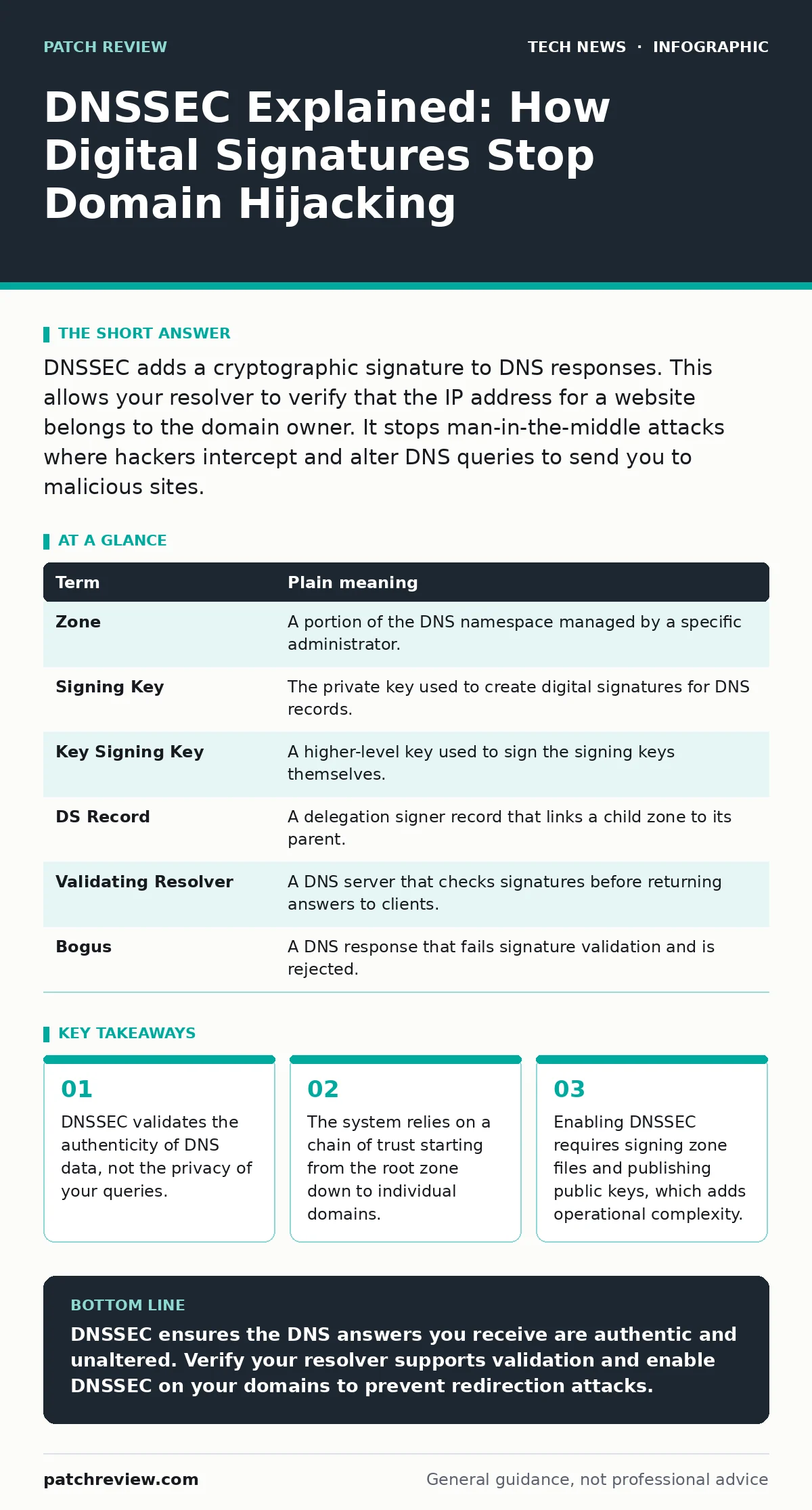
DNSSEC adds a cryptographic signature to DNS responses. This allows your resolver to verify that the IP address for a website belongs to the domain owner. It stops man-in-the-middle attacks where hackers intercept and alter DNS queries to send you to malicious sites.
The Postal Service Analogy
Imagine sending a letter through the postal service. You write the recipient's address on the envelope and drop it in the mailbox. The postal worker picks it up, sorts it, and delivers it. This process works well until someone intercepts the mail. Suppose a thief swaps your letter with a fake one that looks identical but contains different instructions. The recipient opens the envelope, reads the fake instructions, and acts on them. You have no way of knowing the message was altered.
DNS works similarly. When you type a website address, your computer asks a DNS server for the IP address. That server returns the number. If an attacker sits between you and the server, they can change the number. Your computer then connects to the wrong server. You might think you are banking on your real bank’s website, but you are actually on a copy designed to steal your credentials.
How DNSSEC Signs the Mail
DNSSEC adds a digital signature to the DNS response. Think of this signature as a wax seal on the envelope. The sender uses a private key to create the seal. The recipient uses a public key to verify the seal. If the seal is broken or altered, the recipient knows the letter was tampered with. The recipient does not trust the postal worker; they trust the seal.
This mechanism ensures data integrity. It guarantees that the IP address you receive is the one the domain owner intended. It does not hide your identity. DNSSEC does not encrypt the query. Anyone watching the network traffic can still see which domains you are looking up. It only proves that the answer has not been changed in transit.
The Chain of Trust
A single signature is not enough. You need to trust the public key used to verify the seal. DNSSEC solves this with a hierarchy called the chain of trust. The root zone, managed by ICANN, signs the top-level domains like .com or .org. The .com registry signs the domain name example.com.
Your DNS resolver checks each link in this chain. It verifies the root signature, then the TLD signature, and finally the domain signature. If any link is missing or invalid, the resolver rejects the answer. This prevents an attacker from forging a signature at any level. The system relies on the security of the keys at each level. If an attacker steals a private key, they can sign fake responses that look valid.
Key Terms for DNSSEC
| Term | Plain meaning |
|---|---|
| Zone | A portion of the DNS namespace managed by a specific administrator. |
| Signing Key | The private key used to create digital signatures for DNS records. |
| Key Signing Key | A higher-level key used to sign the signing keys themselves. |
| DS Record | A delegation signer record that links a child zone to its parent. |
| Validating Resolver | A DNS server that checks signatures before returning answers to clients. |
| Bogus | A DNS response that fails signature validation and is rejected. |
Why Privacy Is Not the Goal
A common misconception is that DNSSEC hides your browsing activity. It does not. DNSSEC is about authenticity, not confidentiality. Your ISP or network administrator can still see every domain you query. To protect your privacy, you need encryption for the DNS query itself. This is where technologies like DNS over HTTPS come into play. Combining DNSSEC with encrypted transport gives you both integrity and privacy.
This distinction matters for home router security. Many modern routers allow you to change the DNS server. If you switch to a public resolver that supports DNSSEC validation, you gain protection against local spoofing. However, you are trusting that resolver to not log your queries. You must weigh the benefit of validation against the loss of privacy.
See also: AI Data Centers Explained: Infrastructure, Power, and Cooling Basics
The Operational Cost
Enabling DNSSEC is not a simple toggle. It requires signing your zone files. This adds computational overhead to your authoritative servers. You must manage key rotations regularly. If you lose your private key, you cannot sign new records. You must also publish your public keys in the parent zone. This requires coordination with your domain registrar.
For large organizations, this complexity is manageable. For individuals or small sites, the cost may outweigh the benefit. If you do not control the authoritative DNS for your domain, you cannot enable DNSSEC. You must rely on your provider to sign the records. Check if your hosting provider supports DNSSEC. If they do not, you are dependent on their security practices.
Try This Now
- Check if your current DNS resolver validates DNSSEC. Use a tool like
digwith the +dnssec flag to query a known signed domain. If you receive RRSIG records, your resolver is validating. - Verify your domain’s DNSSEC status. Use a public lookup tool to see if your domain has DS records published in the parent zone. This confirms the chain of trust is established.
- Configure your device to use a validating resolver. Change your network settings to use a public DNS provider that explicitly supports DNSSEC validation. This ensures your queries are checked for authenticity.
The Bigger Picture
DNSSEC is one layer in a defense-in-depth strategy. It works alongside other security measures. For example, browser sandboxing limits what a compromised website can do on your computer. Even if you are redirected to a malicious site, the sandbox prevents it from accessing your files. Combining DNSSEC with browser security reduces the impact of DNS spoofing.
Similarly, open-source software security matters here. Many DNS resolvers are open-source. This allows the community to audit the code for vulnerabilities. If a flaw is found, it can be patched quickly. Closed-source resolvers may hide bugs that attackers exploit. Choosing a well-maintained resolver is part of securing your DNS experience.
Key takeaways
- DNSSEC validates the authenticity of DNS data, not the privacy of your queries.
- The system relies on a chain of trust starting from the root zone down to individual domains.
- Enabling DNSSEC requires signing zone files and publishing public keys, which adds operational complexity.
DNSSEC ensures the DNS answers you receive are authentic and unaltered. Verify your resolver supports validation and enable DNSSEC on your domains to prevent redirection attacks.
Frequently asked questions
Does DNSSEC encrypt my DNS queries?
No, DNSSEC only signs the responses. To encrypt queries, use DNS over HTTPS or DNS over TLS.
Can DNSSEC protect me from malware?
No, DNSSEC only prevents DNS spoofing. It does not stop malware from running on your device.
Do I need to install software to use DNSSEC?
No, DNSSEC is transparent to the user. It works if your DNS resolver supports validation.
Is DNSSEC available for all domain extensions?
Most major extensions support DNSSEC, but some newer or less common ones may not.
How this guide was produced: written by the Patch Review editorial team with AI assistance, checked against the public references listed below, and reviewed when the facts change. See our editorial policy or report an error.