
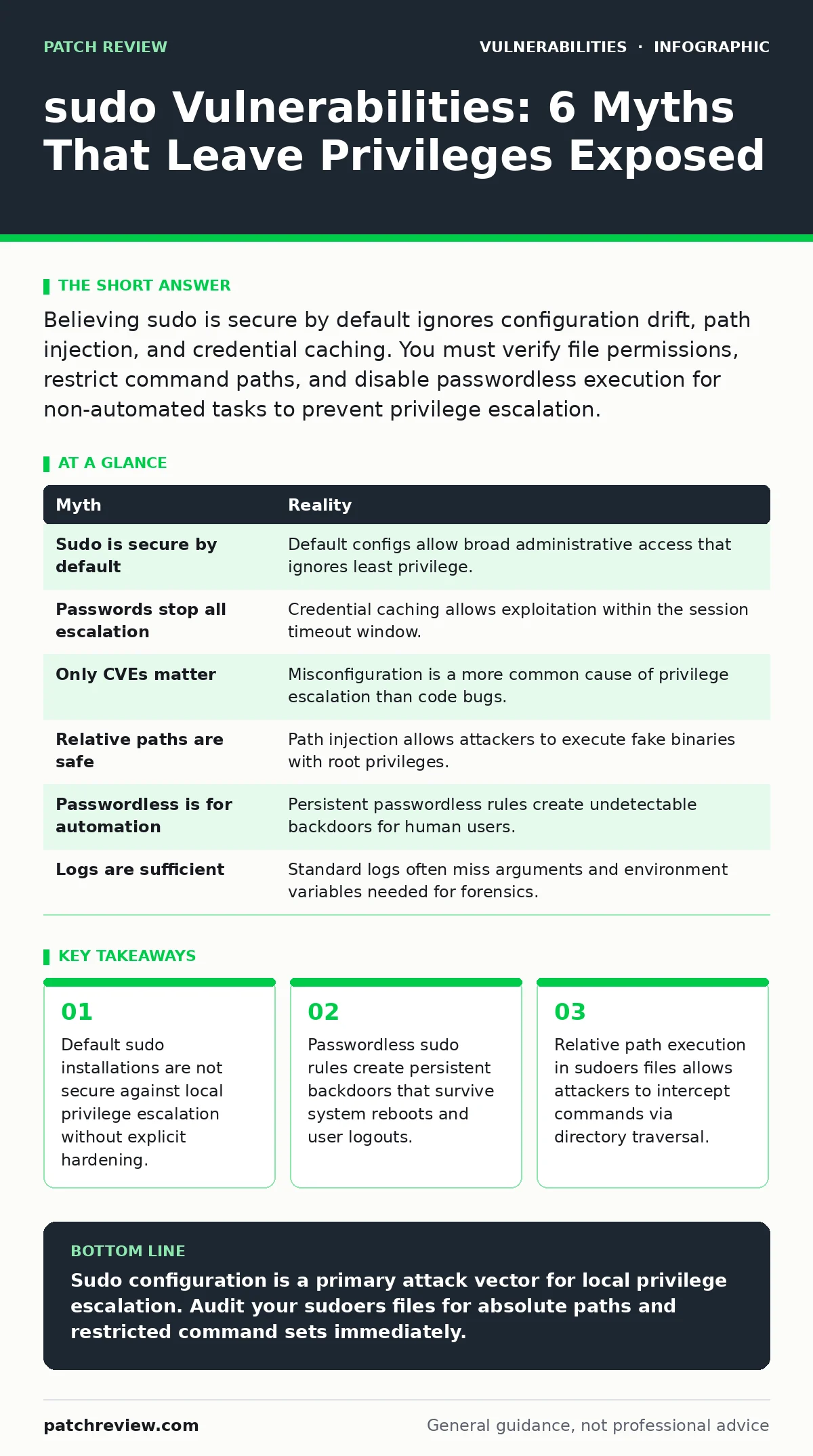
Believing sudo is secure by default ignores configuration drift, path injection, and credential caching. You must verify file permissions, restrict command paths, and disable passwordless execution for non-automated tasks to prevent privilege escalation.
Myth: Sudo is secure by default
Reality: Installing sudo provides basic privilege separation, but the default configuration on many systems allows significant flexibility that attackers exploit. The default behavior often permits users in the administrative group to execute any command with elevated privileges. This broad permission set ignores the principle of least privilege. You assume the software validates every input, but it relies on the administrator to define strict boundaries. Without explicit restrictions, a compromised user account gains full system control immediately. The tool does not prevent misuse; it only records it.
Myth: Requiring a password stops all escalation
Reality: Password authentication verifies identity at the moment of execution, but it does not protect against credential caching or environment manipulation. Sudo caches authentication credentials for a limited period, reducing the need for repeated password entry. An attacker who gains access to a running session can exploit this cache window. They do not need to steal the password if they can inject commands into the existing process. This mechanism creates a temporary trust boundary that is weaker than physical security. You must disable caching for high-security environments.
Myth: Only known CVEs pose a threat
Reality: Most sudo compromises stem from misconfiguration rather than software bugs. A vulnerability in the code is rare compared to an error in the policy file. Administrators often grant excessive permissions to facilitate administrative tasks, creating persistent weaknesses. These configuration errors do not receive security patches because they are not defects in the binary. They are logical flaws in how you delegate authority. Focusing only on software updates ignores the larger attack surface created by human error. See how exposure management helps identify these configuration gaps before exploitation.
Myth: Relative paths in sudoers are safe
Reality: Specifying a command without its full absolute path allows attackers to control which binary executes. If you list visudo instead of /usr/bin/visudo, an attacker can place a malicious script named visudo in a directory that appears earlier in the system path. The system executes this fake script with root privileges. This technique is known as path injection. It bypasses file permission checks because the sudoers file explicitly permits the command name. You must always use absolute paths in configuration files to prevent this interception.
Myth: Passwordless sudo is only for automation
Reality: Rules that exempt users from password prompts are often left enabled after initial setup. These rules provide a persistent backdoor that does not require credential theft. An attacker who gains access to the user account retains elevated privileges indefinitely. The system does not log the absence of a password challenge, making detection difficult. This configuration violates audit requirements because it removes a key verification step. You should restrict passwordless execution to specific, read-only commands or temporary service accounts.
Myth: Sudo logs are sufficient for detection
Reality: Standard logging records that a command was executed, but it often fails to capture the arguments or the environment variables used. An attacker can obfuscate malicious input to look like benign activity. Without detailed argument logging, you cannot reconstruct the exact actions taken during a breach. This limitation mirrors issues found in other areas of system security, such as directory listing exposure, where metadata is hidden. You must configure verbose logging to capture full command strings and environment states.
| Myth | Reality |
|---|---|
| Sudo is secure by default | Default configs allow broad administrative access that ignores least privilege. |
| Passwords stop all escalation | Credential caching allows exploitation within the session timeout window. |
| Only CVEs matter | Misconfiguration is a more common cause of privilege escalation than code bugs. |
| Relative paths are safe | Path injection allows attackers to execute fake binaries with root privileges. |
| Passwordless is for automation | Persistent passwordless rules create undetectable backdoors for human users. |
| Logs are sufficient | Standard logs often miss arguments and environment variables needed for forensics. |
Key takeaways
- Default sudo installations are not secure against local privilege escalation without explicit hardening.
- Passwordless sudo rules create persistent backdoors that survive system reboots and user logouts.
- Relative path execution in sudoers files allows attackers to intercept commands via directory traversal.
Sudo configuration is a primary attack vector for local privilege escalation. Audit your sudoers files for absolute paths and restricted command sets immediately.
Frequently asked questions
How do I find misconfigured sudo rules?
Use a configuration audit tool to scan the sudoers file for wildcard permissions, relative paths, and passwordless entries for interactive users.
Does disabling password caching help?
Yes, setting the timeout to zero forces password entry for every command, reducing the window for session hijacking but impacting user convenience.
Can sudo protect against remote attacks?
No, sudo only manages local privilege escalation. You must also secure remote access protocols and network boundaries to prevent initial compromise.
How does this relate to other vulnerabilities?
Like prototype pollution in web apps, sudo misconfiguration exploits trust boundaries. Both require strict input validation and minimal privilege delegation.
How this guide was produced: written by the Patch Review editorial team with AI assistance, checked against the public references listed below, and reviewed when the facts change. See our editorial policy or report an error.