
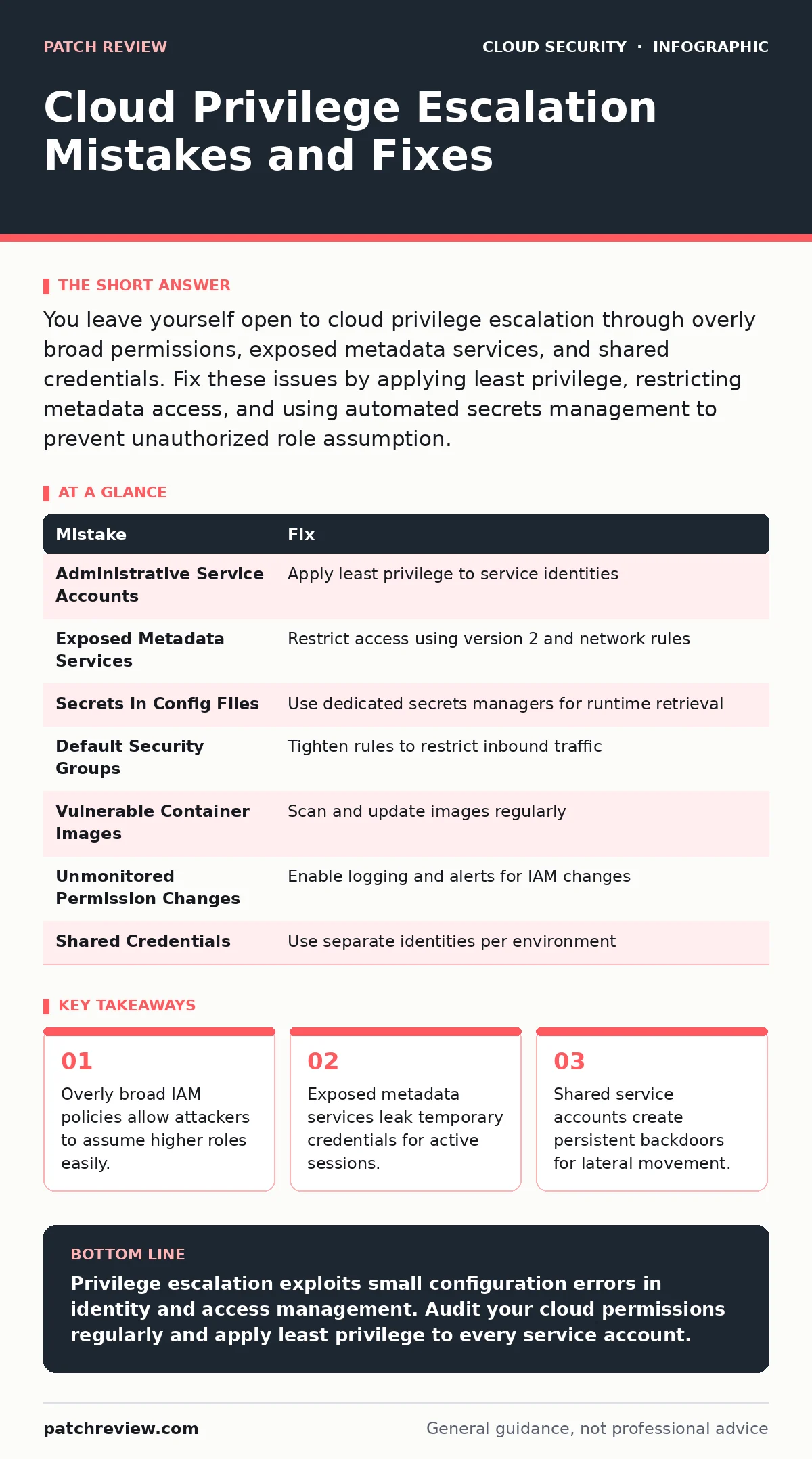
You leave yourself open to cloud privilege escalation through overly broad permissions, exposed metadata services, and shared credentials. Fix these issues by applying least privilege, restricting metadata access, and using automated secrets management to prevent unauthorized role assumption.
Mistake 1: Granting Administrative Access to Service Accounts
Service accounts often receive full administrative rights to simplify deployment automation. This convenience creates a high-value target for attackers who compromise the underlying workload.
Why it hurts:
A service account with broad permissions acts as a master key. If an attacker compromises a container or instance using that account, they immediately inherit administrative powers. This bypasses normal access controls and allows immediate lateral movement across the entire cloud environment without triggering standard user authentication alerts.
The fix:
Apply the principle of least privilege to every service identity. Grant permissions only for the specific API calls required by the application. Review these permissions regularly to remove unused access. See our guide on overprivileged cloud identities for detailed policy construction techniques that minimize risk while maintaining functionality.
Mistake 2: Leaving Metadata Services Accessible to Applications
Cloud instances provide metadata services that return temporary credentials. Applications often access these endpoints to retrieve authentication tokens dynamically.
Why it hurts:
If an application contains a server-side request forgery vulnerability, an attacker can force the server to query the metadata endpoint. This returns valid, short-lived credentials for the instance’s role. The attacker then uses these tokens to assume higher privileges or access other resources, effectively stealing the identity of the compromised server.
The fix:
Restrict access to metadata services using instance metadata service version 2, which requires a session token for access. Configure network rules to block internal requests to metadata endpoints from untrusted application layers. Refer to cloud metadata service attacks for specific mitigation strategies that prevent token theft through network isolation and request validation.
Mistake 3: Storing Secrets in Configuration Files
Developers often embed database passwords or API keys directly in configuration files or source code repositories for ease of debugging.
Why it hurts:
Configuration files are often version-controlled or cached in memory. If an attacker gains read access to the file system or repository, they obtain long-lived credentials. These secrets rarely expire quickly, allowing persistent access even after the initial breach is detected. This static storage method eliminates the ability to rotate credentials automatically.
The fix:
Move all secrets to a dedicated secrets manager. These systems encrypt data at rest and provide dynamic access controls. Applications retrieve secrets at runtime without storing them locally. This approach ensures credentials are never written to disk in plaintext. See secrets managers for implementation details that secure sensitive data across distributed systems.
Mistake 4: Using Default Security Group Rules
Cloud platforms provide default security groups that often allow inbound traffic from any source on common ports.
Why it hurts:
Default rules prioritize connectivity over security. Leaving these rules active exposes management ports and database services to the public internet. Attackers can scan for open ports and exploit known vulnerabilities in exposed services. This broad exposure increases the attack surface significantly and makes initial compromise easier.
The fix:
Review and tighten security group rules immediately after deployment. Restrict inbound traffic to known IP ranges and specific ports required by the application. Disable unnecessary protocols and close ports that are not actively used. See cloud security groups for best practices on designing network isolation that prevents unauthorized access while maintaining necessary connectivity.
Mistake 5: Ignoring Container Image Vulnerabilities
Container images often contain outdated libraries and system packages with known security flaws.
Why it hurts:
Vulnerable packages allow attackers to exploit known weaknesses in the container runtime. If the container runs with elevated privileges, an attacker can escape the container sandbox and access the host system. This leads to full host compromise and potential privilege escalation to cloud administrative roles.
The fix:
Scan container images for vulnerabilities before deployment. Use minimal base images that reduce the number of installed packages. Regularly update images to patch known security flaws. See container runtime security for strategies that isolate workloads and prevent escape attempts from compromised containers.
See also: Cloud Application Detection and Response: How It Works and Why It Matters · Cloud Ransomware Response: Containment and Recovery Steps
Mistake 6: Failing to Monitor Permission Changes
Changes to identity and access management policies are often made manually without automated logging or approval workflows.
Why it hurts:
Unauthorized or accidental permission changes go unnoticed until an attacker exploits them. Without real-time monitoring, you cannot detect when a user or service account receives elevated privileges. This lack of visibility allows attackers to escalate privileges silently and operate within the environment for extended periods.
The fix:
Enable comprehensive logging for all IAM policy changes. Set up alerts for any modifications to administrative roles or sensitive permissions. Implement automated approval workflows for permission changes to ensure human review. This creates an audit trail that helps detect and respond to unauthorized privilege escalation attempts quickly.
Mistake 7: Sharing Credentials Across Environments
Teams often reuse the same credentials for development, testing, and production environments to reduce management overhead.
Why it hurts:
A breach in a lower-security environment like development can lead to full compromise of production systems. Shared credentials mean that compromising one environment grants access to all others. This eliminates the security boundaries between environments and allows attackers to move laterally with ease.
The fix:
Use separate identities for each environment. Implement strict access controls that prevent credentials from one environment from being used in another. Automate credential rotation to ensure that any leaked credentials expire quickly. See cloud ransomware for insights on how credential reuse facilitates rapid lateral movement and data encryption across environments.
| Mistake | Fix |
|---|---|
| Administrative Service Accounts | Apply least privilege to service identities |
| Exposed Metadata Services | Restrict access using version 2 and network rules |
| Secrets in Config Files | Use dedicated secrets managers for runtime retrieval |
| Default Security Groups | Tighten rules to restrict inbound traffic |
| Vulnerable Container Images | Scan and update images regularly |
| Unmonitored Permission Changes | Enable logging and alerts for IAM changes |
| Shared Credentials | Use separate identities per environment |
Key takeaways
- Overly broad IAM policies allow attackers to assume higher roles easily.
- Exposed metadata services leak temporary credentials for active sessions.
- Shared service accounts create persistent backdoors for lateral movement.
Privilege escalation exploits small configuration errors in identity and access management. Audit your cloud permissions regularly and apply least privilege to every service account.
Frequently asked questions
How do I detect privilege escalation in the cloud?
Monitor for unusual API calls, sudden permission changes, and access from unexpected IP addresses or user agents.
Can I prevent all cloud privilege escalation attempts?
No single measure prevents all attempts, but layered security with least privilege and monitoring significantly reduces risk.
What is the principle of least privilege?
It grants users and services only the minimum permissions necessary to perform their specific tasks, limiting potential damage.
How often should I review cloud permissions?
Review permissions regularly, ideally after every major deployment or quarterly, to remove unused access and maintain security.
How this guide was produced: written by the Patch Review editorial team with AI assistance, checked against the public references listed below, and reviewed when the facts change. See our editorial policy or report an error.