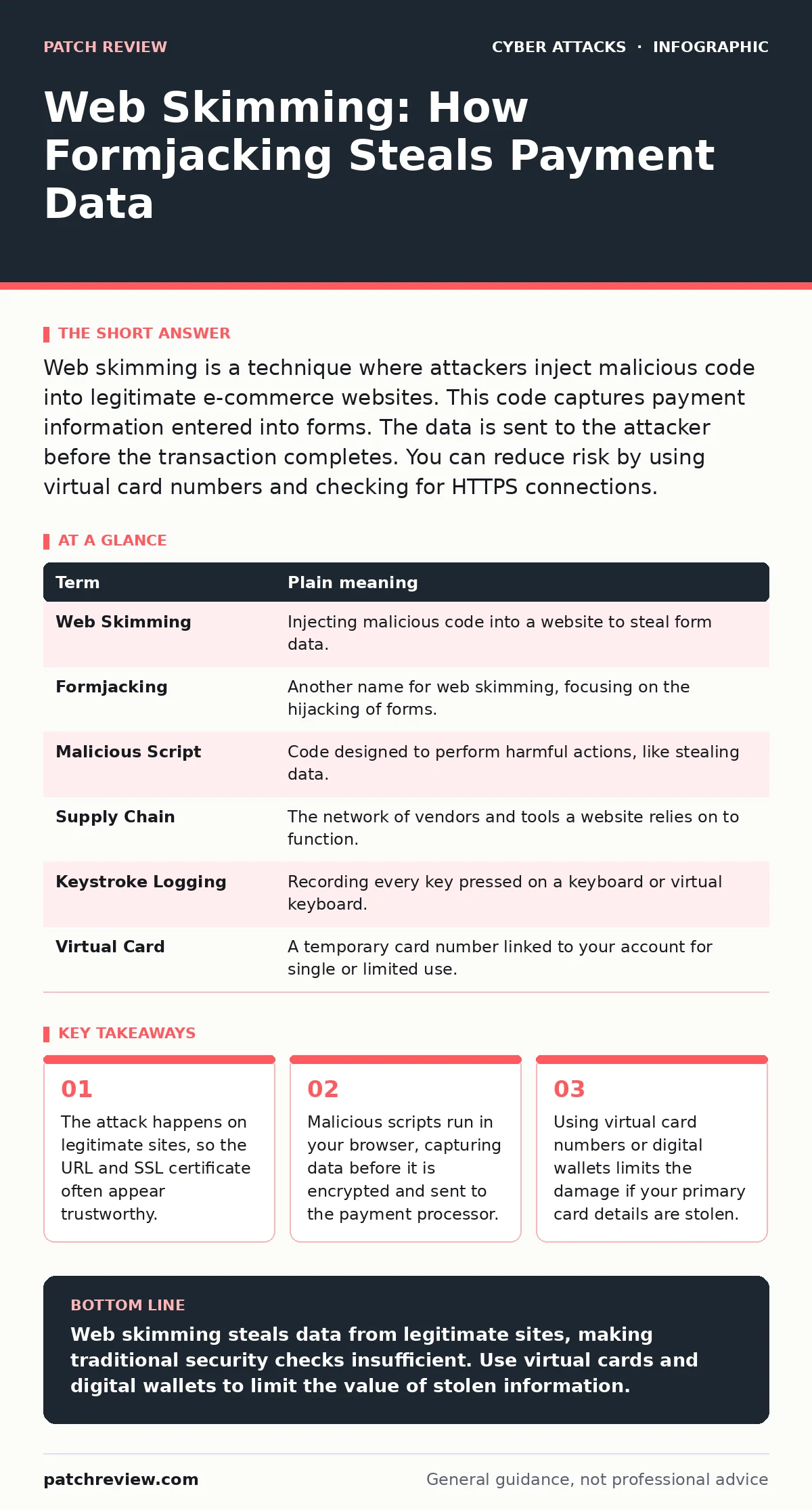
Web skimming is a technique where attackers inject malicious code into legitimate e-commerce websites. This code captures payment information entered into forms. The data is sent to the attacker before the transaction completes. You can reduce risk by using virtual card numbers and checking for HTTPS connections.
The Compromised Checkout Counter
Imagine you are at a grocery store checkout. You hand your credit card to the cashier, who scans it. Now imagine the cashier has a second, hidden scanner that copies your card number and sends it to a stranger in the parking lot. You still pay for your groceries, and the store gets the money. But the stranger now has a copy of your payment details.
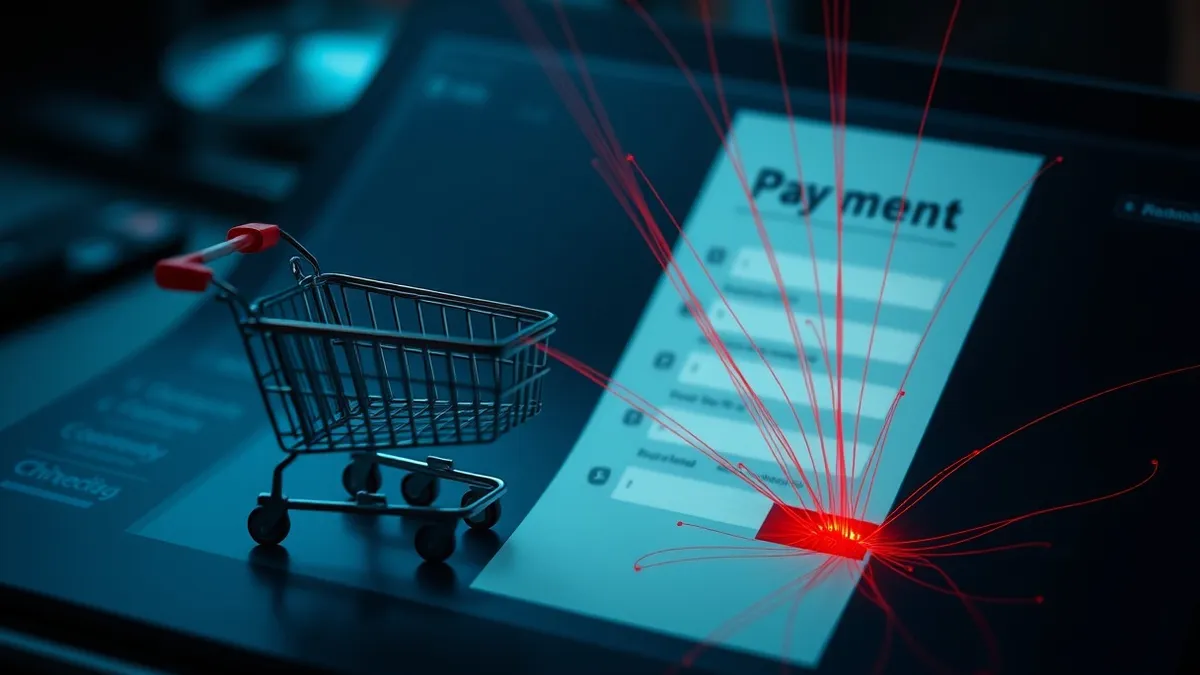
This is how web skimming works. The website looks real. The transaction appears normal. The difference is that a malicious script runs in the background of the checkout page. It captures your input before the legitimate form processes it.
How the Injection Occurs
The attacker does not need to hack your computer. They need to access the website's content management system or its third-party plugins. Many online stores use scripts from external providers to handle payments or display analytics. If an attacker compromises one of these providers, they can inject code that loads on every store using that service.
This is known as a supply chain compromise. The vulnerability exists in the tool the website trusts, not necessarily in the website's own code. The malicious script hides among legitimate code. It waits for you to type your card number, expiration date, and security code.
The Data Capture Mechanism
When you type into a form field, the browser generates events. A malicious script can listen for these events. It records every keystroke. It captures the final value of the field when you move to the next box. This data is then packaged and sent to a server controlled by the attacker.
This process happens in milliseconds. You see no error messages. The page loads normally. The payment processor receives the clean data. The attacker receives a copy. Because the data is captured in the browser, it bypasses many server-side security controls. The website owner may not know the theft is happening until customers report fraud.
| Term | Plain meaning |
|---|---|
| Web Skimming | Injecting malicious code into a website to steal form data. |
| Formjacking | Another name for web skimming, focusing on the hijacking of forms. |
| Malicious Script | Code designed to perform harmful actions, like stealing data. |
| Supply Chain | The network of vendors and tools a website relies on to function. |
| Keystroke Logging | Recording every key pressed on a keyboard or virtual keyboard. |
| Virtual Card | A temporary card number linked to your account for single or limited use. |
Why Standard Defenses Fail
You might think checking for HTTPS is enough. It is not. HTTPS encrypts the data between your browser and the website. It does not stop the website from sending your data to a third party. If the website itself is compromised, the encryption protects the data from network eavesdroppers, but not from the site owner or an attacker with access to the site.
This is similar to session cookie theft, where an attacker steals your active login token. In both cases, the attacker gains access to your session or data through a trusted channel. The connection is secure, but the endpoint is not. Understanding the attack lifecycle helps you see that the theft happens after the initial connection is established.
The Hidden Cost of Trust
The danger of web skimming is that it erodes trust in legitimate commerce. You cannot easily tell if a site is compromised. The URL is correct. The design is familiar. The only sign might be a sudden decline in your credit card.
This is why email authentication protocols like SPF are vital for a different part of the internet. They verify that an email comes from a legitimate sender. Web skimming has no direct equivalent for users because the "sender" is the website you intentionally visited. You must assume that any site you enter data into could be compromised.
See also: Stop Path Traversal Attacks: Defense Strategies That Actually Work · Reverse Proxies: The Hidden Gatekeeper for Web Security
Simple Safety Habits
You cannot patch every website on the internet. You can, however, change how you interact with them. The goal is to limit the value of the data an attacker steals. If they steal a number that expires in an hour, their effort is wasted.
- Use virtual card numbers. Many banks and digital wallets offer this. You generate a unique card number for a single transaction or a short period. If that number is skimmed, the attacker cannot use it later.
- Use digital wallets. Services like Apple Pay or Google Pay do not share your actual card number with the merchant. They use a token. This adds a layer of abstraction between your real card and the website.
- Monitor transactions closely. Set up alerts for any charge. If you see a small, unauthorized charge, you know your data is compromised. You can then cancel your card immediately.
Beyond the Checkout Page
Web skimming is not limited to credit cards. Attackers can target any form that collects personal information. This includes login forms, address fields, and even customer support chat boxes. The same principles apply. Do not enter sensitive information on sites that do not offer alternative payment or identification methods.
This is distinct from browser-in-the-browser attacks, which trick you into believing you are interacting with a secure overlay. In web skimming, you are interacting with the real page. The deception is in the code, not the visual interface.
The Role of Website Owners
While you can protect your data, the ultimate defense lies with the website owner. They must implement strict access controls and monitor for unauthorized changes to their code. This is part of broader DDoS protection and security strategies. If a site does not care about its security posture, you should not trust it with your data.
Key takeaways
- The attack happens on legitimate sites, so the URL and SSL certificate often appear trustworthy.
- Malicious scripts run in your browser, capturing data before it is encrypted and sent to the payment processor.
- Using virtual card numbers or digital wallets limits the damage if your primary card details are stolen.
Web skimming steals data from legitimate sites, making traditional security checks insufficient. Use virtual cards and digital wallets to limit the value of stolen information.
Frequently asked questions
Can antivirus software stop web skimming?
Antivirus software focuses on malware on your device. Web skimming happens in the browser via a legitimate website. Antivirus cannot easily distinguish between a legitimate form and a compromised one.
Is web skimming the same as a phishing site?
No. Phishing uses a fake site that looks like a real one. Web skimming injects code into the real site. The URL and domain are authentic in web skimming.
Do I need to change my password if I used a virtual card?
Not necessarily. Virtual cards protect payment data. If you entered a password on the same page, consider changing it, as the attacker may have captured it too.
Can I detect if a site is being skimmed?
Generally, no. The malicious code is hidden. You may notice if the page loads slowly or behaves oddly, but these are not reliable indicators.
How this guide was produced: written by the Patch Review editorial team with AI assistance, checked against the public references listed below, and reviewed when the facts change. See our editorial policy or report an error.