
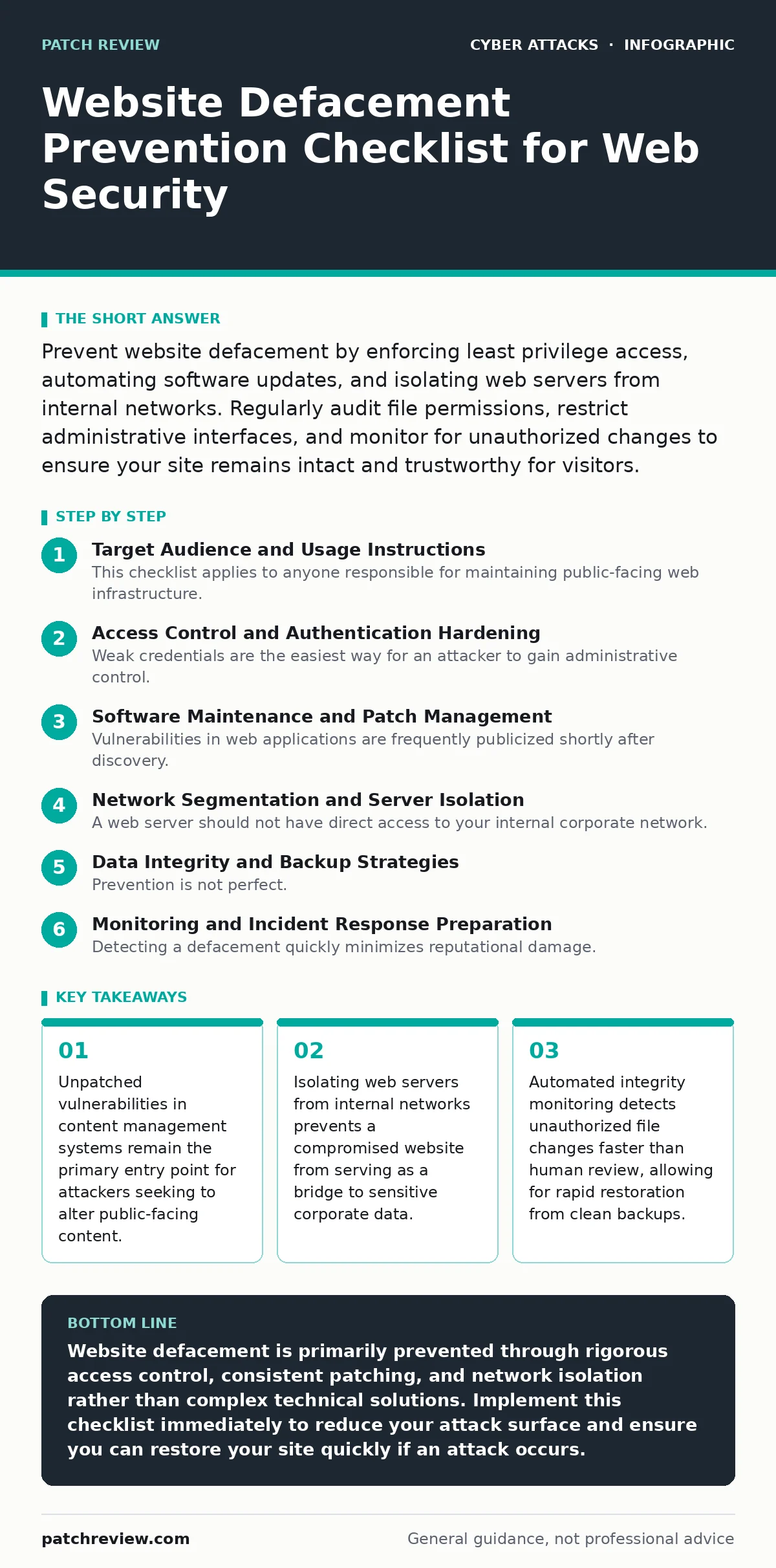
Prevent website defacement by enforcing least privilege access, automating software updates, and isolating web servers from internal networks. Regularly audit file permissions, restrict administrative interfaces, and monitor for unauthorized changes to ensure your site remains intact and trustworthy for visitors.
Target Audience and Usage Instructions
This checklist applies to anyone responsible for maintaining public-facing web infrastructure. You do not need advanced engineering skills to implement these controls, but you do need consistency. Use this list during initial server setup and review it quarterly. Each item represents a specific control that reduces the attack surface available to an adversary attempting to modify your site’s appearance or content.
Access Control and Authentication Hardening
Weak credentials are the easiest way for an attacker to gain administrative control. You must ensure that only authorized personnel can modify website files or configuration settings.
- Enforce multi-factor authentication for all administrative accounts: A password alone is insufficient against credential stuffing or brute-force attacks, adding a second factor blocks unauthorized entry even if secrets are stolen.
- Implement least privilege access for all users: Developers and content editors should only have access to the specific files and directories they need, preventing lateral movement if one account is compromised.
- Disable default administrative usernames: Attackers often target common names like "admin" or "root"; using unique identifiers reduces the success rate of automated login scanners.
- Rotate API keys and service credentials regularly: Long-lived secrets increase the window of opportunity for attackers who have quietly exfiltrated configuration files from your environment.
Software Maintenance and Patch Management
Vulnerabilities in web applications are frequently publicized shortly after discovery. Attackers write automated tools to exploit these known flaws before administrators apply the necessary fixes. You must reduce the time between vulnerability disclosure and patch application.
- Automate updates for content management systems and plugins: Manual updates are often delayed or forgotten; automated processes ensure that security patches are applied consistently across your infrastructure.
- Remove unused plugins and themes: Every installed component adds potential attack vectors; disabling or deleting unused software eliminates unnecessary code that could contain hidden vulnerabilities.
- Verify vendor support status for all software: Abandonware no longer receives security updates, making it a permanent liability that attackers will target knowing no fix will ever be released.
- Test patches in a staging environment first: Applying updates directly to production can break functionality; testing ensures that security improvements do not introduce new operational failures.
Network Segmentation and Server Isolation
A web server should not have direct access to your internal corporate network. If an attacker compromises the web server, they should not be able to pivot to other systems. This separation limits the blast radius of a successful breach.
- Place web servers in a demilitarized zone: A DMZ isolates public-facing services from internal resources, ensuring that a compromise of the web layer does not grant access to sensitive internal data.
- Restrict outbound traffic from web servers: Web servers generally only need to communicate with specific upstream services; blocking unnecessary outbound connections prevents data exfiltration and command-and-control communication.
- Disable unused network services on the host: Services like SSH or FTP should only be enabled if strictly necessary; each open port increases the surface area for potential exploitation.
- Use application firewalls to filter traffic: Web application firewalls inspect incoming requests for known attack patterns, blocking malicious payloads before they reach your application logic.
Data Integrity and Backup Strategies
Prevention is not perfect. You must assume that an attacker will eventually bypass your controls. Your ability to restore the site quickly depends on the quality and isolation of your backups.
- Maintain immutable backups of website files: Immutable backups cannot be altered or deleted by attackers, ensuring you have a clean copy to restore even if the primary backup system is compromised.
- Store backups offline or in a separate cloud account: Backups stored on the same network or account as the live site are vulnerable to the same ransomware or defacement attacks; separation ensures availability.
- Verify backup integrity regularly: A backup that cannot be restored is useless; regular restoration tests confirm that your backup processes are working correctly and that files are not corrupted.
- Monitor file integrity with automated tools: File integrity monitoring systems alert you when critical files are changed, allowing you to detect defacement attempts in real-time rather than after public discovery.
See also: Reverse Proxies: The Hidden Gatekeeper for Web Security · Web Skimming: How Formjacking Steals Payment Data
Monitoring and Incident Response Preparation
Detecting a defacement quickly minimizes reputational damage. You need clear procedures for identifying unauthorized changes and restoring the site.
- Set up alerts for changes to critical files: Automated notifications for modifications to index files or configuration scripts ensure you are aware of changes immediately, rather than waiting for user reports.
- Document incident response procedures for defacement: Clear steps for isolating the server, analyzing logs, and restoring from backups reduce panic and downtime when an attack occurs.
- Review access logs regularly for anomalies: Unusual login patterns or access from unexpected geographic locations can indicate an ongoing attack, allowing you to intervene before defacement occurs.
- Conduct tabletop exercises for security incidents: Practicing response scenarios helps your team understand their roles and responsibilities, ensuring a coordinated and effective response during a real event.
Related Security Considerations
Website defacement is often a precursor to more severe attacks. Attackers may use a defaced site to host malicious scripts that target your visitors. Understanding web skimming helps you recognize how attackers inject code to steal payment data. Additionally, ensuring your authentication methods are secure, such as by adopting passkeys, reduces the risk of account takeover that could lead to defacement.
Final Verification Steps
Before considering your site secure, perform a final review of these controls. Ensure that all checklist items are implemented and documented. Security is a continuous process, not a one-time task. Regularly revisit this checklist to adapt to new threats and changes in your infrastructure.
Key takeaways
- Unpatched vulnerabilities in content management systems remain the primary entry point for attackers seeking to alter public-facing content.
- Isolating web servers from internal networks prevents a compromised website from serving as a bridge to sensitive corporate data.
- Automated integrity monitoring detects unauthorized file changes faster than human review, allowing for rapid restoration from clean backups.
Website defacement is primarily prevented through rigorous access control, consistent patching, and network isolation rather than complex technical solutions. Implement this checklist immediately to reduce your attack surface and ensure you can restore your site quickly if an attack occurs.
Frequently asked questions
How do I know if my website has been defaced?
Check your site regularly for unexpected changes in layout, text, or images. Automated monitoring tools can also alert you to unauthorized file modifications in real-time.
Can a firewall prevent website defacement?
A web application firewall can block many common attack patterns, but it cannot prevent all defacement attempts. It must be combined with strong access controls and regular patching.
What is the first step after discovering a defacement?
Isolate the affected server from the network to prevent further damage. Do not attempt to fix the site while it is online, as this may destroy evidence needed for investigation.
How often should I update my website software?
Update software as soon as security patches are released. For critical vulnerabilities, apply patches immediately. For non-critical updates, schedule them within a week to balance security and stability.
How this guide was produced: written by the Patch Review editorial team with AI assistance, checked against the public references listed below, and reviewed when the facts change. See our editorial policy or report an error.