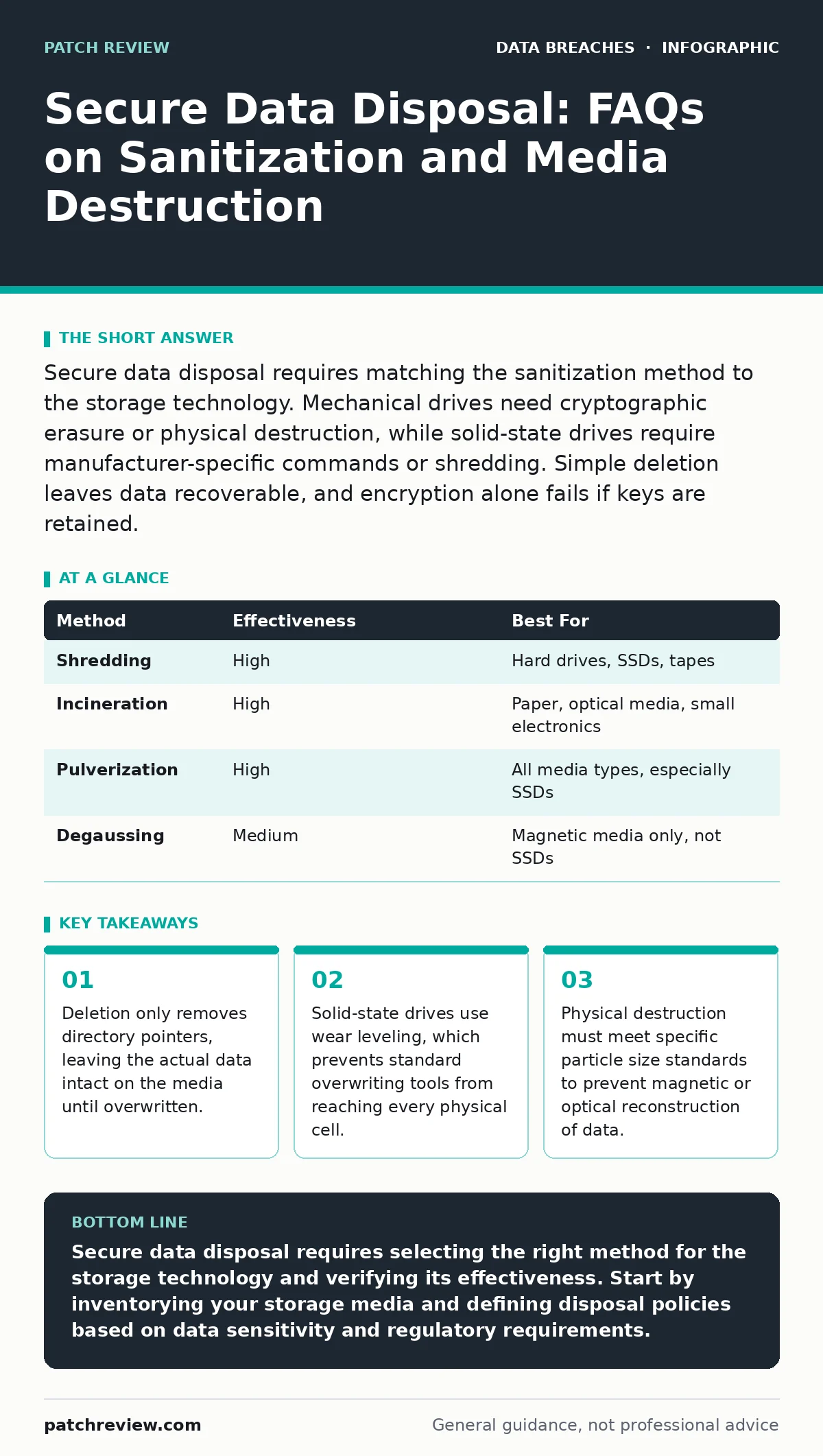
Secure data disposal requires matching the sanitization method to the storage technology. Mechanical drives need cryptographic erasure or physical destruction, while solid-state drives require manufacturer-specific commands or shredding. Simple deletion leaves data recoverable, and encryption alone fails if keys are retained.
Does deleting a file permanently remove it from storage?
No, deleting a file only removes the reference to the data in the file system directory, not the data itself. The operating system marks the space as available for new data, but the original bits remain on the disk until they are overwritten by new information. This means anyone with access to the raw storage media can recover the deleted content using standard recovery tools.
Why does simple overwriting fail on solid-state drives?
Solid-state drives use a technique called wear leveling to distribute write operations evenly across memory cells, extending the device's lifespan. When you overwrite a file, the drive controller may write the new data to a different physical location and mark the old location as invalid, rather than overwriting it in place. Consequently, standard sanitization software that relies on sequential overwriting cannot guarantee that all original data has been erased from the physical medium.
What is the difference between clearing, purging, and destroying?
Clearing removes data using software methods that prevent recovery through normal operating system functions, such as multiple passes of random data. Purging uses more rigorous methods, including cryptographic erasure or physical destruction, to make data recovery infeasible even with advanced laboratory techniques. Destroying physically damages the media so that it cannot be used or recovered, typically by shredding, incinerating, or pulverizing the device.
Is encryption sufficient for secure disposal?
Encryption protects data at rest, but it does not remove the data when the device is discarded. If you retain the encryption keys, an attacker who recovers the media can attempt to decrypt the contents, especially if the encryption implementation is weak or the key is compromised. Secure disposal requires either destroying the media or cryptographically erasing it by securely deleting the keys, rendering the encrypted data unreadable. This process is known as crypto-shredding.
How should I handle removable media like USB drives?
Removable media often lacks the sophisticated security features found in internal drives, making them particularly vulnerable to data recovery. For high-sensitivity data, physical destruction is the most reliable method, as software-based sanitization commands may not be supported or may fail due to the drive's simple controller architecture. If destruction is not feasible, use a dedicated sanitization tool that writes multiple passes of random data, though this is less reliable than physical destruction.
See also: Chain of Custody Form: How to Preserve Digital Evidence Integrity · Data Inventory and Mapping: How to Track What You Actually Have
What physical destruction methods are considered secure?
Physical destruction must reduce the media to particles small enough to prevent reconstruction of the data using magnetic or optical techniques. Shredding is the most common method, but the particle size must meet specific standards defined by security frameworks. Incineration and pulverization are also effective, but they require specialized equipment and careful handling to ensure complete destruction. Simple crushing or drilling may leave fragments that can still be read by advanced adversaries.
| Method | Effectiveness | Best For |
|---|---|---|
| Shredding | High | Hard drives, SSDs, tapes |
| Incineration | High | Paper, optical media, small electronics |
| Pulverization | High | All media types, especially SSDs |
| Degaussing | Medium | Magnetic media only, not SSDs |
Can I reuse storage media after sanitization?
Yes, if you use a clearing or purging method that does not physically damage the media, the device can be reused. However, you must verify the sanitization process using validation tools to ensure no data remnants remain. Reusing media that has been physically destroyed is impossible, as the device is rendered inoperable. For high-security environments, some organizations choose to destroy all media rather than risk residual data exposure.
How do I verify that sanitization was successful?
Verification involves scanning the media for residual data patterns or using manufacturer-provided tools to confirm that the sanitization command was executed correctly. For software-based methods, this may include reading specific sectors to ensure they contain random data or zeros. For physical destruction, visual inspection of the particles is necessary to confirm they meet the required size standards. Documentation of the process is critical for compliance and audit purposes.
What are the environmental considerations for disposal?
Storage media contains hazardous materials, including heavy metals and rare earth elements, that can harm the environment if not disposed of properly. Physical destruction methods like incineration must be conducted in facilities equipped to handle hazardous waste. Shredded media can often be recycled, but the process must ensure that the data cannot be reconstructed from the recycled materials. Balancing security requirements with environmental responsibility requires careful planning and adherence to local regulations.
How does data sovereignty affect disposal practices?
Data sovereignty laws dictate where data can be stored and processed, and they may also extend to how data is disposed of. If you store data in a jurisdiction with strict sovereignty requirements, you must ensure that the disposal process complies with those laws, even if the media is physically moved to another location. This may require on-site destruction or using approved vendors who can provide certification of compliance. Ignoring these requirements can lead to legal penalties and reputational damage.
Key takeaways
- Deletion only removes directory pointers, leaving the actual data intact on the media until overwritten.
- Solid-state drives use wear leveling, which prevents standard overwriting tools from reaching every physical cell.
- Physical destruction must meet specific particle size standards to prevent magnetic or optical reconstruction of data.
Secure data disposal requires selecting the right method for the storage technology and verifying its effectiveness. Start by inventorying your storage media and defining disposal policies based on data sensitivity and regulatory requirements.
Frequently asked questions
Can I just format my hard drive before selling it?
No, a quick format only removes the file system structure, leaving the data intact. A full format may overwrite some data, but it is not guaranteed to remove all remnants, especially on solid-state drives.
Do I need to destroy old smartphones?
If the device is no longer needed, physical destruction is the safest option. If you plan to resell or recycle it, use the manufacturer's factory reset feature combined with encryption, but be aware that advanced recovery techniques may still recover some data.
How often should I review my disposal policy?
Review your policy annually or whenever new storage technologies are adopted. Changes in data sensitivity, regulatory requirements, or technological capabilities may necessitate updates to your disposal procedures.
Can I use third-party services for disposal?
Yes, but you must vet the service provider to ensure they follow secure disposal practices and can provide certification of destruction. Understand the risks associated with third-party data breaches and ensure contracts include strict liability clauses.
How this guide was produced: written by the Patch Review editorial team with AI assistance, checked against the public references listed below, and reviewed when the facts change. See our editorial policy or report an error.