
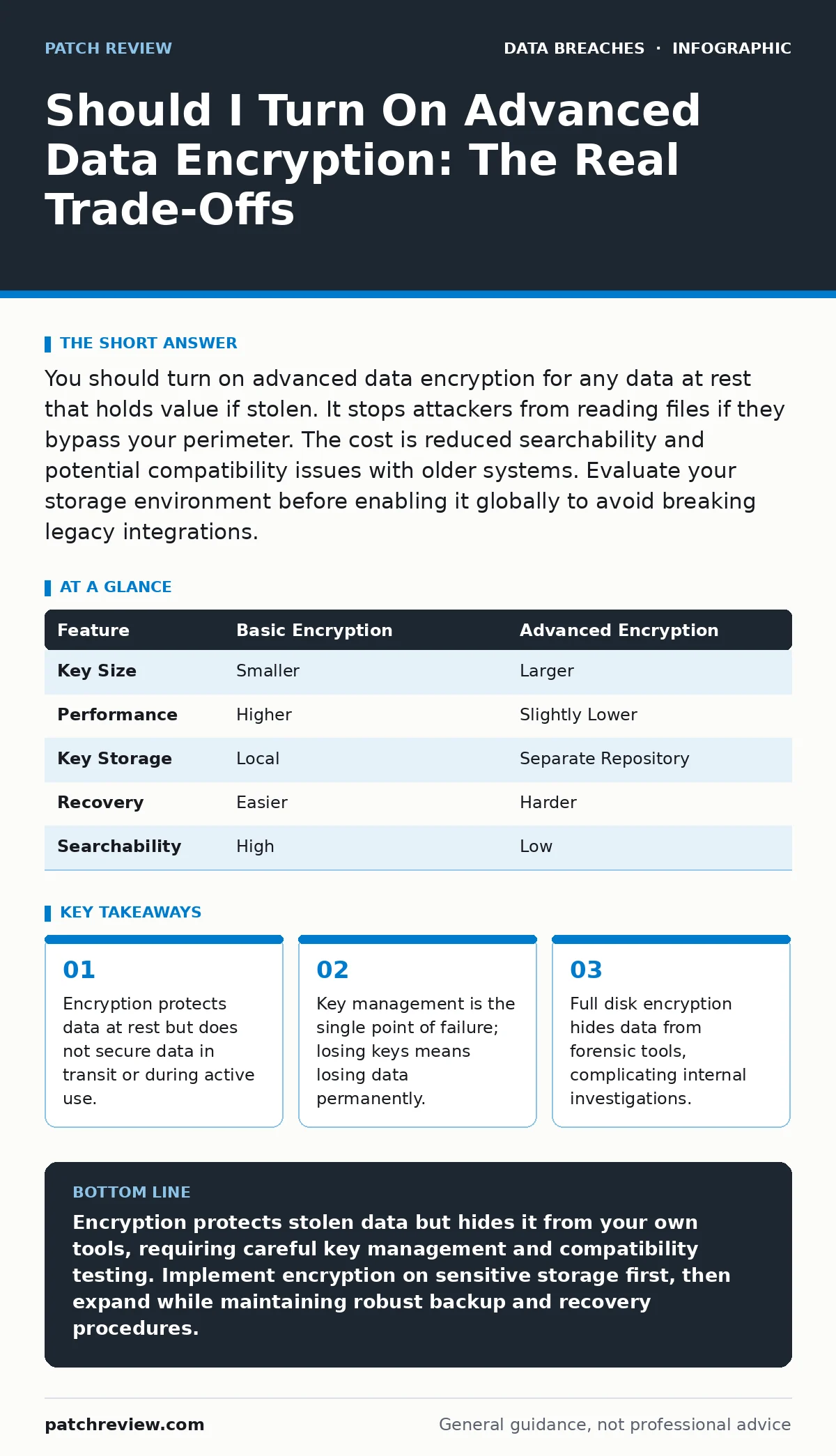
You should turn on advanced data encryption for any data at rest that holds value if stolen. It stops attackers from reading files if they bypass your perimeter. The cost is reduced searchability and potential compatibility issues with older systems. Evaluate your storage environment before enabling it globally to avoid breaking legacy integrations.
Should I turn on advanced data encryption for my storage?
You should turn on advanced data encryption for all storage media that contains sensitive information. This measure ensures that if a physical drive is stolen or removed from the system, the attacker cannot read the contents without the decryption key. It acts as a final barrier when perimeter defenses fail. The protection applies to data at rest, meaning files sitting on a hard drive or SSD. It does not protect data while it moves across networks or while it is being processed in memory.
What is the difference between basic and advanced encryption?
Advanced encryption typically uses stronger algorithms and larger key sizes than basic settings. Basic encryption might use older standards that are faster but easier to crack with modern computing power. Advanced options often implement full disk encryption or file-level encryption with strict key separation. This means the key that unlocks the data is stored separately from the data itself. This separation adds security but introduces complexity in key management. You must ensure the keys are accessible when needed but hidden from attackers.
How does encryption affect system performance?
Encryption adds computational overhead to every read and write operation. The system must encrypt data before saving it and decrypt it when loading it. Modern processors include hardware instructions that accelerate this process, reducing the performance hit to near zero for most users. Older hardware or systems without these instructions may experience slower file access times. Database servers handling high transaction volumes may see increased latency. You should benchmark your specific workload after enabling encryption to measure the impact.
What happens if I lose the encryption key?
Losing the encryption key renders your data permanently unrecoverable. There is no backdoor, no master password, and no support team that can decrypt the files for you. The mathematical strength of modern encryption means that guessing the key is computationally impossible. This is a feature, not a bug, designed to prevent unauthorized access. If you lose the key, you must wipe the storage and restore from backups. This makes encryption key management as critical as the encryption itself. For deeper strategies, see our guide on encryption key management.
| Feature | Basic Encryption | Advanced Encryption |
|---|---|---|
| Key Size | Smaller | Larger |
| Performance | Higher | Slightly Lower |
| Key Storage | Local | Separate Repository |
| Recovery | Easier | Harder |
| Searchability | High | Low |
Does encryption protect against all data breaches?
Encryption does not protect against all types of data breaches. It secures data at rest but leaves data in transit and data in use exposed. Attackers who steal data while it is being transmitted over a network can bypass storage encryption. They can also access data while it is loaded into application memory. Encryption does not stop social engineering attacks where you voluntarily share credentials. It does not prevent malware from capturing keystrokes. It only ensures that stolen files are unreadable without the correct key.
See also: Encryption Key Management: Definition, Purpose, and Core Mechanics · Hardware Security Modules: 8 Questions Answered
How does encryption impact data search and recovery?
Encrypted data cannot be searched by standard indexing tools. Search engines and backup software must decrypt the data before they can index its contents. This adds time and processing power to search operations. In a crisis, finding a specific file among terabytes of encrypted data becomes difficult. You may need specialized tools that can search encrypted indices or rely on metadata. This trade-off between security and accessibility requires careful planning. You should maintain a clear data inventory and mapping strategy to locate critical files quickly.
What are the risks for third-party data sharing?
Sharing encrypted data with third parties introduces key distribution risks. You must share the decryption key with the recipient, expanding the attack surface. If the third party loses the key or fails to protect it, your data is exposed. They may also decrypt the data and store it insecurely on their own systems. Encryption does not enforce how the recipient handles the data after decryption. You must rely on contracts and audits to ensure proper handling. This is a common vector for third-party data breaches.
How do I handle legacy systems and compatibility?
Legacy systems may not support modern encryption standards. Attempting to force advanced encryption on older hardware can cause system crashes or data corruption. Some older applications may not be able to read encrypted files even with the correct key. You must test compatibility in a sandbox environment before rolling out encryption widely. Identify which systems can be upgraded and which must remain unencrypted. Unencrypted legacy systems require additional network segmentation to reduce risk.
What is the role of monitoring in an encrypted environment?
Encryption reduces the visibility of data content for security tools. Database activity monitoring tools cannot inspect the content of encrypted queries. They can only monitor metadata, such as who accessed the data and when. This limits your ability to detect data exfiltration based on content analysis. You must rely on behavioral analytics and access logs to identify suspicious activity. Combining encryption with robust log retention policies helps maintain oversight. You can review our guide on database activity monitoring for techniques to track access patterns without decrypting data.
How does encryption affect incident response?
Encryption complicates incident response by hiding evidence. Forensic investigators cannot read memory dumps or disk images if they are encrypted. They must obtain the keys first, which may be part of the investigation. This delay can allow attackers to cover their tracks. You should establish a process for key disclosure during incidents. Ensure that legal and compliance teams are aware of the encryption strategy. This preparation speeds up the response time when a breach occurs.
What steps should I take to implement encryption safely?
Start by identifying which data requires encryption. Not all data needs the same level of protection. Classify data based on sensitivity and regulatory requirements. Implement encryption on the most sensitive data first. Test the implementation thoroughly before expanding. Ensure that backup systems are compatible with the encryption method. Train staff on key management procedures. Regularly audit your encryption settings to ensure they remain effective. This gradual approach minimizes risk and operational disruption.
Key takeaways
- Encryption protects data at rest but does not secure data in transit or during active use.
- Key management is the single point of failure; losing keys means losing data permanently.
- Full disk encryption hides data from forensic tools, complicating internal investigations.
Encryption protects stolen data but hides it from your own tools, requiring careful key management and compatibility testing. Implement encryption on sensitive storage first, then expand while maintaining robust backup and recovery procedures.
Frequently asked questions
Does encryption protect my data in the cloud?
Cloud providers often encrypt data by default, but you should manage your own keys for maximum control. This ensures you can decrypt the data even if the provider is compromised or goes out of business.
Can I encrypt data without slowing down my computer?
Modern CPUs have hardware support for encryption, making the performance impact negligible for most tasks. Older systems may experience slower file access times, so test your specific hardware before enabling it globally.
What if I forget my encryption password?
There is no way to recover the data if you lose the password or key. The encryption is designed to be mathematically unbreakable. You must restore your data from a backup or accept the loss.
Is file-level encryption better than full disk encryption?
File-level encryption offers more granular control but is harder to manage at scale. Full disk encryption is easier to implement and protects all data on the drive automatically. Choose based on your operational complexity.
How this guide was produced: written by the Patch Review editorial team with AI assistance, checked against the public references listed below, and reviewed when the facts change. See our editorial policy or report an error.