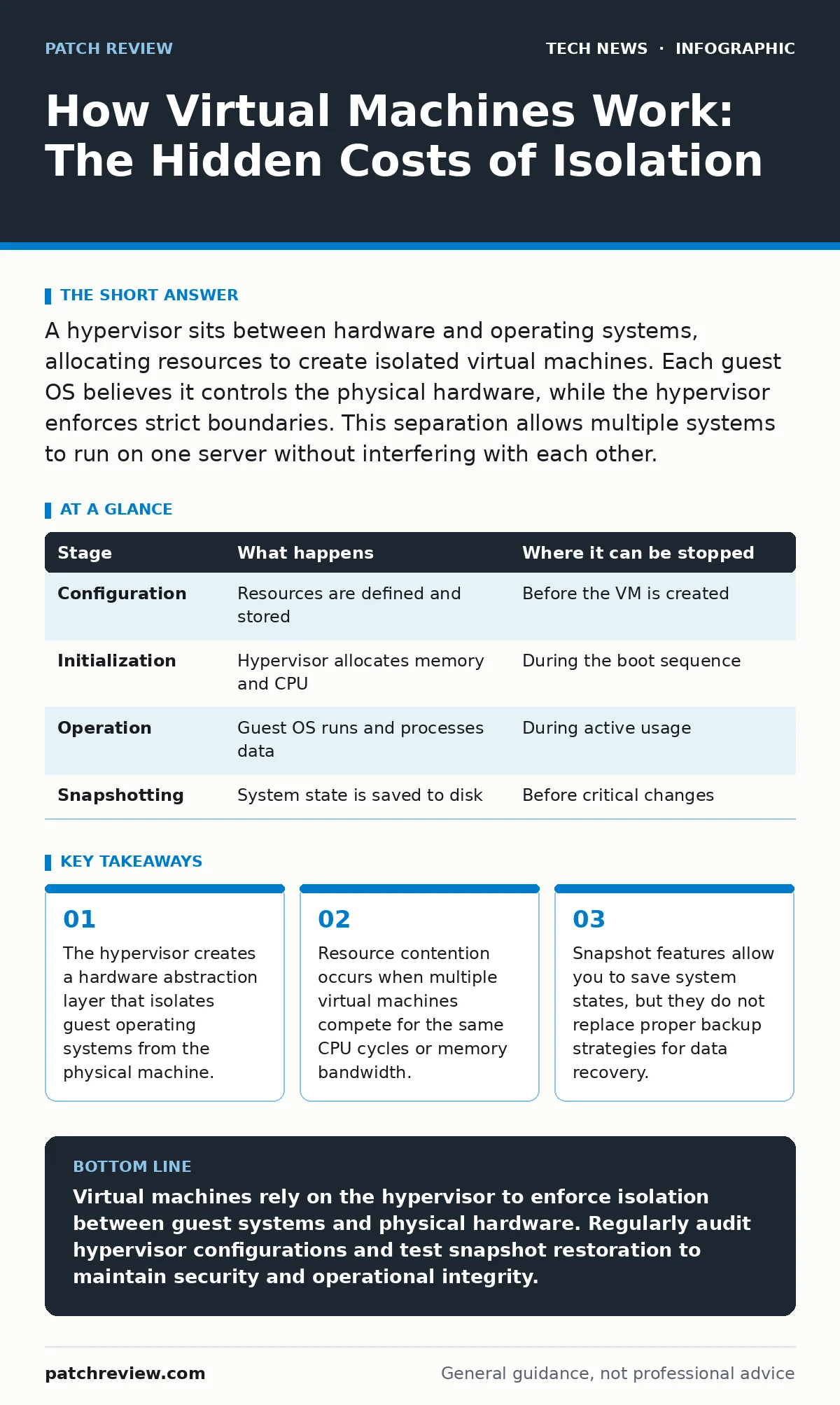
A hypervisor sits between hardware and operating systems, allocating resources to create isolated virtual machines. Each guest OS believes it controls the physical hardware, while the hypervisor enforces strict boundaries. This separation allows multiple systems to run on one server without interfering with each other.
The Hypervisor Foundation
Virtualization relies on a software layer called a hypervisor. This program sits directly on the physical hardware or on top of a host operating system. It intercepts hardware requests from the guest operating systems and translates them into actions the physical machine can perform. Without this translation layer, guest systems would crash or conflict with one another.
The hypervisor manages the allocation of CPU time, memory, and storage. It ensures that one virtual machine cannot access the memory space of another. This isolation is the primary security benefit of virtualization. If a malicious process compromises one guest, it remains trapped within that specific virtual boundary.
Stage 1: Configuration and Resource Allocation
Before a virtual machine runs, you must define its resources. This process involves specifying how much random access memory, how many processor cores, and how much disk space the guest will receive. These settings are stored in a configuration file. This file is essentially a blueprint that tells the hypervisor how to construct the virtual environment.
You must balance these allocations carefully. Over-allocating resources leads to performance degradation across all running systems. Under-allocating causes the guest system to become unresponsive or unstable. The hypervisor tracks these commitments to ensure the physical host does not run out of available capacity.
Stage 2: Initialization and Boot Sequence
When you start a virtual machine, the hypervisor loads the configuration into memory. It then simulates the hardware components defined in that configuration. The guest operating system begins its boot process, just as a physical computer would. It checks its own firmware and loads the kernel.
During this phase, the guest OS believes it is talking to real hardware. The hypervisor presents virtual devices that mimic physical ones. For instance, a virtual network interface card behaves like a physical Ethernet card. The guest OS installs drivers for these virtual devices, unaware they are software constructs. This deception is necessary for compatibility with existing software.
| Stage | What happens | Where it can be stopped |
|---|---|---|
| Configuration | Resources are defined and stored | Before the VM is created |
| Initialization | Hypervisor allocates memory and CPU | During the boot sequence |
| Operation | Guest OS runs and processes data | During active usage |
| Snapshotting | System state is saved to disk | Before critical changes |
Stage 3: Execution and Hardware Abstraction
Once booted, the virtual machine executes instructions. The hypervisor monitors these instructions to ensure they do not violate isolation rules. Privileged instructions, which control hardware directly, are intercepted. The hypervisor handles these requests on behalf of the guest. This process adds a small amount of overhead to every operation.
This overhead is the hidden cost of virtualization. Every request for disk I/O or network traffic must pass through the hypervisor’s translation layer. While modern processors include features to reduce this overhead, it never disappears completely. Heavy workloads may suffer from latency due to this constant mediation.
Stage 4: Isolation and Security Boundaries
Isolation prevents a failure in one virtual machine from affecting others. If a guest OS crashes, the hypervisor contains the error. Other virtual machines continue running unaffected. This containment is why virtualization is popular for testing unstable software or running untrusted code.
However, the hypervisor itself is a single point of failure. If an attacker compromises the hypervisor, they gain control over all guest systems. This is known as a VM escape. It is a rare but severe vulnerability. To mitigate this risk, you must keep the hypervisor software updated and restrict access to the management interface. Understanding the OSI model helps in visualizing where these software boundaries exist relative to physical network layers.
See also: Domain Name System vs Domain Name Server: The Exact Difference · AI Data Centers Explained: Infrastructure, Power, and Cooling Basics
Stage 5: State Management and Snapshots
You can capture the exact state of a virtual machine at any moment. This feature, called a snapshot, saves the memory contents, disk state, and configuration. You can restore the machine to this point later. This is useful for testing software updates or reverting accidental changes.
Snapshots are not backups. They often rely on the original disk image for data integrity. If the original disk is corrupted, the snapshot is useless. Furthermore, maintaining many snapshots can degrade performance. The hypervisor must track changes to the disk since the snapshot was taken. This overhead grows with the number of snapshots. For true data protection, you should use separate backup solutions, potentially integrating AES encryption to protect stored data at rest.
Stage 6: Networking and External Communication
Virtual machines need to communicate with other systems. The hypervisor provides virtual switches that connect guests to each other and to the physical network. You can configure these switches to isolate specific groups of machines. This allows you to create secure internal networks that do not expose sensitive data to the external world.
Network traffic from virtual machines often passes through virtual network interfaces. These interfaces can be monitored and filtered. However, misconfigured rules can expose internal services to unintended audiences. Regularly review network segmentation policies. Consider using reverse proxies to manage external access to services running on virtual machines, adding an additional layer of inspection and control.
Applying This Knowledge
To apply this understanding, start by examining your own virtualization setup. Check the resource allocations for each running machine. Look for signs of resource contention, such as high CPU wait times. Monitor the health of the host system to ensure it has enough capacity for future growth.
Regularly audit the hypervisor’s configuration. Ensure that only authorized users can manage virtual machines. Disable unused virtual network adapters to reduce the attack surface. By understanding the mechanics of isolation and resource management, you can identify weaknesses before they are exploited. This approach aligns with broader security principles, such as those used in hardware security modules for protecting cryptographic keys.
Key takeaways
- The hypervisor creates a hardware abstraction layer that isolates guest operating systems from the physical machine.
- Resource contention occurs when multiple virtual machines compete for the same CPU cycles or memory bandwidth.
- Snapshot features allow you to save system states, but they do not replace proper backup strategies for data recovery.
Virtual machines rely on the hypervisor to enforce isolation between guest systems and physical hardware. Regularly audit hypervisor configurations and test snapshot restoration to maintain security and operational integrity.
Frequently asked questions
Can I run virtual machines on my personal laptop?
Yes, most modern laptops support virtualization through hardware features like Intel VT-x or AMD-V. You can use free or paid hypervisor software to run guest operating systems alongside your main OS.
Do virtual machines slow down my computer?
Yes, there is always some performance overhead due to the translation of hardware requests. The impact depends on the workload and the efficiency of the hypervisor. Resource-intensive applications may run slower than on bare metal.
Is it safe to run untrusted software in a virtual machine?
It is safer than running it on your host system, but not risk-free. If the untrusted software exploits a vulnerability in the hypervisor, it can escape the virtual environment. Always keep the hypervisor updated and limit network access for untrusted guests.
How do virtual machines differ from containers?
Virtual machines include a full guest operating system, while containers share the host OS kernel. Containers are lighter and faster but offer less isolation. Virtual machines provide stronger security boundaries between workloads.
How this guide was produced: written by the Patch Review editorial team with AI assistance, checked against the public references listed below, and reviewed when the facts change. See our editorial policy or report an error.