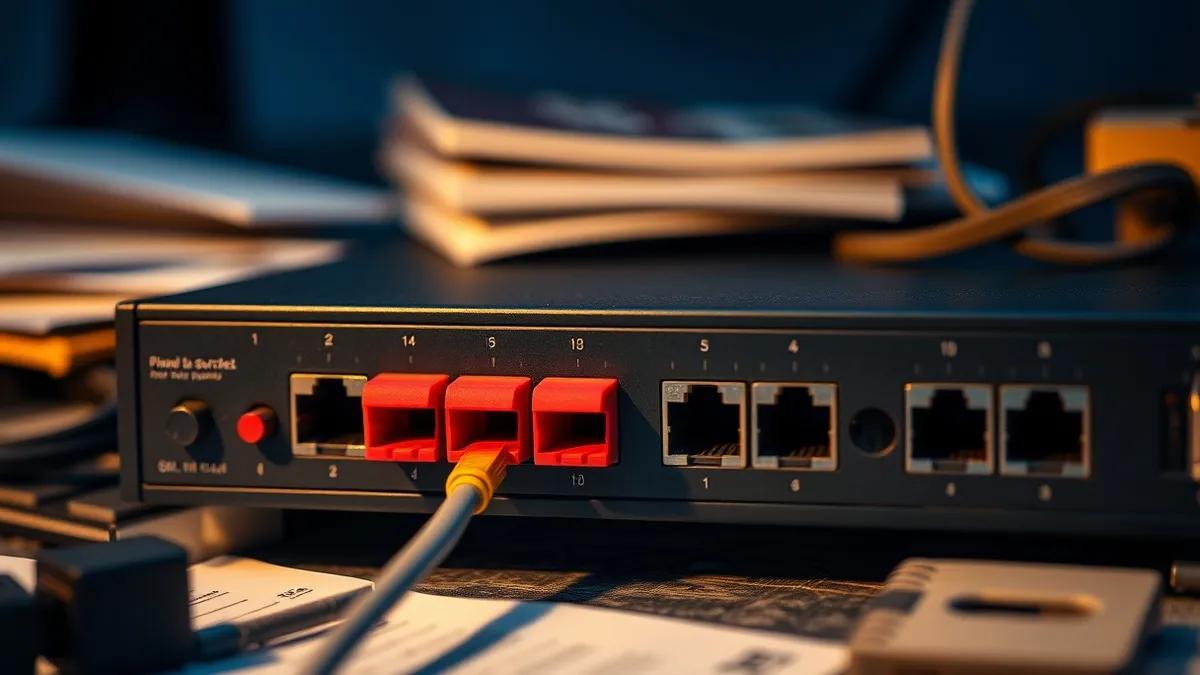
Open port management involves identifying, monitoring, and closing unused network ports on servers and devices. This practice minimizes the attack surface by ensuring that only necessary services are accessible, thereby preventing unauthorized access and reducing the likelihood of exploitation through known vulnerabilities.
The Open Door Analogy
Imagine your network is a large office building. Each network port is like a door or window that leads to a specific room. Some rooms contain sensitive data, while others are empty storage spaces. If you leave every door unlocked and open, anyone walking by can enter. Open port management is the process of identifying which doors lead to necessary rooms and locking the rest. This simple act of closing unnecessary access points dramatically reduces the risk of intrusion. It is not about building higher walls, but about ensuring that the doors you do have are secure and monitored.
Defining the Problem
Network devices communicate through ports, which are logical endpoints for connections. Each service, such as a web server or email system, listens on a specific port. When a port is open, it means the device is ready to accept connections on that number. The problem arises because many services open ports by default during installation. Over time, these services may become obsolete or unused, but the ports remain open. Attackers use automated tools to scan networks for these open ports. They look for known vulnerabilities in the services running behind them. An open port with an outdated service is an invitation for exploitation.
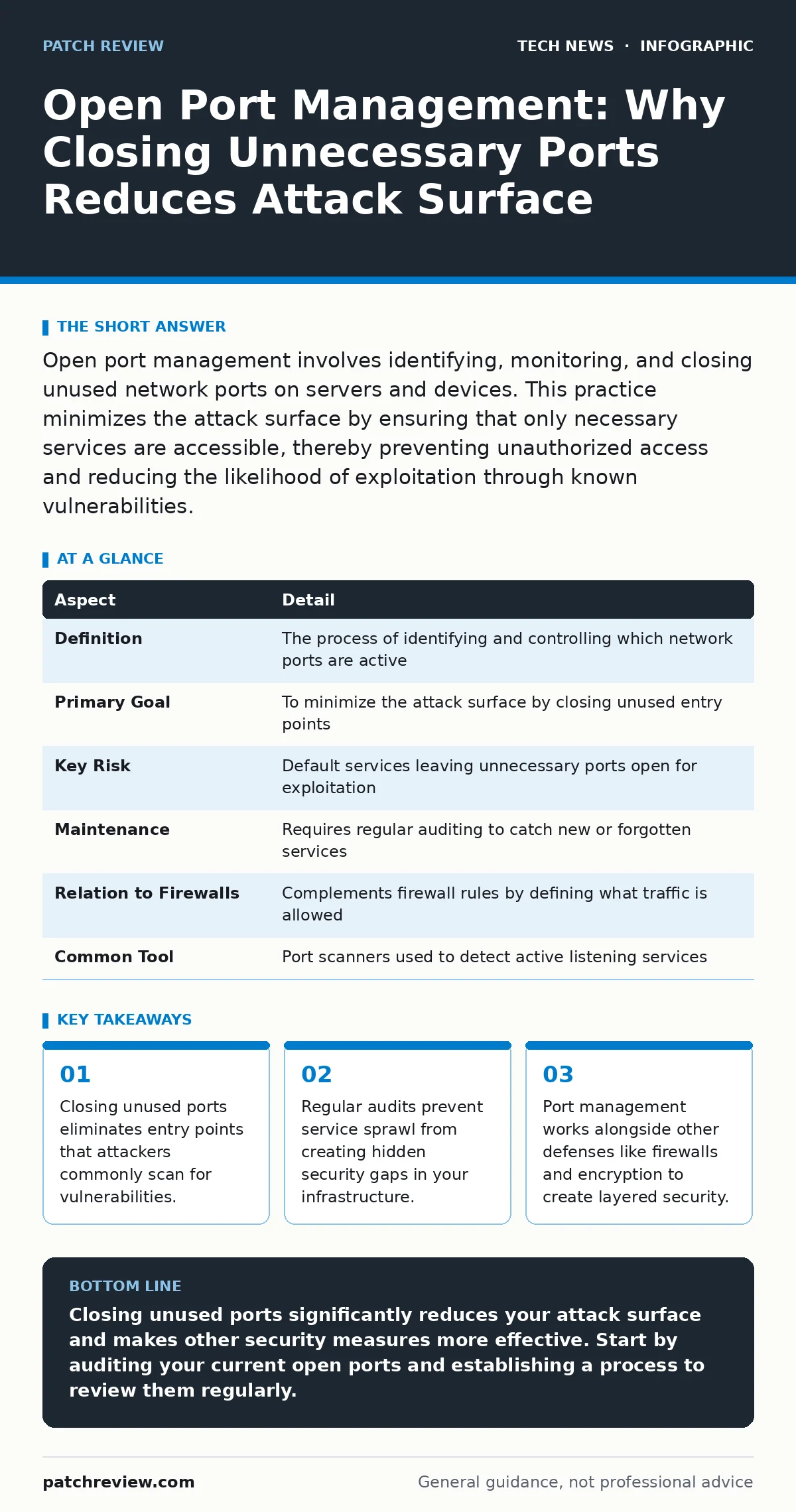
| Aspect | Detail |
|---|---|
| Definition | The process of identifying and controlling which network ports are active |
| Primary Goal | To minimize the attack surface by closing unused entry points |
| Key Risk | Default services leaving unnecessary ports open for exploitation |
| Maintenance | Requires regular auditing to catch new or forgotten services |
| Relation to Firewalls | Complements firewall rules by defining what traffic is allowed |
| Common Tool | Port scanners used to detect active listening services |
The Mechanics of Port Management
Effective management starts with discovery. You must know exactly which ports are open and what service is using each one. This is typically done using port scanning tools that send packets to various ports and analyze the response. Once you have a list, you compare it against your business requirements. If a port serves no current purpose, you close it.
This can be done by stopping the associated service or by configuring the firewall to block traffic to that port. Closing the service is generally safer because it stops the software from running entirely. Blocking via firewall is a secondary measure that adds a layer of defense but does not remove the underlying vulnerability if the service is misconfigured.
Integration with Other Defenses
Port management does not work in isolation. It is one layer of a broader security strategy. For instance, AES encryption protects data in transit, but it does not prevent an attacker from connecting to an unencrypted service on an open port. Similarly, strong password policies protect user accounts, but they cannot stop an attack that exploits a vulnerability in a service running on an open port.
Port management reduces the number of services an attacker can target. This makes other defenses more effective because there are fewer opportunities for bypass. It also complements OSI model understanding by focusing on the transport layer, where ports operate. By securing this layer, you reduce the load on application-layer defenses.
Common Misconceptions
Many people believe that if a port is not visible from the internet, it is safe. This is incorrect. Internal networks are often segmented, but lateral movement by attackers is common. An open port on an internal server can be exploited if an attacker breaches the perimeter. Another misconception is that closing ports slows down performance.
In reality, closing unused ports often improves performance by reducing the processing overhead of handling unwanted connection attempts. Some also think that firewalls alone are sufficient. While firewalls block traffic, they do not remove the service. If the firewall rule is misconfigured or bypassed, the service remains vulnerable. Active management of services is superior to passive blocking.
See also: How Ransomware Works: The Step-by-Step Infection Cycle · DDoS Protection Checklist: Mitigation Strategies and Architecture
The Hidden Cost of Complexity
As systems grow, port management becomes complex. New services are added for testing, development, or temporary projects. These services often leave ports open after their purpose is fulfilled. This "service sprawl" creates a hidden attack surface. The cost is not just in the initial setup, but in the ongoing maintenance. You need a process to review open ports regularly.
Without this, your security posture degrades over time. This is similar to home router security, where default settings often leave unnecessary ports open for remote management. Just as you would secure your home router, you must secure your servers. The difference is scale and consequence. In enterprise environments, the impact of a breach is significantly higher.
Practical Steps for Implementation
Start by creating a baseline. Document all open ports and the services associated with them. This baseline serves as a reference for future audits. Next, establish a change management process. Any new service that requires an open port must be approved and documented. Regularly scan your network to compare the current state against the baseline. Investigate any discrepancies.
If a port is open without authorization, determine if it is necessary. If not, close it. If it is necessary, ensure that the service is updated and secured. Repeat this process periodically. Automation can help with scanning, but human review is necessary for decision-making. This disciplined approach ensures that your network remains secure as it evolves.
Conclusion of Practices
Open port management is a fundamental security practice. It reduces the attack surface by ensuring that only necessary services are accessible. This makes other security measures more effective and reduces the risk of exploitation. By regularly auditing and closing unused ports, you maintain a secure and efficient network. This practice requires discipline and ongoing effort, but the benefits are significant. It is a proactive measure that prevents attacks before they can start. Implementing this practice correctly ensures that your network is resilient against common scanning and exploitation techniques.
Key takeaways
- Closing unused ports eliminates entry points that attackers commonly scan for vulnerabilities.
- Regular audits prevent service sprawl from creating hidden security gaps in your infrastructure.
- Port management works alongside other defenses like firewalls and encryption to create layered security.
Closing unused ports significantly reduces your attack surface and makes other security measures more effective. Start by auditing your current open ports and establishing a process to review them regularly.
Frequently asked questions
How often should I audit my open ports?
You should audit your open ports at least quarterly, or whenever a new service is deployed or a significant change is made to your infrastructure.
Can closing ports affect my application's functionality?
Yes, if you close a port that an application relies on for communication, it will stop working. Always verify the purpose of each port before closing it.
What is the difference between a port and a service?
A port is a logical endpoint for network connections, while a service is the software application that listens on that port. Closing a port blocks access to the service.
Do I need special tools to manage ports?
Basic port management can be done with built-in operating system tools, but specialized scanning and management tools can automate the process and provide more detailed insights.
How this guide was produced: written by the Patch Review editorial team with AI assistance, checked against the public references listed below, and reviewed when the facts change. See our editorial policy or report an error.