
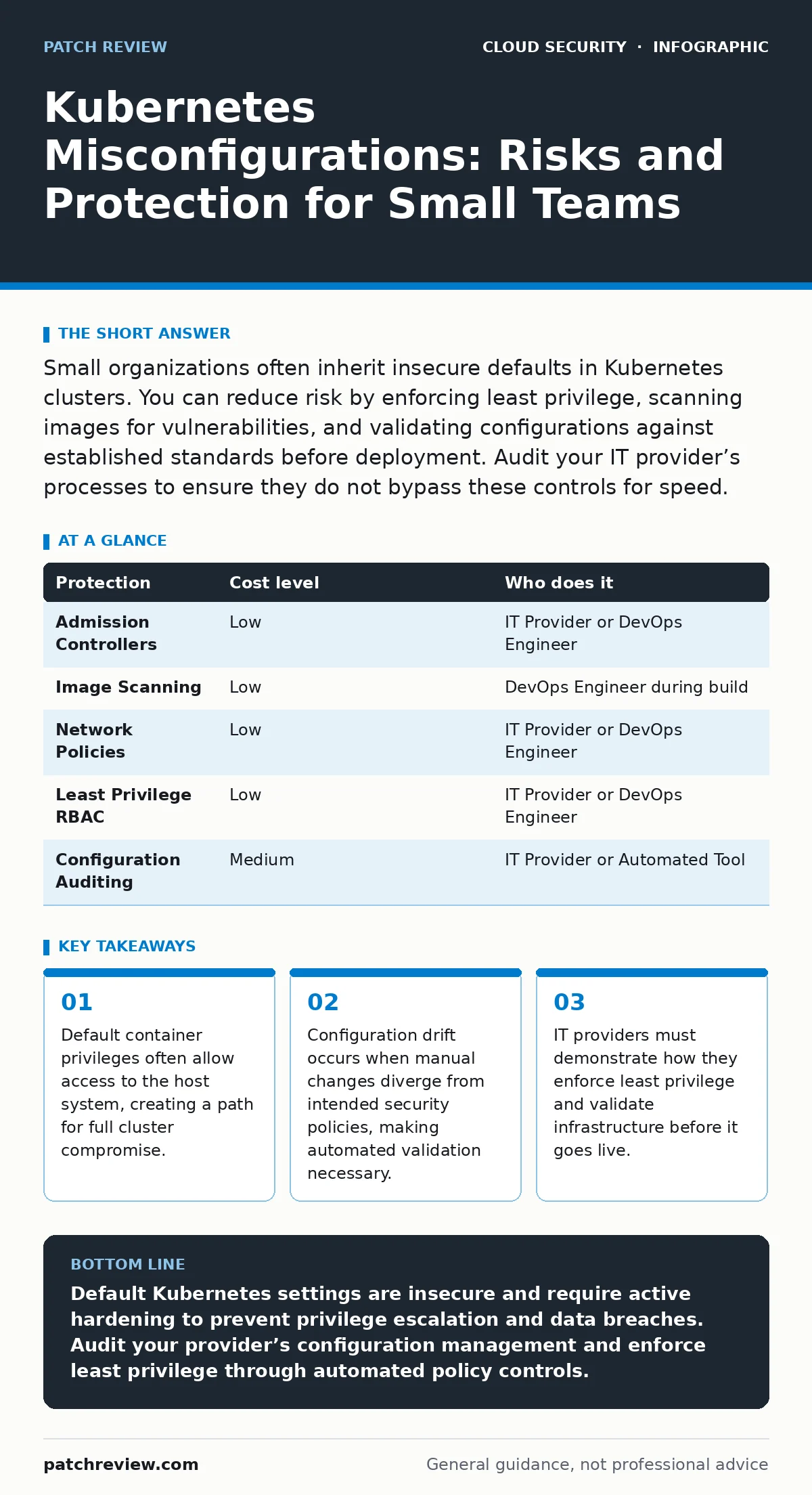
Small organizations often inherit insecure defaults in Kubernetes clusters. You can reduce risk by enforcing least privilege, scanning images for vulnerabilities, and validating configurations against established standards before deployment. Audit your IT provider’s processes to ensure they do not bypass these controls for speed.
The Hidden Cost of Default Settings
Kubernetes is a container orchestration system that automates the deployment and management of applications. It is powerful but complex. By default, it prioritizes functionality over security. This means containers often run with more permissions than necessary. A container is an isolated environment for running software. If a container runs as root, it has administrative privileges within that isolated space.
In many setups, this isolation is porous. If a vulnerability exists in the container’s software, an attacker can escape the container. Once outside, they have access to the node, the physical or virtual machine hosting the container. From there, they can move laterally to other parts of your infrastructure. Small teams often assume the cloud provider handles this security. They do not. The provider secures the underlying hardware. You secure what you put on it.
Why Small Teams Are Vulnerable
Small organizations lack dedicated security personnel. They rely on generalist IT staff or external providers. These teams focus on getting the application running. Security is often an afterthought. This leads to misconfigurations that are easy to exploit. For instance, leaving the Kubernetes API server exposed to the internet is a common error. The API server is the control plane component that manages the cluster. If it is publicly accessible, attackers can attempt to authenticate or exploit known vulnerabilities.
Another issue is the use of shared credentials. Teams often use a single service account for all applications. A service account is an identity used by processes to interact with the Kubernetes API. If one application is compromised, the attacker gains the privileges of all applications using that account. This violates the principle of least privilege. You should grant only the permissions necessary for a specific task. Small teams often skip this step to save time.
Understanding Configuration Drift
Configuration drift happens when the actual state of your infrastructure differs from the intended state. This occurs when engineers make manual changes to fix urgent issues. These changes are rarely documented or reviewed. Over time, the cluster becomes a collection of ad-hoc fixes. Some of these fixes may weaken security. For example, an engineer might disable a security check to get a deployment working. They forget to re-enable it later.
Drift makes it difficult to know what is protected. You cannot secure what you do not understand. Automated tools can detect drift by comparing the current state to a known good configuration. Without these tools, you are flying blind. The risk accumulates silently. A single misconfigured pod can compromise the entire cluster. A pod is the smallest deployable unit in Kubernetes, containing one or more containers.
Low-Cost Protections for Limited Budgets
You do not need expensive tools to improve security. Many protections are built into Kubernetes or available for free. Start by enabling admission controllers. An admission controller is a plugin that intercepts requests to the API server before they persist. It can reject requests that violate policy. For example, you can block containers that request root privileges.
Image scanning is another critical step. Scanning checks container images for known vulnerabilities before they are deployed. Use open-source scanners integrated into your build pipeline. This stops vulnerable software from entering your environment. You should also restrict network traffic. By default, pods can communicate with each other. Use network policies to define which pods can talk to which services. This limits the blast radius of a compromise.
| Protection | Cost level | Who does it |
|---|---|---|
| Admission Controllers | Low | IT Provider or DevOps Engineer |
| Image Scanning | Low | DevOps Engineer during build |
| Network Policies | Low | IT Provider or DevOps Engineer |
| Least Privilege RBAC | Low | IT Provider or DevOps Engineer |
| Configuration Auditing | Medium | IT Provider or Automated Tool |
Validating Your IT Provider
If you outsource your Kubernetes management, you must verify their practices. Do not assume they follow best standards. Ask specific questions about their process. You need to know how they handle secrets, which are sensitive data like passwords or keys. Secrets should not be stored in code repositories. They should be managed by a dedicated secrets management system.
Also ask about their update process. Kubernetes components require regular updates to patch vulnerabilities. A delayed update leaves you exposed. Your provider should have a defined schedule for applying patches. They should also test updates in a staging environment before applying them to production. This prevents downtime caused by incompatible updates.
- How do you enforce least privilege for service accounts?
- What tools do you use to scan container images for vulnerabilities?
- How do you detect and remediate configuration drift?
- What is your process for managing and rotating secrets?
- How do you restrict network traffic between pods?
See also: Kubernetes Security Basics: Answers to Common Questions · Cloud Ransomware Response: Containment and Recovery Steps
The Role of Policy as Code
Policy as code involves defining security rules in a machine-readable format. These rules are then enforced automatically. This removes human error from the enforcement process. You can define policies that reject non-compliant configurations. For example, a policy can ensure that all containers run as non-root users. This approach scales better than manual checks. It ensures consistency across all deployments.
Implementing policy as code requires initial effort. You must define the policies and integrate them into your pipeline. However, it saves time in the long run. It prevents misconfigurations before they reach production. This is particularly valuable for small teams. You cannot afford to have someone manually review every deployment. Automation ensures that security is always applied.
Addressing Logging Gaps
Visibility is key to detecting attacks. If you cannot see what is happening, you cannot respond. Many small teams neglect logging. They assume the cloud provider logs everything. This is not true. You must configure logging to capture relevant events. This includes API server requests, pod lifecycle events, and network traffic.
Without proper logging, you may not know you have been compromised. An attacker can operate stealthily for months. Logs provide the evidence needed to investigate incidents. They also help you understand normal behavior. This makes it easier to spot anomalies. Ensure your logs are stored securely and retained for a sufficient period. This allows for retrospective analysis if an incident is discovered later.
Final Steps for Security
Securing Kubernetes is an ongoing process. There is no single fix. You must continuously monitor and update your configurations. Start with the basics. Enforce least privilege, scan images, and restrict network traffic. Then, implement policy as code to automate enforcement. Finally, ensure you have adequate logging and monitoring.
Work with your IT provider to establish these practices. Ask the right questions. Verify that they follow established standards. Do not accept vague assurances. Security requires precision and discipline. By taking these steps, you significantly reduce your risk. You protect your data and your reputation.
Key takeaways
- Default container privileges often allow access to the host system, creating a path for full cluster compromise.
- Configuration drift occurs when manual changes diverge from intended security policies, making automated validation necessary.
- IT providers must demonstrate how they enforce least privilege and validate infrastructure before it goes live.
Default Kubernetes settings are insecure and require active hardening to prevent privilege escalation and data breaches. Audit your provider’s configuration management and enforce least privilege through automated policy controls.
Frequently asked questions
What is the biggest risk of running containers as root?
Running as root allows an attacker to escape the container and gain full control of the underlying host system, compromising the entire cluster.
How can I detect configuration drift in my cluster?
Use automated tools to compare the current state of your cluster against a defined baseline configuration and alert on any differences.
Why is network segmentation important in Kubernetes?
It limits the ability of an attacker to move laterally between pods, containing a breach to a specific service rather than the whole system.
Do I need a dedicated security team to secure Kubernetes?
No, but you need defined processes and automated tools to enforce security policies, which can be managed by small IT teams or providers.
How this guide was produced: written by the Patch Review editorial team with AI assistance, checked against the public references listed below, and reviewed when the facts change. See our editorial policy or report an error.