
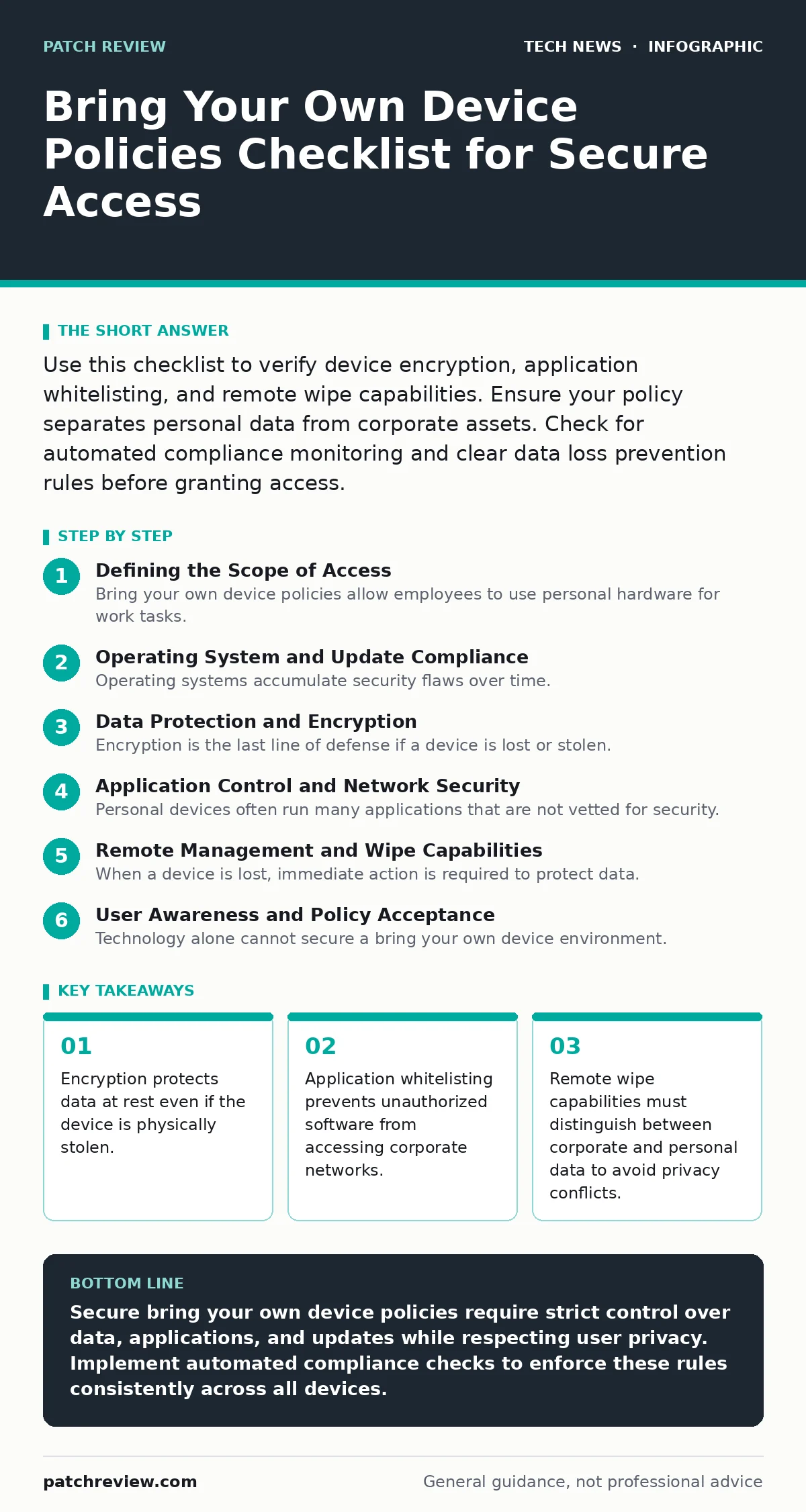
Use this checklist to verify device encryption, application whitelisting, and remote wipe capabilities. Ensure your policy separates personal data from corporate assets. Check for automated compliance monitoring and clear data loss prevention rules before granting access.
Defining the Scope of Access
Bring your own device policies allow employees to use personal hardware for work tasks. This flexibility introduces significant security challenges because the organization does not control the physical security of the device. You must define exactly which data these devices can access and what actions are permitted. Without clear boundaries, personal apps may inadvertently expose sensitive information.
Operating System and Update Compliance
- Enforce minimum operating system versions: Older versions contain unpatched vulnerabilities that attackers exploit.
- Require automatic update installation: Delayed updates leave known security holes open to exploitation.
- Verify jailbreak or root detection: Modified operating systems bypass security controls and allow malicious code execution.
- Check for active antivirus or endpoint protection: Real-time scanning detects malware before it establishes persistence.
Operating systems accumulate security flaws over time. Manufacturers release patches to fix these flaws, but users often delay installation. Your policy must reject devices running obsolete software. If a user cannot update their device, they should not receive access to sensitive systems. This rule prevents attackers from using known exploits to gain entry.
Data Protection and Encryption
- Mandate full disk encryption: Encryption renders data unreadable without the proper authentication keys.
- Enforce strong authentication methods: Biometric or multi-factor authentication prevents unauthorized access to the device.
- Restrict data storage on local device: Storing data in the cloud reduces the risk of data loss from theft.
- Disable USB data transfer: Preventing file transfers via USB stops malware spread and data exfiltration.
Encryption is the last line of defense if a device is lost or stolen. Without it, anyone with physical access can read the data. You must ensure that the encryption keys are managed securely. If the device is compromised, the keys should be revoked or rotated. This ensures that the encrypted data remains protected even if the hardware is recovered by an attacker.
Application Control and Network Security
- Implement application whitelisting: Only approved applications can run, preventing unauthorized software execution.
- Require network segmentation: Corporate traffic is isolated from personal internet browsing.
- Enforce certificate pinning: This prevents man-in-the-middle attacks by verifying the server's identity.
- Monitor for unauthorized network connections: Detecting connections to rogue Wi-Fi networks prevents data interception.
Personal devices often run many applications that are not vetted for security. Some apps may request excessive permissions or contain hidden malware. Application whitelisting ensures that only trusted software runs on the device. Network segmentation keeps corporate data separate from personal browsing history. This separation limits the attack surface and protects sensitive information from casual exposure.
Refer to our guide on smartphone security updates for details on maintaining patch levels across different mobile platforms.
Remote Management and Wipe Capabilities
- Enable remote wipe functionality: Administrators can erase corporate data if the device is lost or stolen.
- Support selective wipe: Only corporate data is removed, preserving personal files and applications.
- Require device registration: All devices must be registered in the management console before access is granted.
- Implement automated compliance checks: Devices that fail security checks are automatically blocked from accessing resources.
When a device is lost, immediate action is required to protect data. Remote wipe capabilities allow administrators to erase data remotely. Selective wipe is critical for personal devices because it respects user privacy. You must ensure that the wipe command only affects corporate containers or applications. This approach maintains trust while enforcing security policies.
See also: USB Security Dongle: How Hardware Keys Stop Account Takeovers · Domain Name System vs Domain Name Server: The Exact Difference
User Awareness and Policy Acceptance
- Require policy acknowledgment: Users must read and agree to the security terms before using their device.
- Provide security training: Users must understand how to identify phishing attempts and social engineering attacks.
- Define acceptable use guidelines: Clear rules prevent misuse of corporate resources for personal gain.
- Establish reporting procedures: Users must know how to report lost or compromised devices immediately.
Technology alone cannot secure a bring your own device environment. Users must understand their role in maintaining security. Training helps users recognize threats that automated systems might miss. Clear guidelines prevent accidental violations of security policies. When users know what to do, they become an active part of the defense strategy.
See our password policies guide for best practices on authentication strength and multi-factor implementation.
Key takeaways
- Encryption protects data at rest even if the device is physically stolen.
- Application whitelisting prevents unauthorized software from accessing corporate networks.
- Remote wipe capabilities must distinguish between corporate and personal data to avoid privacy conflicts.
Secure bring your own device policies require strict control over data, applications, and updates while respecting user privacy. Implement automated compliance checks to enforce these rules consistently across all devices.
Frequently asked questions
Can I use a personal device for work without installing company software?
Most secure policies require a management agent to enforce security controls and enable remote wipe capabilities.
What happens if my personal device is lost while working?
You should report the loss immediately so that corporate data can be remotely wiped without affecting personal files.
Do bring your own device policies violate user privacy?
Properly designed policies use containerization to separate corporate data from personal data, ensuring privacy is maintained.
How often should bring your own device policies be reviewed?
Policies should be reviewed whenever new threats emerge or when organizational security requirements change.
How this guide was produced: written by the Patch Review editorial team with AI assistance, checked against the public references listed below, and reviewed when the facts change. See our editorial policy or report an error.