
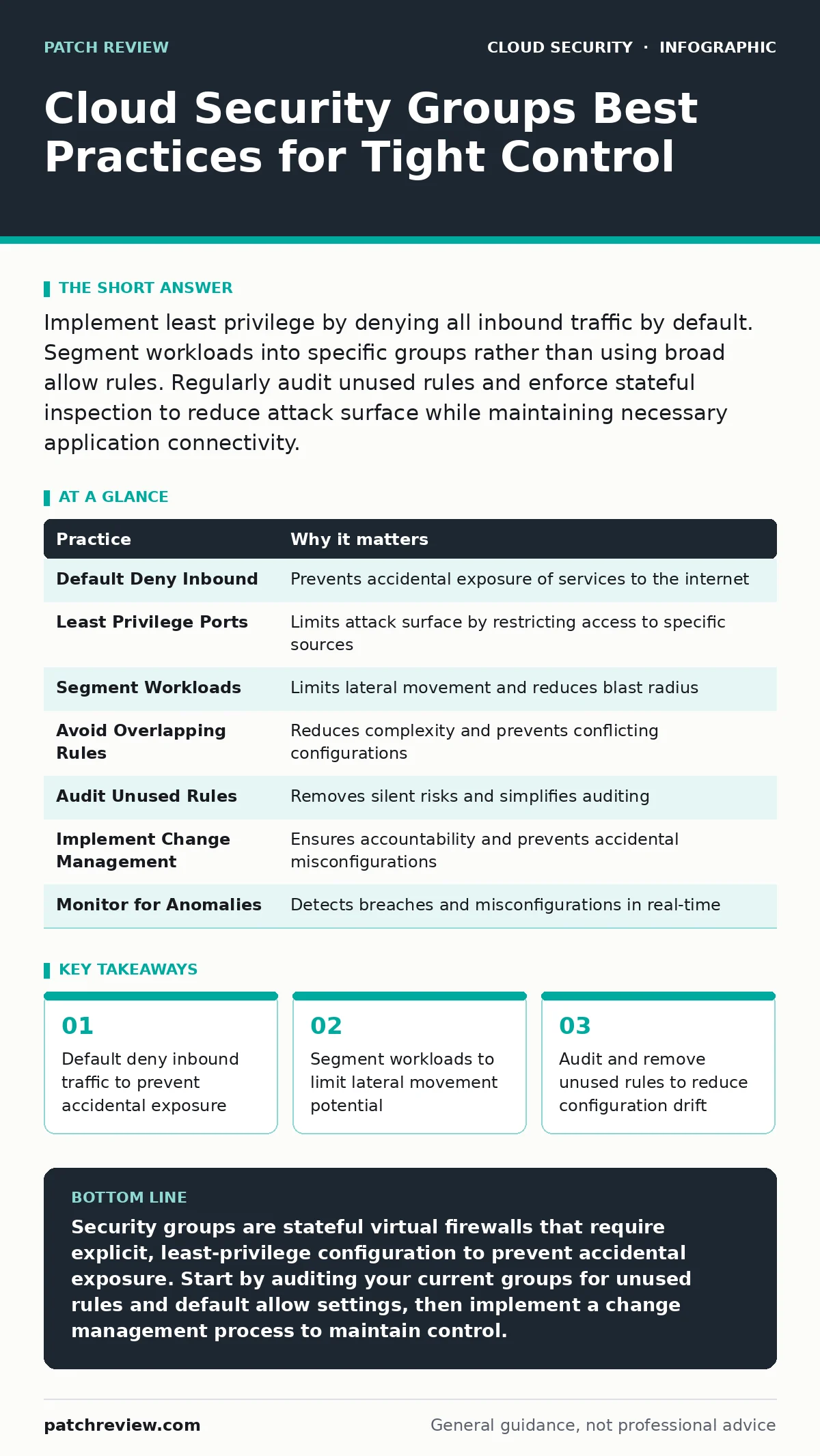
Implement least privilege by denying all inbound traffic by default. Segment workloads into specific groups rather than using broad allow rules. Regularly audit unused rules and enforce stateful inspection to reduce attack surface while maintaining necessary application connectivity.
The Stateful Nature of Virtual Firewalls
Security groups function as virtual firewalls attached to instances or interfaces within a cloud environment. Unlike traditional network firewalls that are stateless, security groups are stateful. This means if you allow an inbound connection, the response traffic is automatically allowed outbound, regardless of outbound rules. Understanding this mechanism is the first step in securing your infrastructure.
Many administrators assume that blocking outbound traffic in a security group prevents data exfiltration. This assumption is incorrect for stateful groups. If an attacker initiates a connection from outside to your server, the server’s response will pass through the outbound rules automatically. You must control the initial inbound access to effectively manage the flow.
1. Enforce Default Deny Inbound
The most fundamental practice is ensuring that your security groups deny all inbound traffic by default. Many cloud providers create default groups that allow all outbound traffic but deny all inbound. However, custom groups often start with permissive settings during development. Leaving these defaults in production creates immediate vulnerabilities.
You should never rely on the assumption that a new resource is secure by default. Explicitly define what traffic is allowed rather than what is blocked. This approach forces you to document and justify every open port. It reduces the attack surface significantly by ensuring only known, required services are accessible.
Tip: Create a template security group that explicitly denies all inbound traffic. Use this template as the base for all new resources. This ensures consistency and prevents accidental permissive configurations during rapid deployment cycles.
2. Apply Least Privilege to Ports
Opening ports to the entire internet is a common mistake driven by convenience. You should restrict inbound access to specific IP addresses or CIDR blocks whenever possible. If a database only needs to communicate with an application server, it should not accept connections from any IP address on the internet.
Granular control reduces the risk of unauthorized access. By limiting the source of traffic, you add a layer of defense that complements application-level security. This practice is particularly important for services that do not need public exposure, such as internal APIs or administrative interfaces.
Tip: Use specific IP ranges instead of broad CIDR blocks like 0.0.0.0/0. If you must allow public access, limit it to the smallest necessary range. Regularly review these ranges to ensure they still align with your business needs.
3. Segment Workloads by Function
Grouping resources by their function rather than by environment is a critical strategy. You should create separate security groups for web servers, application servers, and databases. This segmentation limits the blast radius of a compromise. If an attacker breaches a web server, they cannot directly access the database if the security groups are properly configured.
This practice supports the principle of defense in depth. It ensures that a single point of failure does not compromise the entire system. Segmentation also simplifies auditing, as you can review rules for specific functions rather than scanning a monolithic set of permissions.
Tip: Name your security groups descriptively, such as "Web-Frontend" or "DB-Backend". This makes it easier to understand the purpose of each group and the relationships between them. Clear naming conventions help teams identify potential misconfigurations quickly.
4. Avoid Overlapping Rules
Complex security groups with many overlapping rules are difficult to manage and audit. Conflicting rules can lead to unexpected behavior, where traffic is allowed when it should be denied, or vice versa. You should simplify your rule sets to reduce complexity and potential errors.
Overlapping rules often arise from incremental changes over time. As new requirements emerge, administrators add new rules without reviewing existing ones. This leads to rule bloat and makes it hard to determine the actual effective policy. Regularly consolidating rules ensures clarity and predictability.
Tip: Review your security groups quarterly to identify and remove redundant rules. Combine similar rules where possible to streamline the configuration. This reduces the cognitive load on administrators and minimizes the risk of configuration errors.
See also: Kubernetes Security Basics: Answers to Common Questions · Cloud Ransomware Response: Containment and Recovery Steps
5. Audit Unused Rules Regularly
Security groups often contain rules that are no longer needed. These unused rules increase the attack surface and make auditing more difficult. You should regularly audit your security groups to identify and remove rules that do not match active traffic patterns.
Unused rules are a silent risk. They may have been necessary for a temporary project but were never removed. Over time, these rules accumulate and create a false sense of security. Auditing helps you maintain a clean and secure configuration.
Tip: Use cloud provider tools to analyze traffic flow and identify unused rules. Some platforms provide insights into which rules are actively being used. Remove rules that have not been triggered in a significant period, after verifying they are not required for future operations.
6. Implement Change Management
Changes to security groups should follow a strict change management process. Ad-hoc changes introduce risk and make it difficult to track who made what change and why. You should require approval for any modifications to security group rules.
This practice ensures accountability and reduces the likelihood of accidental misconfigurations. It also provides a historical record of changes, which is valuable for auditing and incident response. Change management helps maintain the integrity of your security posture.
Tip: Integrate security group changes into your infrastructure as code pipeline. This allows for peer review and automated testing before changes are applied. Using policy as code can further enforce compliance and prevent unauthorized modifications.
7. Monitor for Anomalies
Even with strict rules, anomalies can occur. Monitoring traffic patterns helps you detect unusual activity that may indicate a security breach. You should set up alerts for unexpected traffic flows, such as connections from unknown IP addresses or unusual port usage.
Monitoring provides visibility into your security groups’ effectiveness. It helps you identify misconfigurations or attacks that bypass existing controls. Proactive monitoring allows you to respond quickly to potential threats.
Tip: Set up alerts for security group changes and traffic anomalies. Use cloud logging tools to track access patterns. Refer to best practices for cloud logging gaps to ensure you are capturing the necessary data for effective monitoring and incident response.
| Practice | Why it matters |
|---|---|
| Default Deny Inbound | Prevents accidental exposure of services to the internet |
| Least Privilege Ports | Limits attack surface by restricting access to specific sources |
| Segment Workloads | Limits lateral movement and reduces blast radius |
| Avoid Overlapping Rules | Reduces complexity and prevents conflicting configurations |
| Audit Unused Rules | Removes silent risks and simplifies auditing |
| Implement Change Management | Ensures accountability and prevents accidental misconfigurations |
| Monitor for Anomalies | Detects breaches and misconfigurations in real-time |
Integrating with Broader Security Strategies
Security groups are just one component of a comprehensive security strategy. They must work in tandem with other controls to provide effective protection. For example, using private endpoints can further restrict access to services by keeping traffic within the cloud provider’s network.
Additionally, managing access to the cloud console itself is critical. Leaked cloud access keys can bypass security group restrictions if an attacker gains administrative access. Implementing secrets managers to handle credentials securely reduces this risk.
Conclusion
Securing cloud environments requires a disciplined approach to network security. By following these practices, you can significantly reduce the risk of unauthorized access and data breaches. Remember that security is an ongoing process, not a one-time task.
Regularly review and update your security group configurations. Stay informed about new threats and best practices. By maintaining a proactive stance, you can ensure that your cloud infrastructure remains secure and resilient.
Key takeaways
- Default deny inbound traffic to prevent accidental exposure
- Segment workloads to limit lateral movement potential
- Audit and remove unused rules to reduce configuration drift
Security groups are stateful virtual firewalls that require explicit, least-privilege configuration to prevent accidental exposure. Start by auditing your current groups for unused rules and default allow settings, then implement a change management process to maintain control.
Frequently asked questions
Do security groups protect against DDoS attacks?
Security groups can help mitigate some DDoS attacks by limiting the source of traffic, but they are not a dedicated DDoS protection solution. You should use specialized services for volumetric attack mitigation.
Can I use security groups for on-premises resources?
Security groups are specific to cloud environments. For on-premises resources, you must use traditional network firewalls or host-based firewalls to achieve similar control.
How this guide was produced: written by the Patch Review editorial team with AI assistance, checked against the public references listed below, and reviewed when the facts change. See our editorial policy or report an error.