
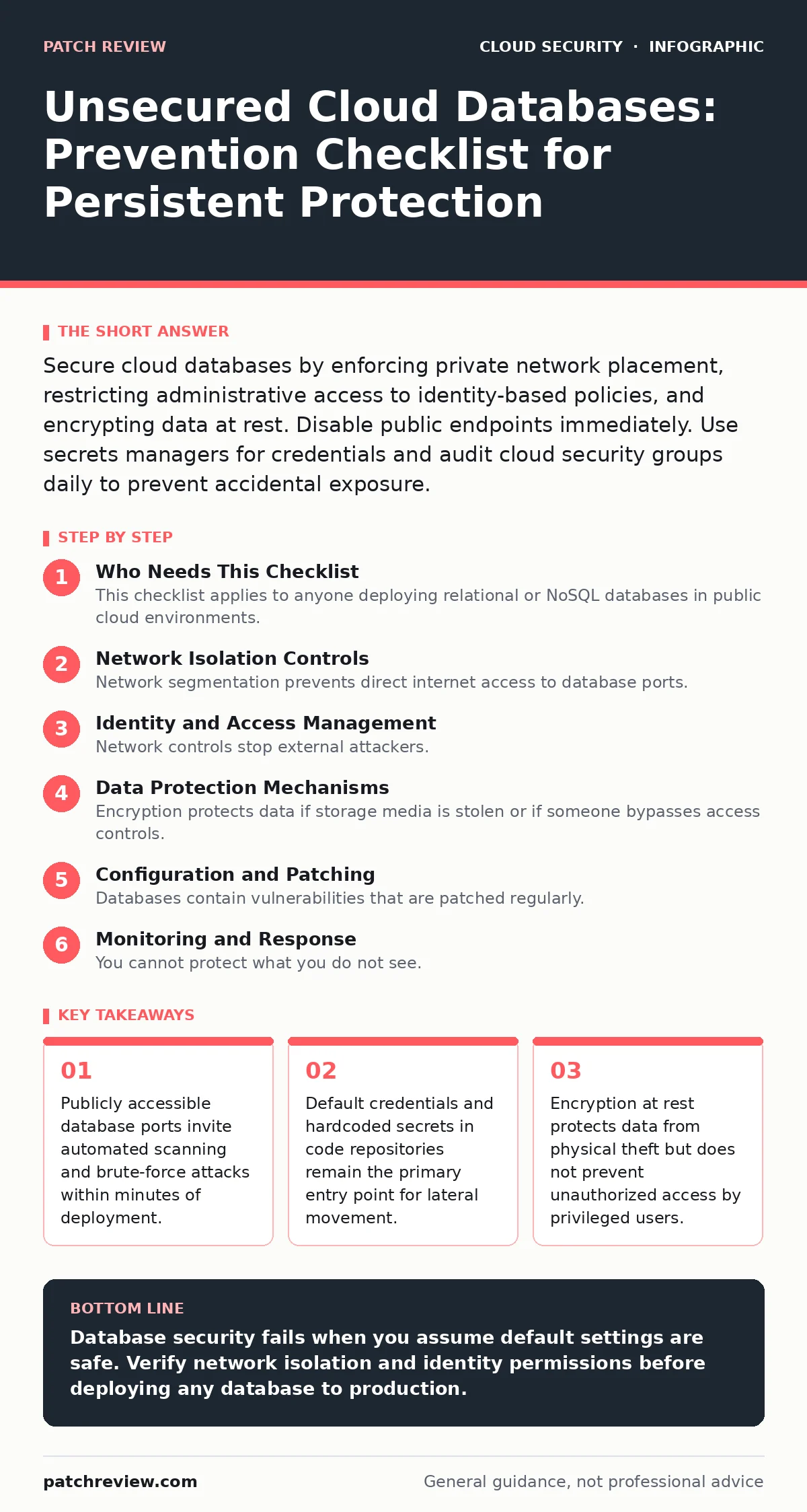
Secure cloud databases by enforcing private network placement, restricting administrative access to identity-based policies, and encrypting data at rest. Disable public endpoints immediately. Use secrets managers for credentials and audit cloud security groups daily to prevent accidental exposure.
Who Needs This Checklist
This checklist applies to anyone deploying relational or NoSQL databases in public cloud environments. Cloud platforms provision resources with permissive defaults to accelerate development. These defaults assume you will restrict access immediately. You often do not. The result is a database reachable by any IP address on the internet. Use this list to verify that your database infrastructure blocks unauthorized traffic before an attacker finds it.
Network Isolation Controls
Network segmentation prevents direct internet access to database ports. Cloud instances often launch with public IP addresses by default. You must change this behavior explicitly.
- Disable public endpoint access: Public IPs allow any scanner to probe your database ports, increasing the attack surface unnecessarily.
- Place databases in private subnets: Private subnets lack direct internet routes, forcing all traffic through controlled gateways or bastion hosts.
- Verify cloud security groups restrict ingress: Security groups act as virtual firewalls; ensure they allow traffic only from specific application servers, not 0.0.0.0/0.
- Enable VPC flow logs: Flow logs record packet movement, helping you detect unexpected connections from unknown IP ranges.
Identity and Access Management
Network controls stop external attackers. Identity controls stop insiders and compromised accounts. Many breaches occur because an application service account has more permissions than it needs.
- Apply least-privilege IAM roles: Grant only the specific API actions required, preventing an attacker from pivoting to other cloud resources.
- Rotate database credentials regularly: Frequent rotation limits the window of opportunity for stolen credentials to be used effectively.
- Use secrets managers for credential storage: Storing passwords in code repositories exposes them to anyone with read access to the repository.
- Enforce multi-factor authentication for admin access: MFA adds a second verification step, blocking access even if passwords are compromised.
Data Protection Mechanisms
Encryption protects data if storage media is stolen or if someone bypasses access controls. It does not stop an authorized user from viewing data.
- Enable encryption at rest: Encryption at rest scrambles data on disk, rendering it useless without the decryption keys.
- Manage encryption keys externally: Using cloud-managed keys simplifies operations but gives the provider access; customer-managed keys add control.
- Encrypt data in transit: TLS certificates ensure that data moving between the application and database cannot be intercepted by network eavesdroppers.
- Disable default accounts: Default accounts like 'admin' or 'root' are known targets for brute-force attacks and should be renamed or disabled.
Configuration and Patching
Databases contain vulnerabilities that are patched regularly. Unpatched instances remain vulnerable to known exploits.
- Enable automatic minor version updates: Minor updates often include security fixes that do not break compatibility, reducing manual patching overhead.
- Disable unused features: Features like remote administration or legacy protocols increase the attack surface; disabling them removes potential entry points.
- Audit parameter groups weekly: Parameter groups control database behavior; ensure settings like password complexity and session timeouts are enforced.
- Monitor for configuration drift: Configuration drift occurs when settings diverge from the baseline; regular audits catch accidental changes that weaken security.
See also: Prevent Overprivileged Cloud Identities: A Precise Checklist · Cloud Privilege Escalation Mistakes and Fixes
Monitoring and Response
You cannot protect what you do not see. Logging gaps hide malicious activity until data is already exfiltrated.
- Enable query logging: Query logs record every command executed, allowing you to reconstruct attacks and identify compromised accounts.
- Set alerts for failed login spikes: A sudden increase in failed logins indicates a brute-force attack or credential stuffing attempt.
- Monitor for unusual data exports: Large data transfers to unknown destinations often signal exfiltration; alerting on volume anomalies helps detect this early.
- Review access logs monthly: Regular reviews ensure that only authorized personnel and services are accessing the database.
Integration with Broader Security
Database security does not exist in isolation. It interacts with identity, network, and application layers.
- Align with service mesh security policies: Service meshes enforce encryption and authentication between services, reducing reliance on database-level security alone.
- Check for overprivileged cloud identities: Service accounts with broad permissions can access databases even if network rules are correct.
- Address cloud logging gaps: Incomplete logs make forensic analysis impossible; ensure all relevant events are captured and retained.
- Prevent shadow IT deployment: Unauthorized databases created by developers bypass security controls; enforce centralized provisioning to catch these early.
Final Verification Steps
Before going live, perform a final review. Assume someone will misconfigure the environment.
- Test connectivity from an external IP: Verify that the database rejects connections from outside the private network.
- Validate backup encryption: Ensure backups are encrypted with the same keys as the primary database to prevent data leakage from backup storage.
- Confirm disaster recovery isolation: Ensure recovery environments are also isolated and not publicly accessible.
- Document the architecture: Clear documentation helps new team members understand the security boundaries and avoids accidental changes.
Key takeaways
- Publicly accessible database ports invite automated scanning and brute-force attacks within minutes of deployment.
- Default credentials and hardcoded secrets in code repositories remain the primary entry point for lateral movement.
- Encryption at rest protects data from physical theft but does not prevent unauthorized access by privileged users.
Database security fails when you assume default settings are safe. Verify network isolation and identity permissions before deploying any database to production.
Frequently asked questions
Should I put my database in a public subnet for faster access?
No. Public subnets expose the database to the internet. Use private subnets and access the database through a bastion host or private link.
Does encryption prevent data theft?
Encryption protects data at rest from physical theft or unauthorized disk access. It does not prevent an authorized user or compromised admin from reading the data.
How often should I rotate database passwords?
Rotate passwords every 90 days, or immediately if you suspect a compromise. Use secrets managers to automate this process without downtime.
Can I use the same security group for all databases?
No. Each database should have its own security group with specific rules. Shared groups make it difficult to isolate breaches and increase risk.
How this guide was produced: written by the Patch Review editorial team with AI assistance, checked against the public references listed below, and reviewed when the facts change. See our editorial policy or report an error.