
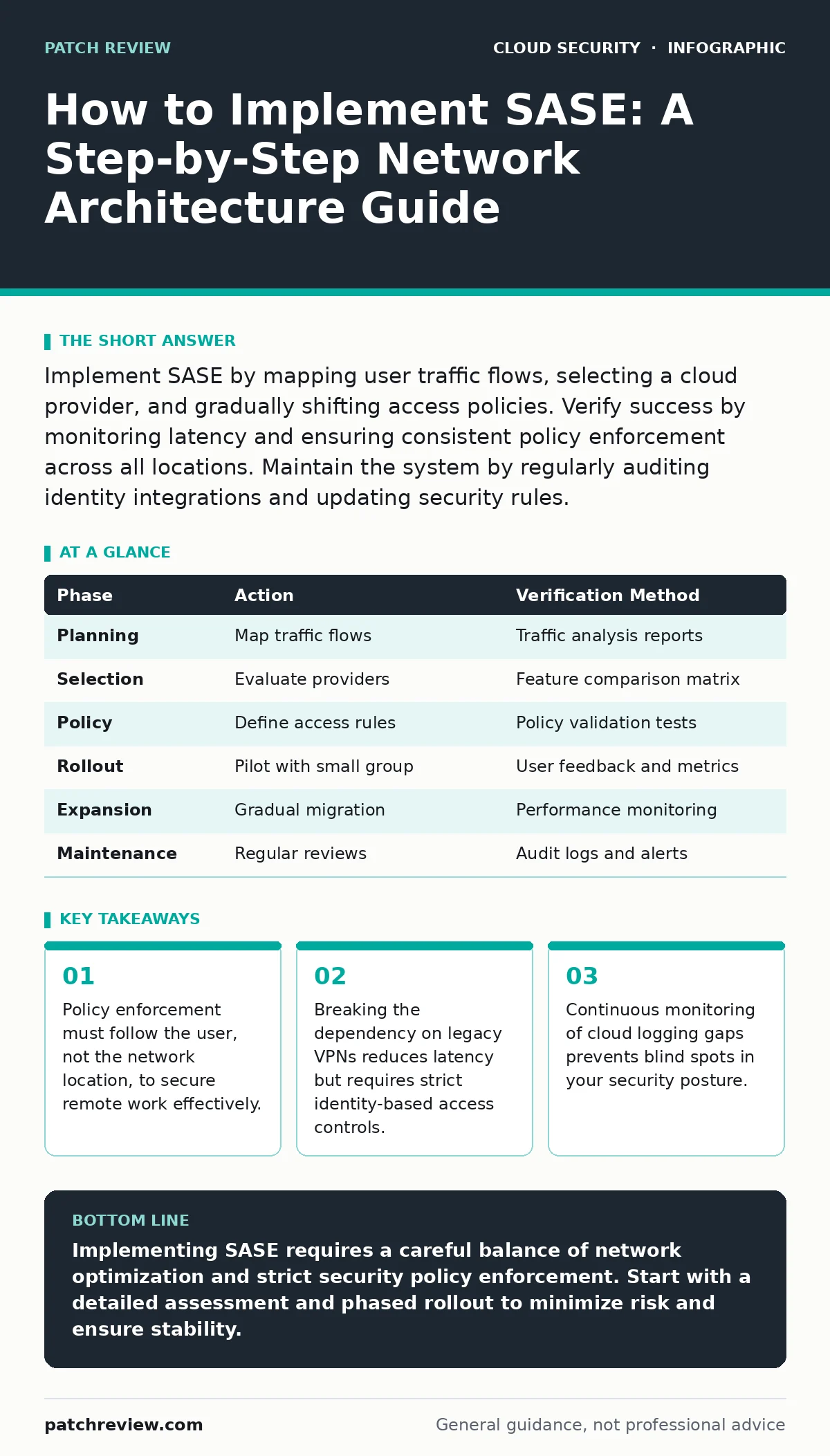
Implement SASE by mapping user traffic flows, selecting a cloud provider, and gradually shifting access policies. Verify success by monitoring latency and ensuring consistent policy enforcement across all locations. Maintain the system by regularly auditing identity integrations and updating security rules.
Assessing Your Current Network Topology
Before introducing new infrastructure, you must understand how data currently moves. Traditional networks route traffic through a central hub for security inspection. This architecture creates latency and becomes inefficient when users access cloud applications directly. You need to map every traffic flow from endpoint to destination. Identify which applications are hosted on-premises and which reside in public clouds. This distinction determines how you will route traffic in the new architecture.
Many organizations overlook the complexity of their existing firewall rules. Legacy configurations often contain redundant or conflicting policies that cause unnecessary friction. Cleaning these rules before migration prevents importing errors into the new system. You should also evaluate your current identity provider integration. Secure Access Service Edge relies heavily on user identity rather than IP address for access decisions. If your identity management system is fragmented, resolve those issues first.
Selecting the Right SASE Provider
You must choose a provider that offers both wide global coverage and deep security features. The network component, often called SD-WAN, handles traffic routing and optimization. The security component includes firewall as a service, cloud access security broker, and zero trust network access. Ensure the provider’s points of presence are located near your users and your applications. Proximity reduces latency and improves the user experience.
Do not select a vendor based solely on feature lists. Evaluate the integration capabilities with your existing tools. You need seamless connectivity with your identity provider and ticketing systems. Check if the provider supports policy as code for automated configuration management. This approach reduces human error and allows for version control of your security policies. Avoid vendors that lock you into proprietary protocols that limit future flexibility.
Defining Access Policies and Segmentation
Policy definition is the core of your SASE implementation. You must define who can access what and under which conditions. Move away from static IP-based rules toward dynamic identity-based rules. Assign users to groups based on their role and department. Create policies that grant access only to the specific applications those groups need. This principle of least privilege minimizes the attack surface.
Consider the context of the access request. Modern policies evaluate device health, location, and time of day. A user accessing sensitive data from a corporate device on the office network may receive different treatment than the same user on a personal device from a coffee shop. Define these conditions clearly. Ensure that your policies align with your overall security strategy. Refer to best practices for cloud security groups to ensure consistent segmentation across hybrid environments.
Phased Rollout of Traffic
Do not migrate all traffic at once. A big-bang approach increases risk and makes troubleshooting difficult. Start with a small group of non-critical users and applications. This pilot group allows you to test connectivity and policy enforcement without disrupting business operations. Monitor performance metrics closely during this phase. Look for increases in latency or drops in packet delivery.
Expand the rollout gradually to include more users and applications. Move internal traffic last, as it often requires more complex routing configurations. Ensure that your SD-WAN component can handle the encrypted traffic efficiently. You may need to adjust bandwidth allocations based on the new traffic patterns. Keep the legacy VPN available as a fallback during the transition period. This ensures business continuity if issues arise.
Verifying Security and Performance
Once traffic is routed through the SASE platform, you must verify that policies are working correctly. Review the logs to ensure that all traffic is being inspected. Look for any anomalies in traffic patterns that might indicate misconfiguration. Use automated tools to continuously validate your security posture.
Performance verification is equally important. Measure the response time for critical applications. Compare these metrics against your baseline from before the migration. Identify any bottlenecks in the network path. Adjust routing policies if necessary to optimize performance. Ensure that your monitoring tools can detect cloud logging gaps that might hide security incidents. Regular verification ensures that your investment delivers the expected benefits.
See also: Spot Shadow IT: Warning Signs and Response Steps · Detect Leaked Cloud Access Keys Before Attackers Do
Ongoing Maintenance and Optimization
SASE is not a set-and-forget solution. You must regularly review and update your policies as your business evolves. New applications, users, and threats require adjustments to your configuration. Automate routine tasks where possible to reduce administrative overhead. Use policy as code to manage changes systematically. This approach provides an audit trail and simplifies rollback procedures.
Monitor for shadow IT applications that users may adopt without approval. These applications can bypass your security controls if not properly integrated. Regularly audit your identity provider integrations to ensure they remain secure. Rotate credentials and update API keys as needed. Stay informed about emerging threats and adjust your security rules accordingly. A proactive approach to maintenance keeps your environment secure and efficient.
Checklist for Successful Implementation
- Map all existing traffic flows and identify cloud versus on-premises destinations.
- Clean up legacy firewall rules and resolve identity management fragmentation.
- Select a provider with global coverage and strong integration capabilities.
- Define identity-based access policies using the principle of least privilege.
- Pilot the solution with a small group of users and non-critical applications.
- Monitor performance metrics and adjust routing policies as needed.
- Verify policy enforcement through log analysis and automated testing.
- Establish a routine for ongoing policy review and optimization.
| Phase | Action | Verification Method |
|---|---|---|
| Planning | Map traffic flows | Traffic analysis reports |
| Selection | Evaluate providers | Feature comparison matrix |
| Policy | Define access rules | Policy validation tests |
| Rollout | Pilot with small group | User feedback and metrics |
| Expansion | Gradual migration | Performance monitoring |
| Maintenance | Regular reviews | Audit logs and alerts |
Key takeaways
- Policy enforcement must follow the user, not the network location, to secure remote work effectively.
- Breaking the dependency on legacy VPNs reduces latency but requires strict identity-based access controls.
- Continuous monitoring of cloud logging gaps prevents blind spots in your security posture.
Implementing SASE requires a careful balance of network optimization and strict security policy enforcement. Start with a detailed assessment and phased rollout to minimize risk and ensure stability.
Frequently asked questions
How does SASE differ from a traditional VPN?
SASE integrates security functions directly into the network edge, allowing users to access applications securely without routing all traffic through a central data center. This reduces latency and improves performance for cloud-based services.
Can SASE replace all on-premises firewalls?
In many cases, yes, but it depends on your specific infrastructure. SASE can handle most security functions for cloud and internet traffic. However, you may still need on-premises firewalls for local network segmentation or legacy system protection.
What happens if the SASE provider experiences an outage?
You should have a fallback plan in place. This might include keeping legacy VPN connections available or having redundant SASE providers. Regularly test your disaster recovery procedures to ensure business continuity.
How do I handle sensitive data in a SASE architecture?
Ensure that data is encrypted both in transit and at rest. Use strict access controls and data loss prevention policies within the SASE platform. Regularly audit access logs to detect any unauthorized attempts to access sensitive information.
How this guide was produced: written by the Patch Review editorial team with AI assistance, checked against the public references listed below, and reviewed when the facts change. See our editorial policy or report an error.