
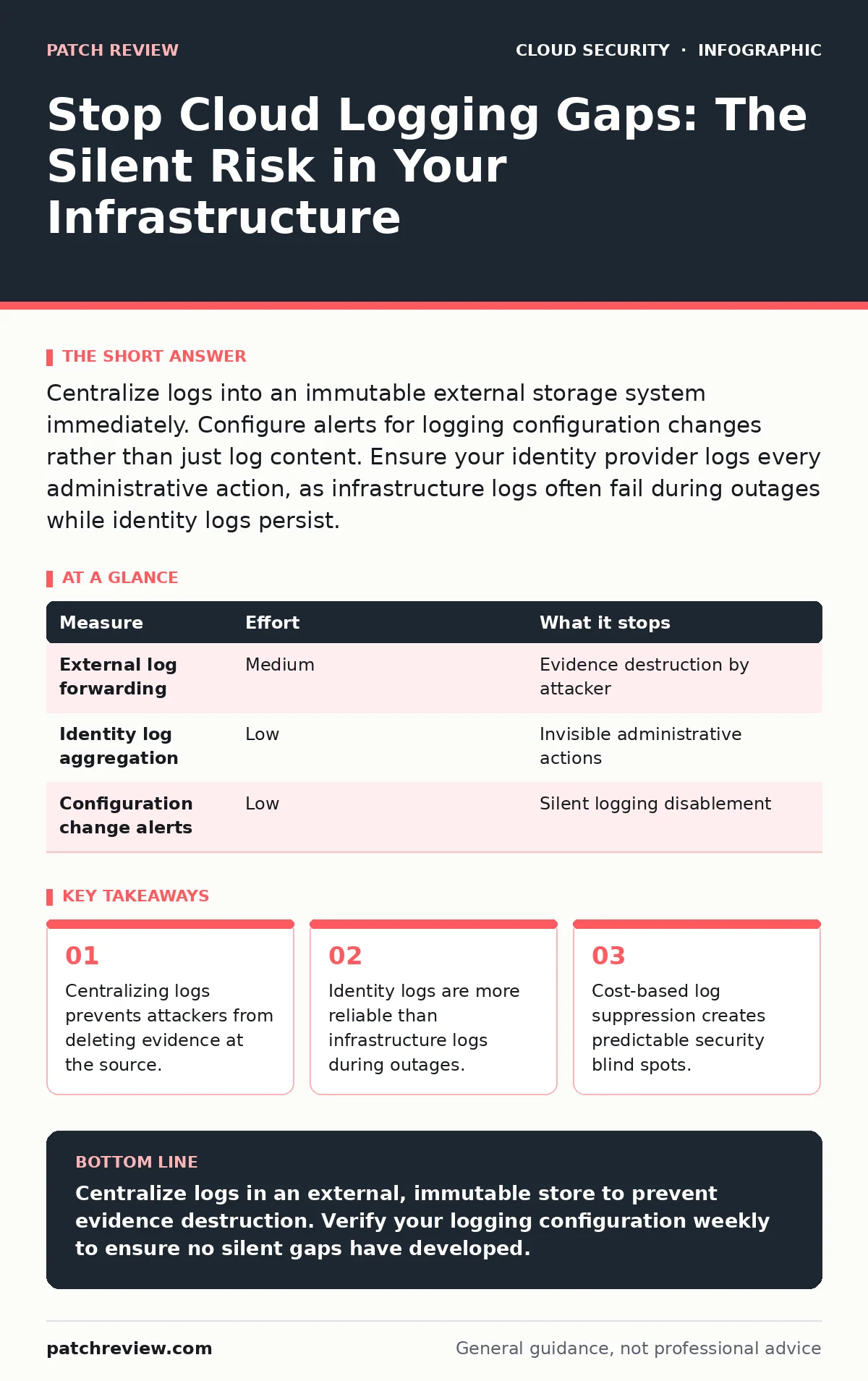
Centralize logs into an immutable external storage system immediately. Configure alerts for logging configuration changes rather than just log content. Ensure your identity provider logs every administrative action, as infrastructure logs often fail during outages while identity logs persist.
The Illusion of Default Visibility
Cloud providers offer default logging for convenience, not security. These defaults often exclude detailed audit trails or high-volume network events to manage costs. You assume visibility exists because the dashboard shows green status indicators. This assumption fails when an attacker modifies the logging configuration itself. If you rely on default settings, you are trusting the provider’s cost optimization logic over your security requirements.
Default logs often lack the granularity needed to reconstruct an attack. They may record that a service scaled up, but not why. They may record a successful login, but not the specific API calls made afterward. You must treat default logging as a baseline for operations, not a security control.
Centralize Logs to Immutable Storage
The highest risk in cloud logging is the ability for an attacker to delete logs after a breach. If logs reside only within the compromised cloud account, the attacker can erase their tracks. You must send logs to an external storage system that the cloud account cannot modify. This is often called a SIEM or an immutable data lake.
Use a read-only service account to push logs from your cloud environment to this external store. This account should have no permissions to delete or modify data in the destination. If the primary cloud account is compromised, the logs remain safe in the external system. This separation of duties ensures that evidence survives the incident.
| Measure | Effort | What it stops |
|---|---|---|
| External log forwarding | Medium | Evidence destruction by attacker |
| Identity log aggregation | Low | Invisible administrative actions |
| Configuration change alerts | Low | Silent logging disablement |
Prioritize Identity Over Infrastructure
Infrastructure logs can vanish if the underlying service crashes or is deleted. Identity logs, however, are generated by the identity provider, which remains active even if other services fail. Focus your immediate attention on capturing every authentication and authorization event. These logs tell you who acted, when, and with what permissions.
Without identity logs, you cannot distinguish between a legitimate administrator and an attacker using stolen credentials. You can see that a server was deleted, but not who deleted it. Identity logs provide the context that infrastructure logs lack. They are the anchor for your entire forensic timeline.
Detect Configuration Drift
Attackers often disable logging for specific resources to hide their activity. They do not turn off all logging, as that would trigger immediate alarms. Instead, they target specific instances or services. You must monitor the configuration of your logging system itself.
Set up alerts for any change to logging policies, destinations, or filters. If a log group is deleted or a filter is added that excludes certain IP addresses, alert immediately. This is a meta-security control. You are securing the security tool. Without this, your logging gaps will grow silently over time.
Avoid Cost-Based Suppression
Cloud logging costs can scale rapidly with high-traffic applications. Teams often implement filters to reduce noise and save money. This creates predictable blind spots. Attackers know that high-volume or noisy traffic is often filtered out. They may generate noise to mask their malicious activities.
Do not filter logs based on volume alone. Instead, sample logs or compress them. Use intelligent sampling that keeps all error and security-related events. If you suppress logs to save money, you are paying with visibility. The cost of a breach far exceeds the cost of comprehensive logging.
See also: Kubernetes Security Basics: Answers to Common Questions · Cloud Ransomware Response: Containment and Recovery Steps
Secure the Metadata Service
Cloud instances often use a metadata service to obtain temporary credentials. Attackers can exploit this service to gain access to the instance. If logging is misconfigured, these access attempts may not be recorded. Ensure that all requests to the metadata service are logged.
This is particularly relevant for cloud metadata service attacks. If an attacker rotates credentials via the metadata endpoint, the resulting actions may look legitimate. You need logs that show the source of the credential request. This helps you detect when an attacker is pivoting from one instance to another.
Integrate with Access Controls
Logging must align with your access control strategy. If you use cloud security groups to restrict traffic, logs must capture the decisions made by these groups. You need to see both allowed and denied connections. Denied connections can indicate reconnaissance or misconfiguration.
Integrate your logging system with your identity provider. This allows you to correlate log events with user identities. If a service account performs an unusual action, you can trace it back to the human or process that assumed that role. This correlation is vital for understanding the scope of an incident.
Checklist for Today
Review your current logging architecture. Identify where logs are stored and who has access to modify them. Implement the following three steps immediately to reduce your risk.
- Configure log forwarding to an external, immutable storage system.
- Enable alerts for any changes to logging configurations.
- Verify that identity logs are captured for all administrative actions.
These steps address the most common failure points. They ensure that you have evidence even if your primary environment is compromised. Start with these basics before adding complex analytics.
Common Misconceptions
Many teams believe that enabling all logging categories is sufficient. This is incorrect. Volume does not equal value. Unstructured, high-volume logs are difficult to analyze and expensive to store. You must curate your logs to ensure they contain actionable data.
Another misconception is that cloud providers will alert you to logging gaps. They will not. The provider’s responsibility ends at the availability of the logging service. It is your responsibility to ensure that the service is configured correctly and that the data is being collected.
Final Thoughts on Visibility
Cloud logging is not a set-and-forget control. It requires continuous validation. Your environment changes, and your logging must change with it. Regularly test your logging by performing benign actions and verifying that they are recorded.
If you cannot see your own actions, an attacker will certainly not be visible. Prioritize integrity and availability of logs over completeness. A smaller set of reliable logs is better than a large set of compromised ones.
Key takeaways
- Centralizing logs prevents attackers from deleting evidence at the source.
- Identity logs are more reliable than infrastructure logs during outages.
- Cost-based log suppression creates predictable security blind spots.
Centralize logs in an external, immutable store to prevent evidence destruction. Verify your logging configuration weekly to ensure no silent gaps have developed.
Frequently asked questions
How do I detect if an attacker has deleted logs?
You cannot detect deletion directly. You must alert on configuration changes to the logging system itself, such as deletions of log groups or modifications to retention policies.
Is it better to log everything or specific events?
Log all security-relevant events without exception. For operational noise, use sampling or compression. Never filter out potential security indicators to save costs.
What if my cloud provider changes their logging API?
Monitor provider announcements and test your log collectors regularly. Use standard protocols like Syslog or JSON to reduce dependency on proprietary APIs.
How do I handle logs from ephemeral containers?
Configure the container orchestration platform to forward logs to a central collector before the container terminates. Ensure the collector runs on a stable host or managed service.
How this guide was produced: written by the Patch Review editorial team with AI assistance, checked against the public references listed below, and reviewed when the facts change. See our editorial policy or report an error.