
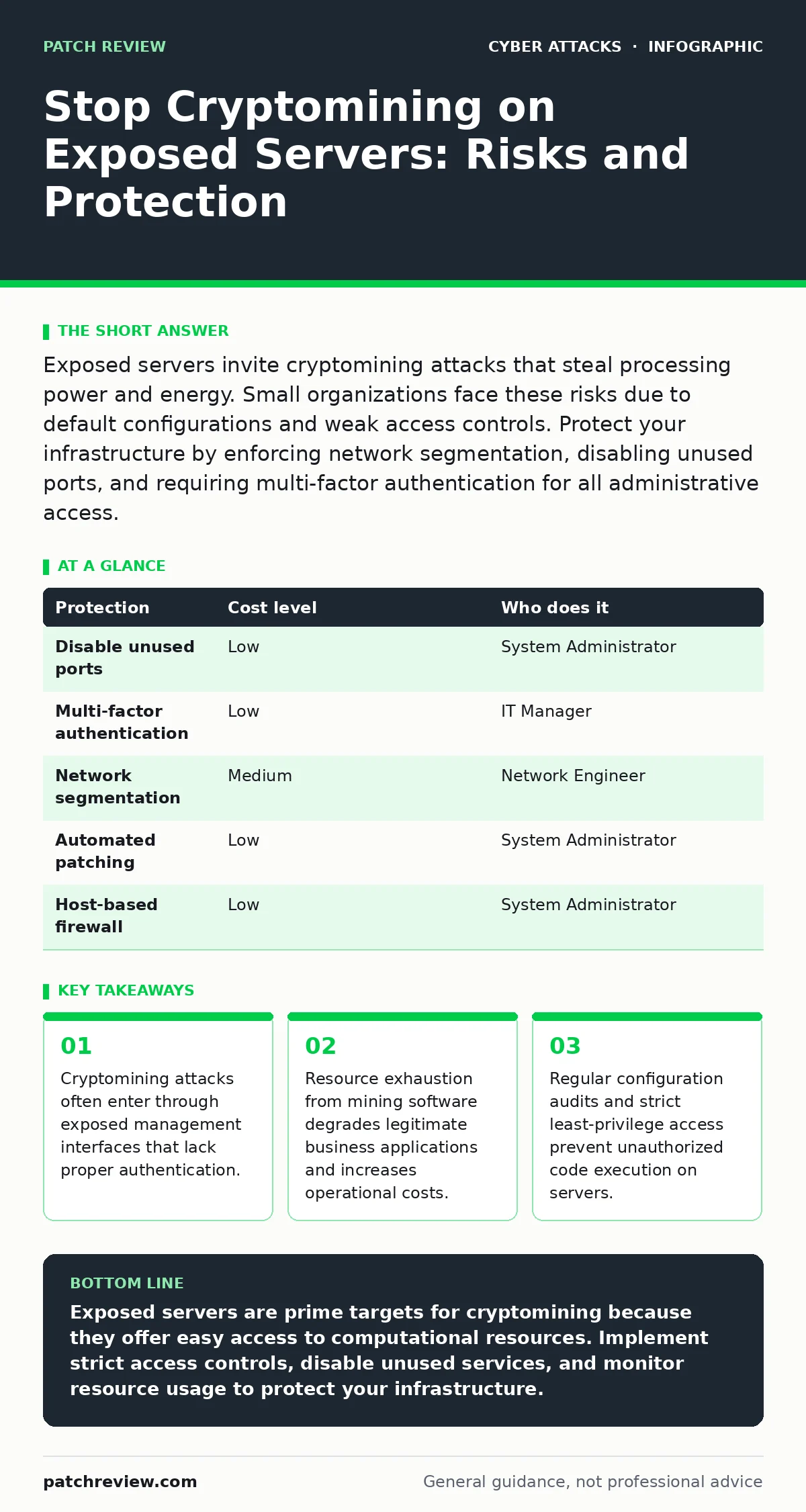
Exposed servers invite cryptomining attacks that steal processing power and energy. Small organizations face these risks due to default configurations and weak access controls. Protect your infrastructure by enforcing network segmentation, disabling unused ports, and requiring multi-factor authentication for all administrative access.
Why Small Organizations Attract Cryptominers
Small organizations often expose servers directly to the internet because they lack dedicated security staff. This exposure creates a large attack surface for automated scanning tools. Attackers do not target specific companies; they scan entire ranges of IP addresses for open ports. When a server responds to these scans, it becomes a candidate for exploitation.
Default configurations on many server platforms leave management interfaces accessible from the public network. These interfaces often use weak credentials or lack multi-factor authentication. Attackers use credential stuffing or brute-force techniques to gain entry. Once inside, they deploy cryptomining software that runs silently in the background.
The financial incentive for attackers is low per victim, but the scale is high. They automate the process to infect thousands of servers simultaneously. Small businesses are attractive because they rarely monitor system resources closely. A slight performance drop is often blamed on hardware aging or increased user traffic.
The Hidden Costs of Resource Theft
Cryptomining attacks consume CPU and GPU cycles that should serve legitimate business functions. This resource theft leads to slower response times for web applications and internal tools. Users experience frustration when pages load slowly or transactions time out. The business loses productivity and potentially revenue during these performance degradations.
Electricity bills increase as the server works harder to complete tasks. The additional heat generated by the mining process may also strain cooling systems. In data centers, this can lead to higher operational costs for climate control. For small businesses with fixed IT budgets, these unexpected expenses can strain financial resources.
Beyond direct costs, there is a reputational risk. If a customer-facing application slows down significantly, clients may perceive the company as unreliable. Trust is difficult to rebuild once users assume the service is broken. The attack may also mask other malicious activities, such as data exfiltration, which remain undetected while the mining software runs.
Network Exposure and Default Settings
Many servers are configured with default settings that prioritize ease of use over security. Administrative ports like SSH or RDP are often open to the entire internet. This allows anyone with the correct credentials to access the server remotely. Without additional safeguards, these ports become primary entry points for attackers.
Firewalls are frequently misconfigured to allow all inbound traffic on specific ports. This happens when administrators open ports for legitimate services but forget to restrict source IP addresses. The server becomes accessible to anyone who knows the port number. Attackers use automated tools to discover these open ports and attempt to exploit them.
Virtual Private Clouds and cloud instances also suffer from misconfigured security groups. These groups define which traffic can reach the server. If the rules are too permissive, the server is exposed to the public internet. Regular audits of these rules are necessary to ensure that only trusted sources can connect to critical services.
Low-Cost Protections for Limited Budgets
Implementing security controls does not require expensive software. Many effective protections are built into standard operating systems and network devices. The key is to configure these tools correctly and maintain them consistently. Start by disabling any services that are not required for business operations. Every running service is a potential entry point for an attacker.
Enforce multi-factor authentication for all administrative access. This adds a second layer of verification beyond the password. Even if an attacker steals credentials, they cannot access the server without the second factor. This single measure significantly reduces the risk of unauthorized access through credential theft.
Use network segmentation to isolate critical servers from less secure systems. Place servers in a separate network zone with strict access controls. This limits the ability of an attacker to move laterally through the network. If one system is compromised, the damage remains contained within that segment.
| Protection | Cost level | Who does it |
|---|---|---|
| Disable unused ports | Low | System Administrator |
| Multi-factor authentication | Low | IT Manager |
| Network segmentation | Medium | Network Engineer |
| Automated patching | Low | System Administrator |
| Host-based firewall | Low | System Administrator |
Detecting Unauthorized Mining Activity
Cryptomining software often disguises itself as legitimate system processes. It may use generic names like "system_update" or "data_processor". To detect this, you must monitor resource usage patterns. Look for sustained high CPU or GPU utilization that does not correlate with user activity.
Process monitoring tools can identify processes that consume excessive resources over time. Compare current usage against historical baselines. A sudden spike in resource consumption during off-hours is a strong indicator of malicious activity. Investigate any process that runs continuously without a clear business purpose.
Network traffic analysis can also reveal cryptomining attacks. Mining software communicates with mining pools to submit work and receive rewards. This traffic often goes to specific domains or IP addresses. Blocking known mining pool domains at the firewall level can prevent the software from functioning.
See also: SPF Explained: How DNS Records Stop Email Spoofing · How Conditional Access Policies Work: The Hidden Logic
What to Ask Your IT Provider
Small businesses often rely on external IT providers for server management. You must ensure they follow security best practices. Ask specific questions to verify their approach to protecting your infrastructure. Do not accept vague assurances about "keeping things safe". Demand concrete details about their security procedures.
Request a detailed inventory of all open ports and services on your servers. Ask for justification for each open port. Any service that is not essential to your business operations should be disabled. This reduces the attack surface and minimizes the risk of exploitation.
Inquire about their patch management process. Ask how quickly they apply security updates to operating systems and applications. Delayed patching leaves known vulnerabilities open to attack. Ensure they have a defined timeline for applying critical patches after release.
- How do you monitor server performance for anomalies?
- What is your process for applying security patches?
- Do you enforce multi-factor authentication for all admin access?
- How do you segment networks to isolate critical servers?
- What is your incident response plan for malware detection?
Maintaining Long-Term Security Posture
Security is not a one-time task but an ongoing process. Threats evolve, and new vulnerabilities are discovered regularly. You must maintain a disciplined approach to security management. Regularly review and update your security configurations to address new risks.
Conduct periodic access reviews to ensure that only authorized personnel have administrative rights. Remove access for employees who no longer need it. Excessive privileges increase the risk of accidental or intentional misuse. Follow the principle of least privilege to limit potential damage.
Educate your staff about the risks of weak passwords and phishing. Human error remains a significant factor in security breaches. Training helps employees recognize suspicious activities and report them promptly. A security-aware culture strengthens your overall defense against attacks.
For deeper insights into maintaining server integrity, refer to our guide on website defacement. Understanding how attackers compromise web servers helps you appreciate the importance of robust access controls. Additionally, our guide on security operations centers explains how continuous monitoring can detect subtle anomalies that manual checks might miss.
Key takeaways
- Cryptomining attacks often enter through exposed management interfaces that lack proper authentication.
- Resource exhaustion from mining software degrades legitimate business applications and increases operational costs.
- Regular configuration audits and strict least-privilege access prevent unauthorized code execution on servers.
Exposed servers are prime targets for cryptomining because they offer easy access to computational resources. Implement strict access controls, disable unused services, and monitor resource usage to protect your infrastructure.
Frequently asked questions
How do I know if my server is being used for cryptomining?
Check for sustained high CPU or GPU usage that does not match normal business activity. Look for processes with generic names that consume excessive resources.
Can a firewall stop cryptomining attacks?
A firewall can block access to open ports, reducing the entry points for attackers. It cannot stop mining software that is already running inside the server.
Why do attackers target small businesses?
Small businesses often have weaker security configurations and fewer monitoring tools. Attackers use automated tools to scan for these easy targets at scale.
Is cloud hosting safer than on-premise servers?
Cloud hosting offers better default security features, but misconfigurations can still expose servers. You remain responsible for securing your instances and data.
How this guide was produced: written by the Patch Review editorial team with AI assistance, checked against the public references listed below, and reviewed when the facts change. See our editorial policy or report an error.