
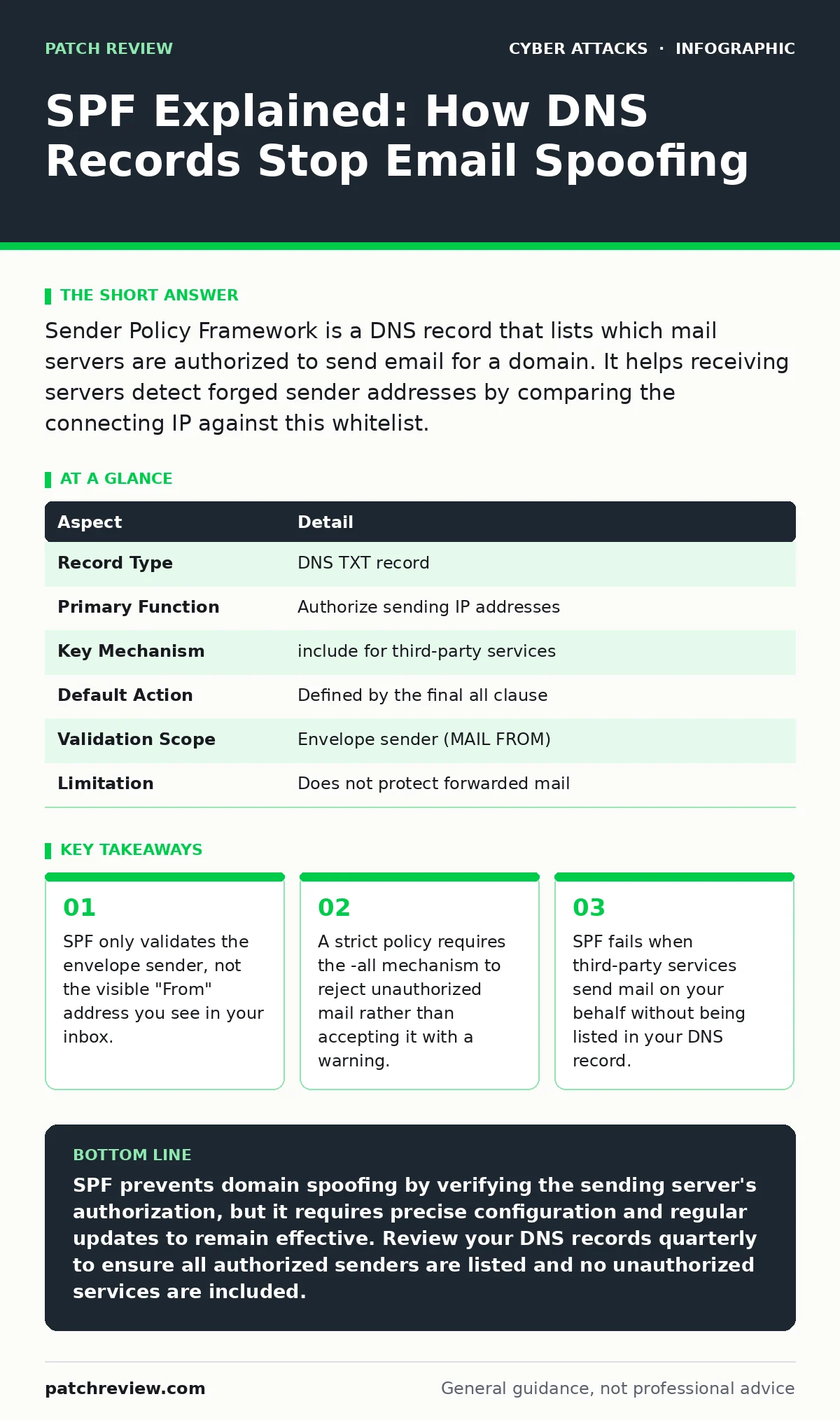
Sender Policy Framework is a DNS record that lists which mail servers are authorized to send email for a domain. It helps receiving servers detect forged sender addresses by comparing the connecting IP against this whitelist.
The Post Office Analogy
Imagine sending a letter using a postmark from a city where you do not live. The postmark claims the letter originated there, but the postal service can check the actual drop-off location. If the drop-off does not match the authorized facilities for that city, the letter is marked as suspicious. SPF works similarly for email. It allows domain owners to declare which mail servers are permitted to send messages on their behalf.
Receiving servers check this declaration before delivering the message. If the sending server is not on the list, the server can reject the message or mark it as spam. This process happens automatically in the background, protecting you from obvious forgery without requiring manual intervention.
The Problem of Spoofed Origins
Email protocols were designed for flexibility, not security. The Simple Mail Transfer Protocol allows anyone to claim they are sending from any address. This design choice enables spammers to forge the "From" address to mimic trusted contacts or organizations. You might receive a message that appears to come from your bank, but it actually originated from a server in a different country.
SPF addresses this by adding a verification step. It shifts the burden of proof to the sender’s infrastructure. The receiving server queries the Domain Name System to find the authorized senders. If the connection comes from an unauthorized IP address, the verification fails. This reduces the volume of successful phishing attempts that rely on simple address spoofing.
Anatomy of an SPF Record
An SPF record is a text entry in your domain’s DNS settings. It contains mechanisms that define which hosts are allowed to send mail. The record starts with a version tag, usually v=spf1. This tells the receiving server how to interpret the rest of the line.
After the version tag, you list the authorized mechanisms. Common mechanisms include ip4 for specific IPv4 addresses and include for domains that handle mail on your behalf. The record ends with an all mechanism. This determines the default action for any server not explicitly listed. You can choose to accept all -all, reject all +all, or soften the rejection ~all.
| Aspect | Detail |
|---|---|
| Record Type | DNS TXT record |
| Primary Function | Authorize sending IP addresses |
| Key Mechanism | include for third-party services |
| Default Action | Defined by the final all clause |
| Validation Scope | Envelope sender (MAIL FROM) |
| Limitation | Does not protect forwarded mail |
Where SPF Fits in Defense
SPF is one part of a broader email authentication strategy. It works alongside DomainKeys Identified Mail and Domain-based Message Authentication, Reporting, and Conformance. Together, these protocols create a layered defense. DMARC provides policy instructions on how to handle failures, while DKIM adds a cryptographic signature to the message content.
Imagine a scenario where an attacker spoofs your domain. SPF checks if the server is authorized. If it is not, the message fails SPF. If the message also lacks a valid DKIM signature, DMARC can instruct the receiver to reject it entirely. This combination makes it significantly harder for attackers to bypass filters. You should also consider how these controls interact with conditional access policies to ensure only verified users can send sensitive data.
Common Misconfigurations
Many administrators make mistakes when implementing SPF. One frequent error is using +all instead of -all. This setting tells receivers to accept mail from any server, effectively disabling the protection. Another mistake is exceeding the DNS lookup limit. SPF allows only ten DNS lookups per record. If you include too many third-party services, the record becomes invalid.
Forwarding email is another hidden cost. When you forward a message, the "From" address remains the same, but the sending IP changes to your forwarding server. This breaks the SPF check because the new IP is not authorized. This is why SPF often fails for forwarded mail. You may need to use specialized forwarding services that rewrite headers or rely on other methods like passkeys for user verification to reduce reliance on email for sensitive actions.
See also: Stop Cryptomining on Exposed Servers: Risks and Protection · Zero-click attacks: How invisible threats bypass your defenses
The Hidden Cost of Strict Policies
Implementing a strict SPF policy requires ongoing maintenance. Every time you add a new email service, you must update your DNS record. If you forget to update the record, legitimate emails will be rejected. This can disrupt business communications and frustrate users.
Furthermore, SPF does not protect against all forms of email abuse. It does not verify the content of the message or the identity of the user who clicked "send." An attacker with access to an authorized server can still send malicious content. This is why SPF must be paired with other defenses. For instance, monitoring for session cookie theft can help detect compromised accounts that use authorized servers to send phishing links. Understanding the attack lifecycle helps you see where SPF stops and other controls must begin.
What People Usually Get Wrong
A common misconception is that SPF protects the "From" address visible in the email client. It does not. SPF validates the envelope sender, which is a technical field used during transmission. The visible "From" field can still be spoofed even if SPF passes. This is why DKIM and DMARC are necessary. They verify the header fields that you actually see.
Another misunderstanding is that SPF prevents all spam. It only prevents spam that forges your domain’s identity. Spam from other domains or spam that uses valid authorization will pass SPF checks. You still need robust filtering and user training. Be aware that browser-in-the-browser attacks can trick users into granting access to their email, bypassing these technical controls entirely.
Maintenance and Monitoring
SPF records require regular review. As your email infrastructure changes, so must your DNS records. Audit your SPF record quarterly to ensure all included domains are still in use. Remove any services you no longer use to reduce the attack surface.
Monitor your email delivery logs for SPF failures. These logs show which IPs are attempting to send mail for your domain. If you see failures from unknown sources, investigate them. They may indicate a misconfiguration or an attempt to impersonate your domain. This data helps you refine your policies and improve overall security.
Key takeaways
- SPF only validates the envelope sender, not the visible "From" address you see in your inbox.
- A strict policy requires the -all mechanism to reject unauthorized mail rather than accepting it with a warning.
- SPF fails when third-party services send mail on your behalf without being listed in your DNS record.
SPF prevents domain spoofing by verifying the sending server's authorization, but it requires precise configuration and regular updates to remain effective. Review your DNS records quarterly to ensure all authorized senders are listed and no unauthorized services are included.
Frequently asked questions
Does SPF protect against phishing emails?
SPF reduces the risk of phishing by making it harder to forge your domain’s email address. It does not stop phishing emails from other domains or those that bypass SPF checks.
What is the difference between SPF and DKIM?
SPF verifies the sending server’s IP address against a DNS list. DKIM adds a cryptographic signature to the email headers and body, proving the message was not altered in transit.
Can I use SPF for personal email accounts?
You can only implement SPF for domains you own. Personal email accounts provided by ISPs or webmail services manage their own SPF records. You cannot change them.
Why do my forwarded emails fail SPF?
Forwarding changes the sending IP address to your forwarding server. Since this IP is not in the original sender’s SPF record, the check fails. Use specialized forwarding tools or header rewriting to mitigate this.
How this guide was produced: written by the Patch Review editorial team with AI assistance, checked against the public references listed below, and reviewed when the facts change. See our editorial policy or report an error.