
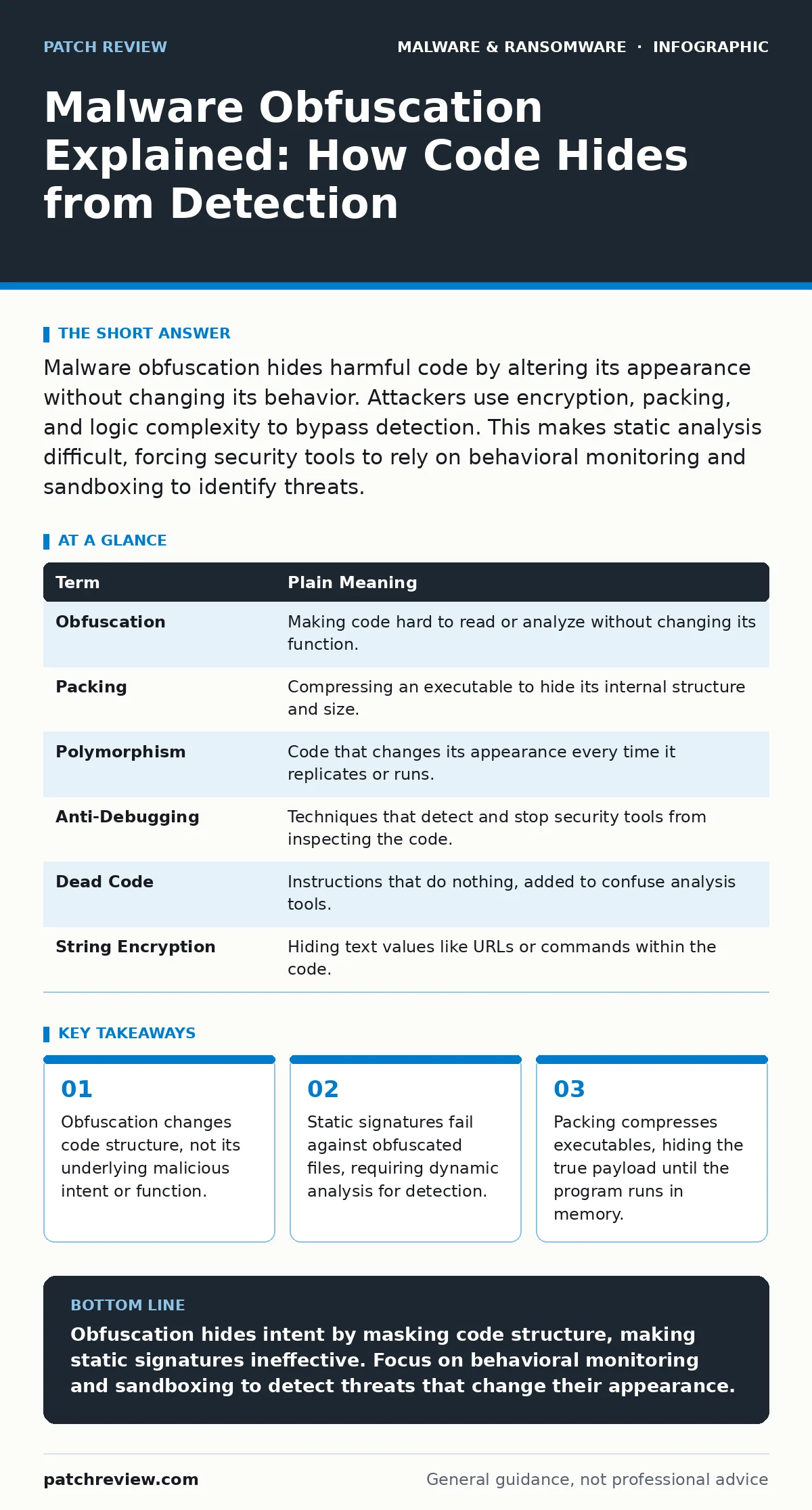
Malware obfuscation hides harmful code by altering its appearance without changing its behavior. Attackers use encryption, packing, and logic complexity to bypass detection. This makes static analysis difficult, forcing security tools to rely on behavioral monitoring and sandboxing to identify threats.
The Gift Box Analogy
Imagine receiving a heavily wrapped gift. From the outside, you see colorful paper, ribbons, and tags. You cannot see the object inside. The wrapping does not change what the gift is, but it hides it from plain view. Malware obfuscation works the same way. It wraps malicious code in layers of noise and complexity so that security scanners see only harmless packaging.
The core function remains hidden until the recipient opens the box. In cybersecurity, opening the box means executing the code. Until then, the threat sits quietly, indistinguishable from legitimate software. This delay is what attackers exploit to bypass initial defenses.
Defining the Mechanism
Obfuscation is the process of making code difficult for humans or automated tools to understand. It does not encrypt data for privacy; it scrambles logic to evade detection. Think of it as writing a recipe in a foreign language with many steps deleted. The result is still a cake, but reading the instructions is nearly impossible.
This differs from encryption. Encryption protects data so only authorized users can read it. Obfuscation protects the code so only the attacker understands it. The goal is confusion, not confidentiality. When you encounter packed malware, the executable is compressed into a small carrier file. The true payload sits inside, waiting to be unpacked in memory.
| Term | Plain Meaning |
|---|---|
| Obfuscation | Making code hard to read or analyze without changing its function. |
| Packing | Compressing an executable to hide its internal structure and size. |
| Polymorphism | Code that changes its appearance every time it replicates or runs. |
| Anti-Debugging | Techniques that detect and stop security tools from inspecting the code. |
| Dead Code | Instructions that do nothing, added to confuse analysis tools. |
| String Encryption | Hiding text values like URLs or commands within the code. |
Why Signatures Fail
Traditional antivirus software relies on signatures. A signature is a unique fingerprint of known malware, like a specific sequence of bytes. If a file matches the fingerprint, it gets blocked. This works well for known threats. It fails completely against new or modified code.
Obfuscation breaks this model. If an attacker changes the variable names, adds useless loops, or reorders the functions, the fingerprint changes. The file is functionally identical to the original malware, but it no longer matches the database. You are looking for a specific face, but the criminal has put on a mask. The mask changes daily, so your photo album becomes useless.
This is why fileless malware is particularly dangerous. It never writes a file to the disk to be scanned. It lives in memory, executing instructions directly. Obfuscation helps it blend in with normal system processes, making it invisible to file-based checks.
The Hidden Cost of Complexity
You might assume that more complexity equals better security. For attackers, complexity is a shield. For defenders, it is a fog. The trade-off is performance and clarity. Heavily obfuscated code is harder to reverse-engineer. It takes more time and skill to unpack and understand.
This delay matters. In the world of ransomware, every minute counts. If security teams spend hours unpacking a sample, the encryption spreads. Obfuscation buys time for the attacker. It also creates false negatives. A tool might miss a threat because it looks too complex to analyze quickly.
Consider ransomware-as-a-service. Attackers sell kits that include built-in obfuscation. Buyers do not need coding skills. They just need to configure the settings. This democratizes the ability to hide malware, increasing the volume of threats you face.
Confusion Around Encryption
A common mistake is confusing obfuscation with encryption. Encryption requires a key to unlock. If you lose the key, the data is lost forever. Obfuscation is designed to be reversible by the program itself, not by a human. The code contains the logic to unpack itself.
This distinction matters for incident response. If you find encrypted data, you look for keys. If you find obfuscated code, you look for behavior. You cannot decrypt obfuscation. You must run it in a safe environment to see what it does. This is where sandboxing becomes critical. It lets you open the gift box in a sealed room.
Behavioral Detection Is Key
Since static analysis struggles with obfuscation, you must shift to behavioral detection. This means watching what the code does, not what it looks like. Does it try to modify system files? Does it contact unknown servers? Does it inject code into other processes?
These actions reveal the true intent. The wrapping may be complex, but the action of cutting open the gift box is obvious. Modern endpoint detection tools use heuristics to spot these suspicious behaviors. They look for patterns like rapid file encryption or unusual memory allocation.
This approach also helps catch crypto-stealing malware. These programs often look like normal browsers or utilities. They only reveal themselves when they start copying passwords and keys. Behavioral monitoring catches this data exfiltration, regardless of how well the code was obfuscated.
Try This Now
You can test how obfuscation works with simple, safe experiments. Do not download unknown files. Use controlled environments to understand the concepts.
- Create a simple text file with a basic message. Rename the extension to a random string. Try to open it. This simulates how renaming hides file type, a basic form of obfuscation.
- Use a public compression tool to zip a harmless document. Notice how the file size changes and the internal structure becomes unreadable. This mirrors how packing hides payloads.
- Run a known benign program in a free online sandbox. Observe the list of actions it takes. Compare this to how security tools report suspicious activity. This builds intuition for behavioral analysis.
The Edge Case of Legitimate Code
Not all obfuscated code is malicious. Legitimate software often uses packing to reduce download size. Games and commercial applications may use anti-tampering techniques that look like anti-debugging. This creates noise for your security tools.
You must distinguish between protective measures and malicious intent. Context matters. A game installer expecting to modify system directories is normal. A calculator app doing the same is not. This is why user feedback and reputation systems help. They provide context that pure code analysis misses.
Key takeaways
- Obfuscation changes code structure, not its underlying malicious intent or function.
- Static signatures fail against obfuscated files, requiring dynamic analysis for detection.
- Packing compresses executables, hiding the true payload until the program runs in memory.
Obfuscation hides intent by masking code structure, making static signatures ineffective. Focus on behavioral monitoring and sandboxing to detect threats that change their appearance.
Frequently asked questions
Can antivirus detect obfuscated malware?
Traditional signature-based antivirus struggles with obfuscated code. Modern EDR solutions use behavioral analysis to detect malicious actions regardless of code structure.
Is obfuscation illegal?
Obfuscation itself is a neutral technique used in software protection. It becomes malicious when used to hide harmful intent or evade security controls.
How do I remove obfuscated malware?
You cannot remove it by reversing the obfuscation. You must use security tools to identify the malicious behavior and terminate the process, then clean any persistence mechanisms.
Does obfuscation slow down software?
Yes, unpacking and de-obfuscating code consumes CPU resources. Attackers often balance obfuscation levels to avoid making the malware too slow to execute.
How this guide was produced: written by the Patch Review editorial team with AI assistance, checked against the public references listed below, and reviewed when the facts change. See our editorial policy or report an error.