
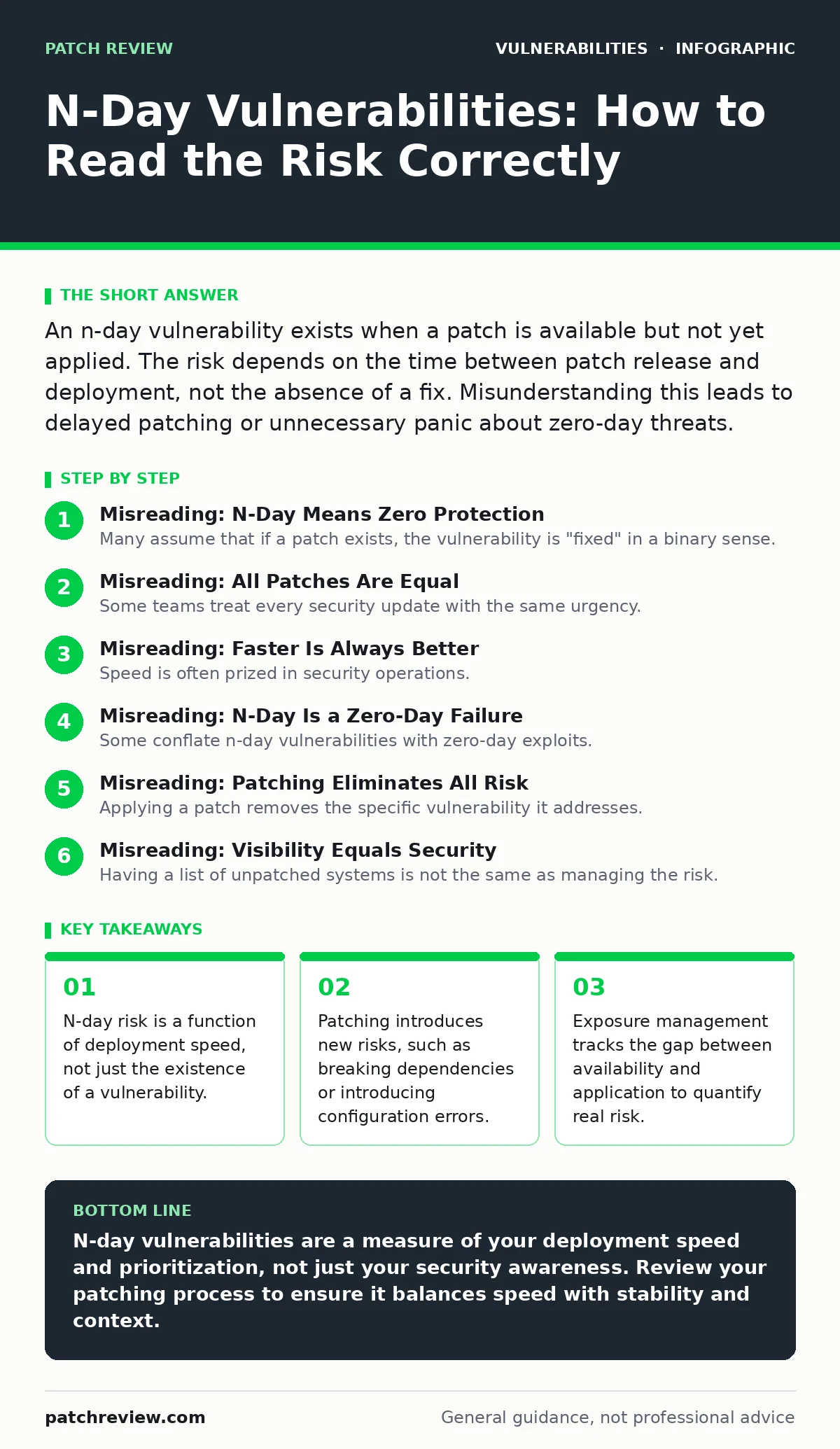
An n-day vulnerability exists when a patch is available but not yet applied. The risk depends on the time between patch release and deployment, not the absence of a fix. Misunderstanding this leads to delayed patching or unnecessary panic about zero-day threats.
Misreading: N-Day Means Zero Protection
Many assume that if a patch exists, the vulnerability is "fixed" in a binary sense. This view ignores the operational reality of deployment. A patch sitting in a vendor’s repository does not protect your running systems. It only reduces the attack surface once installed and verified.
Correct reading: An n-day vulnerability is a state of exposure that persists between the release of a fix and its successful application. The "n" represents days, weeks, or even months. During this window, the system remains vulnerable to attackers who monitor vendor advisories. The risk is not that you lack a solution, but that you have not yet implemented it.
Misreading: All Patches Are Equal
Some teams treat every security update with the same urgency. This approach wastes resources and increases the chance of system failure. A patch for a local privilege escalation in a rarely accessed service differs vastly from one addressing a remote code execution flaw in a web-facing server.
Correct reading: You must triage patches based on the severity of the underlying flaw and the exposure of the affected system. A critical patch for an internet-facing service requires immediate attention. A low-severity fix for an internal tool can wait for the next maintenance window. This prioritization prevents patch fatigue, where staff ignore updates because they are too numerous or trivial.
Misreading: Faster Is Always Better
Speed is often prized in security operations. However, rushing to apply every patch as soon as it drops can introduce new problems. Patches may contain bugs, break compatibility with existing software, or require configuration changes that disrupt services.
Correct reading: The goal is not the fastest possible deployment, but the most stable one. Emergency patching is reserved for critical, actively exploited vulnerabilities. For most n-day vulnerabilities, a measured rollout allows for testing in a staging environment. This reduces the risk of downtime caused by a bad patch, which can be more damaging than the vulnerability itself.
Misreading: N-Day Is a Zero-Day Failure
Some conflate n-day vulnerabilities with zero-day exploits. A zero-day is a flaw unknown to the vendor, with no patch available. An n-day is a known flaw with a known fix. Confusing the two leads to misallocated resources. You cannot patch a zero-day; you can only mitigate it.
Correct reading: N-day vulnerabilities are a test of your operational discipline, not your detection capabilities. They measure how well you manage the lifecycle of software. If you are hit by an n-day exploit, it is not because you failed to find a secret flaw, but because you failed to apply a public fix. This distinction helps you focus on improving deployment pipelines rather than hunting for unknown threats.
Misreading: Patching Eliminates All Risk
Applying a patch removes the specific vulnerability it addresses. It does not make the system immune to all attacks. Attackers often chain multiple vulnerabilities or exploit misconfigurations that remain after patching.
Correct reading: Patching is one layer of defense. You must also consider other risks. For example, a patched server might still be vulnerable to insecure deserialization if the application logic is flawed. Or it might suffer from path traversal vulnerabilities if input validation is weak. A holistic view of security requires looking beyond the patch status of individual components.
See also: OWASP Top 10 FAQ: Clarifying Misconceptions and Real-World Impact · Emergency Patching: How to Fix Critical Flaws Without Breaking Systems
Misreading: Visibility Equals Security
Having a list of unpatched systems is not the same as managing the risk. Many organizations maintain inventories of vulnerabilities without understanding the context. A vulnerability on an isolated, air-gapped system poses less risk than the same flaw on a public-facing server.
Correct reading: You need exposure management to understand the true risk. This involves mapping vulnerabilities to the assets they affect and the threats those assets face. It helps you answer questions like: Is this system accessible from the internet? Does it handle sensitive data? Is it a critical business function? Without this context, you cannot prioritize effectively.
Misreading: Automation Solves Everything
Automated patching tools can apply updates at scale. However, they cannot judge the context of each patch. A blind automation strategy may apply a breaking update to a production database, causing outages.
Correct reading: Automation should be guided by policy and testing. Define rules for which systems receive automatic updates and which require manual approval. Use canary deployments to test patches on a small subset of systems before wider rollout. This balances speed with safety.
Misreading: N-Day Is Only About Software
Vulnerabilities exist in configurations, not just code. A misconfigured firewall or an exposed directory can be as dangerous as an unpatched application. These are often overlooked in patch management processes.
Correct reading: Include configuration management in your vulnerability lifecycle. Regularly review settings for directory listing exposure or overly permissive Content Security Policy headers. These are not fixed by software patches but by administrative actions. Treating configuration flaws as part of the n-day risk profile ensures a more complete security posture.
Key takeaways
- N-day risk is a function of deployment speed, not just the existence of a vulnerability.
- Patching introduces new risks, such as breaking dependencies or introducing configuration errors.
- Exposure management tracks the gap between availability and application to quantify real risk.
- Not all patches are equal; some address critical remote code execution, others fix minor bugs.
N-day vulnerabilities are a measure of your deployment speed and prioritization, not just your security awareness. Review your patching process to ensure it balances speed with stability and context.
Frequently asked questions
How do I calculate the "n" in n-day?
Count the days from the public release of the patch to the date it is applied to your system. This number varies by system and patch criticality.
Should I patch non-critical systems immediately?
No. Prioritize based on exposure and business impact. Non-critical, internal systems can often wait for the next scheduled maintenance window.
What is the difference between n-day and zero-day?
Zero-day has no patch available. N-day has a patch available but not yet applied. The risk profile and response strategy differ significantly.
Can mitigation replace patching for n-day vulnerabilities?
Mitigation can reduce risk temporarily, but it does not eliminate the vulnerability. Patching is the definitive fix. Use mitigation only as a stopgap.
How this guide was produced: written by the Patch Review editorial team with AI assistance, checked against the public references listed below, and reviewed when the facts change. See our editorial policy or report an error.