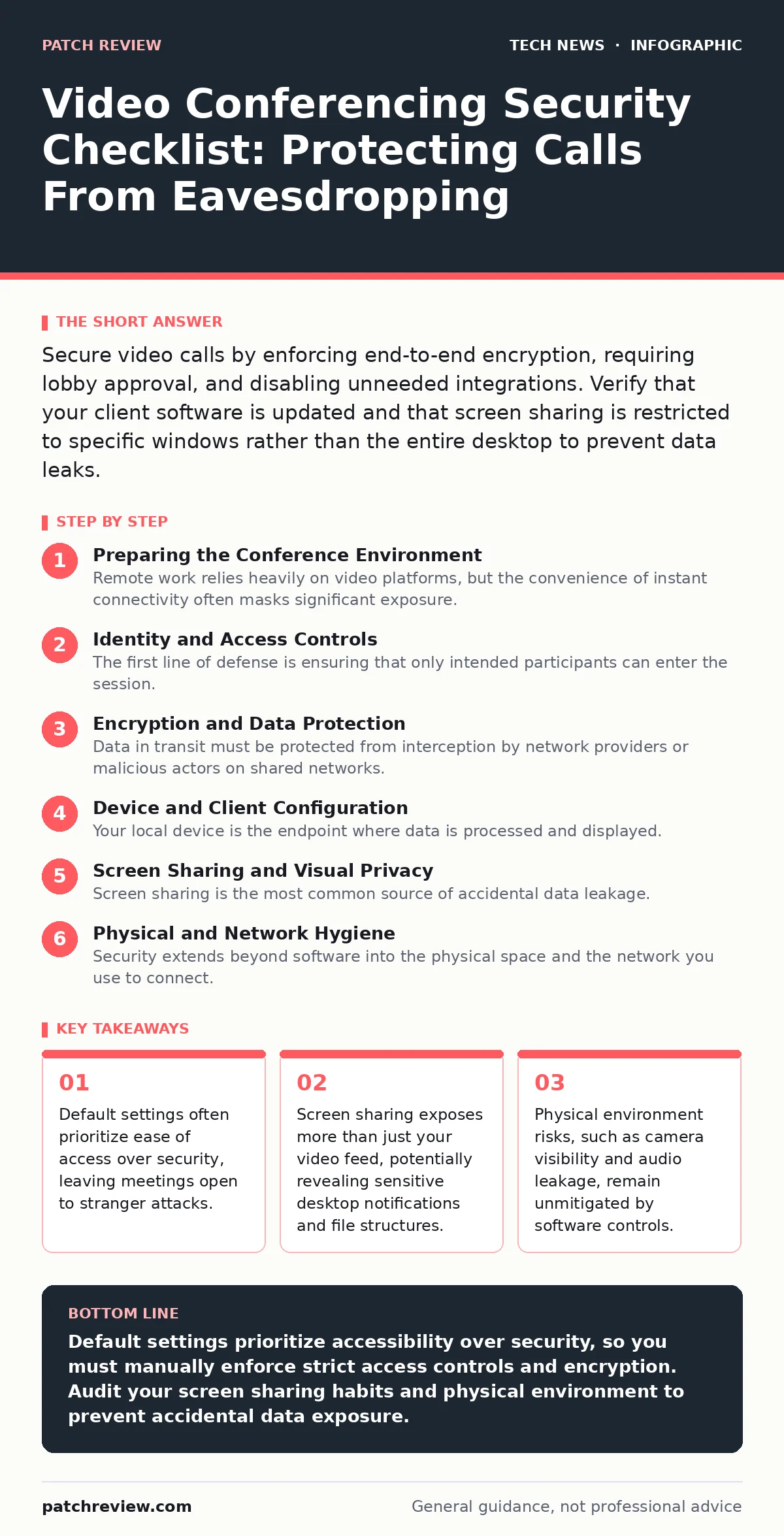
Secure video calls by enforcing end-to-end encryption, requiring lobby approval, and disabling unneeded integrations. Verify that your client software is updated and that screen sharing is restricted to specific windows rather than the entire desktop to prevent data leaks.
Preparing the Conference Environment
Remote work relies heavily on video platforms, but the convenience of instant connectivity often masks significant exposure. You must treat every call as a potential threat vector rather than a guaranteed private space. The checklist below helps you verify that your setup minimizes the attack surface before you join any session. Use this list to audit your personal and organizational settings periodically.
Identity and Access Controls
The first line of defense is ensuring that only intended participants can enter the session. Anonymous entry is a convenience feature that attackers exploit to gain access to sensitive discussions. You must configure the platform to verify identity before granting entry.
- Enable a lobby or waiting room: This forces the host to approve each participant individually, preventing unauthorized users from joining via a leaked link.
- Require authentication for meeting links: This ensures that only users with valid accounts within your organization or trusted partners can access the call.
- Disable "join before host" settings: This prevents participants from gathering in the meeting space without supervision, which could allow them to record or share content prematurely.
- Use unique, non-sequential meeting IDs: Predictable IDs allow attackers to guess valid meeting numbers and join without an invitation.
Encryption and Data Protection
Data in transit must be protected from interception by network providers or malicious actors on shared networks. Encryption transforms readable data into ciphertext, which can only be decrypted with the correct key. However, not all encryption implementations are equal.
- Verify end-to-end encryption is active: This ensures that only the participants hold the decryption keys, preventing the service provider from accessing the audio or video stream.
- Disable cloud recording by default: Local storage gives you control over who accesses the recording, whereas cloud storage introduces additional access logs and potential breach vectors.
- Restrict file transfer capabilities: Disabling peer-to-peer file sharing prevents malware from being distributed directly within the meeting interface.
- Check for open port management compliance: Ensure your firewall blocks unnecessary inbound connections that could be used to hijack the media stream.
Device and Client Configuration
Your local device is the endpoint where data is processed and displayed. Compromised software or outdated configurations can leak information even if the network connection is secure. You must ensure that the application running on your machine cannot be exploited to access other system resources.
- Update the conferencing client immediately: Patches address known vulnerabilities that could allow remote code execution or screen capture by attackers.
- Review application permissions: Limit the app’s access to your microphone, camera, and file system to only what is strictly necessary for the call.
- Disable hardware acceleration if unstable: Some drivers have vulnerabilities that bypass browser sandboxing protections, allowing malicious code to escape the application boundary.
- Check for virtual machines isolation: If you run meetings from a VM, ensure the guest OS does not have unrestricted access to the host’s clipboard or file system.
Screen Sharing and Visual Privacy
Screen sharing is the most common source of accidental data leakage. When you share your screen, you are broadcasting everything visible on your display, including notifications, open tabs, and file explorers. You must assume that everyone in the call is recording or taking screenshots.
- Share specific application windows only: This restricts the broadcast to a single program, hiding your desktop background, taskbar, and other open applications.
- Disable desktop notifications during calls: Pop-ups from email, messaging, or system updates can reveal sensitive information to all participants.
- Blur or cover physical documents: Backgrounds and papers visible on your desk can contain names, addresses, or internal project details.
- Review macOS security settings for input monitoring: Some screen sharing tools require accessibility permissions that could be abused to log keystrokes.
See also: AI Data Centers Explained: Infrastructure, Power, and Cooling Basics
Physical and Network Hygiene
Security extends beyond software into the physical space and the network you use to connect. Public Wi-Fi networks are particularly risky because traffic is often unencrypted and shared among many users.
- Use a wired connection or trusted Wi-Fi: Public networks allow attackers to perform man-in-the-middle attacks, intercepting your traffic before it is encrypted.
- Cover the camera when not in use: A physical barrier prevents unauthorized visual access if the device is compromised or if the software is bypassed.
- Use headphones to prevent audio leakage: Microphones can pick up conversations from people outside the room, and speakers can leak audio to nearby listeners.
- Verify smartphone security updates are current: Mobile clients often have different permission models and may expose more data than desktop versions.
Post-Meeting Verification
The meeting does not end when the call disconnects. Recorded sessions, chat logs, and shared files remain accessible and must be managed carefully.
- Delete unnecessary meeting recordings: Retaining recordings longer than needed increases the risk of exposure through account compromise.
- Audit shared file permissions: Ensure that files shared during the call are not publicly accessible or left open in cloud storage.
- Review attendance logs: Identify any unknown participants who may have joined and revoke their access if necessary.
- Consider edge computing security implications: If you use local processing for noise cancellation, ensure the data does not leave your device unnecessarily.
Key takeaways
- Default settings often prioritize ease of access over security, leaving meetings open to stranger attacks.
- Screen sharing exposes more than just your video feed, potentially revealing sensitive desktop notifications and file structures.
- Physical environment risks, such as camera visibility and audio leakage, remain unmitigated by software controls.
Default settings prioritize accessibility over security, so you must manually enforce strict access controls and encryption. Audit your screen sharing habits and physical environment to prevent accidental data exposure.
Frequently asked questions
Does end-to-end encryption stop the service provider from listening?
Yes, if true end-to-end encryption is used, the service provider cannot decrypt the audio or video streams because they do not hold the keys.
Is it safe to use public Wi-Fi for video calls?
No, public Wi-Fi is risky because traffic can be intercepted before encryption occurs, and shared networks increase the chance of man-in-the-middle attacks.
Can a meeting link be hacked without a password?
Yes, if the meeting ID is predictable or if anonymous join is allowed, attackers can guess the ID and enter without a password.
Do I need to cover my camera if I am using a trusted app?
Yes, software vulnerabilities can be exploited to bypass app controls, so a physical cover provides a fail-safe against unauthorized visual access.
How this guide was produced: written by the Patch Review editorial team with AI assistance, checked against the public references listed below, and reviewed when the facts change. See our editorial policy or report an error.